
PowerDirector - Video Editor
Cyberlink Corp
Downloads
100,000,000+
Version
Latest
Advertisement
Click to download now, finish the installation quickly, and directly unlock the "all-round experience"
Advertisement
Screenshots
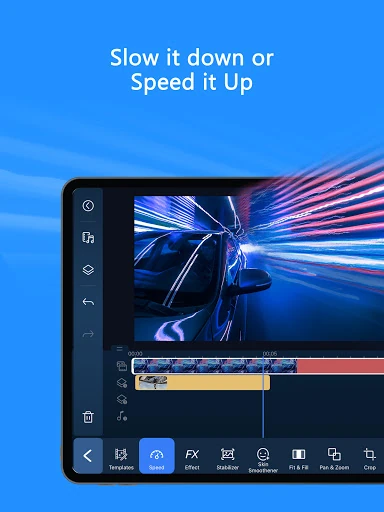
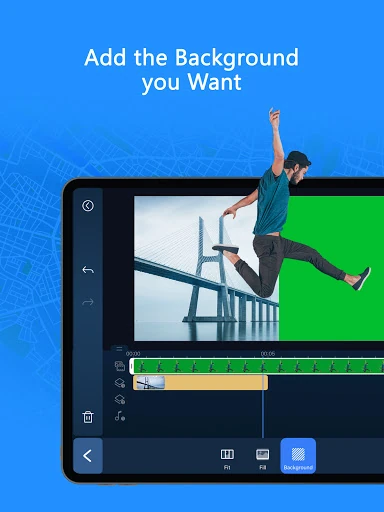
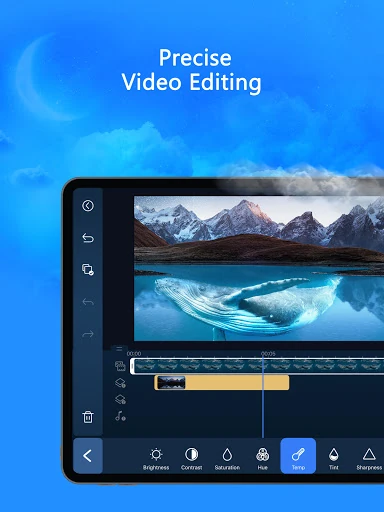
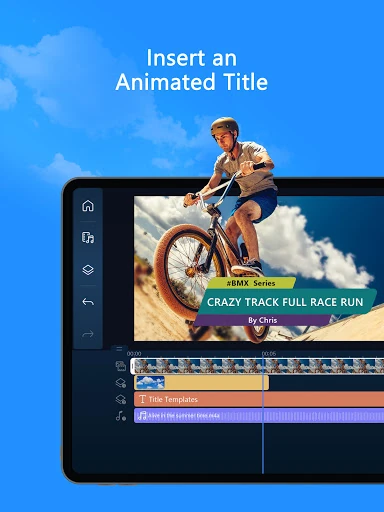
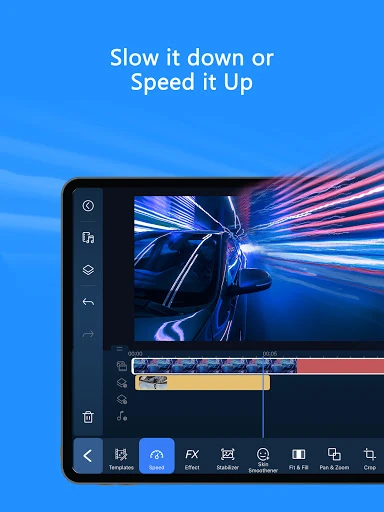
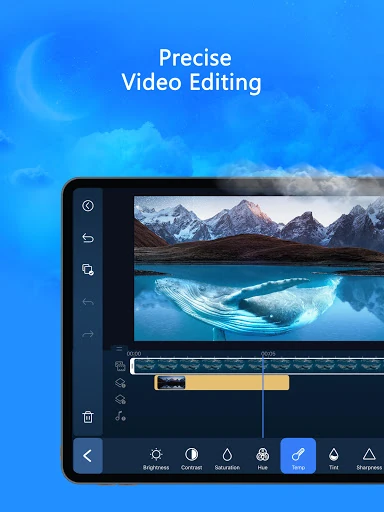
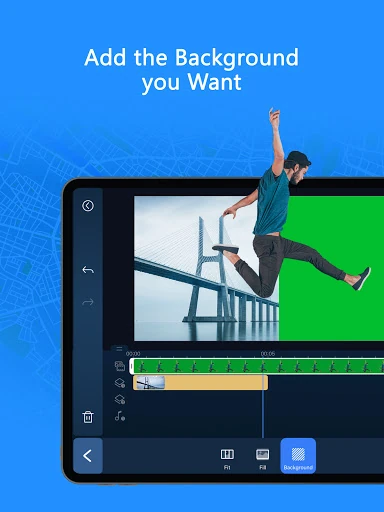
Click to download now, finish the installation quickly, and directly unlock the "all-round experience"
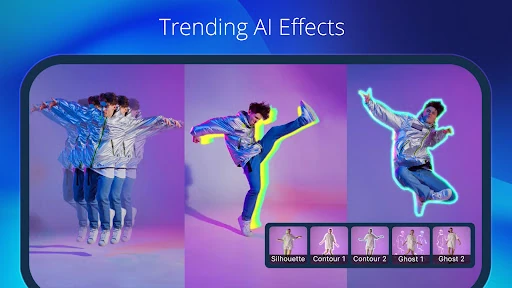
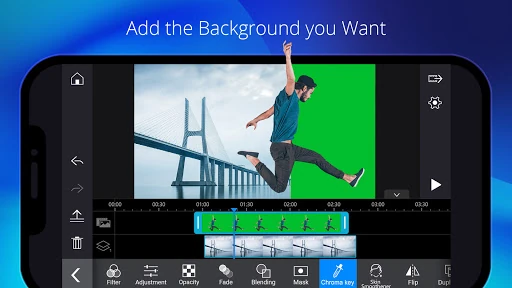
PowerDirector - Video Editor stands as a formidable powerhouse within the Video Players & Editors landscape, successfully bridging the gap between casual mobile editing and professional-grade post-production. By integrating sophisticated AI-driven automation with a traditional multi-track timeline, it caters to the modern creator's need for both speed and precision. In an era dominated by short-form video, PowerDirector distinguishes itself by offering a comprehensive suite of tools that go beyond simple filters, providing desktop-class features like keyframe animation and chroma keying in a mobile-optimized package.
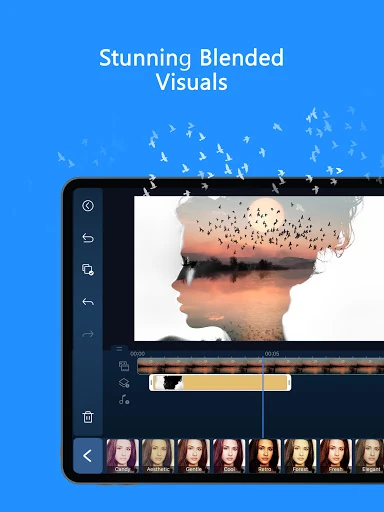
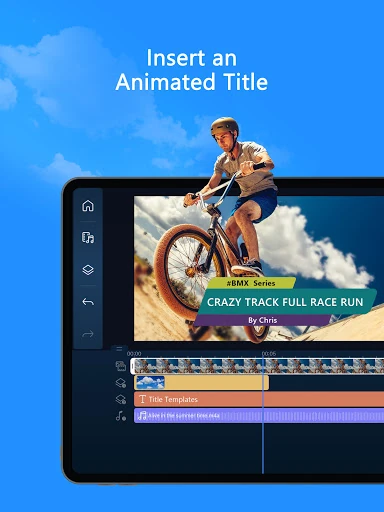
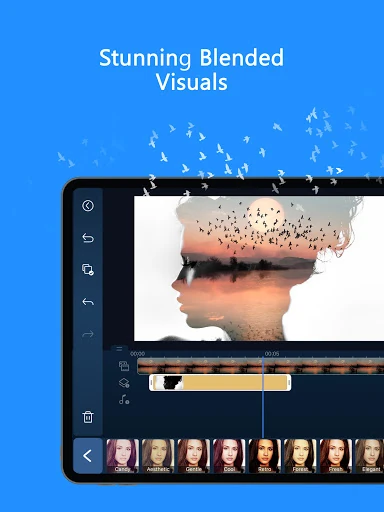
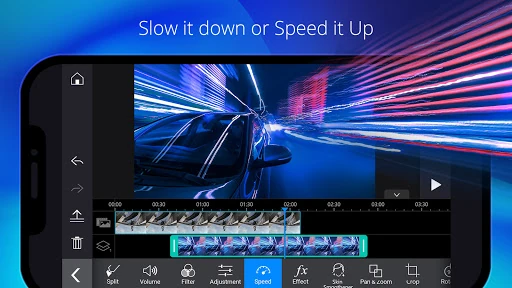
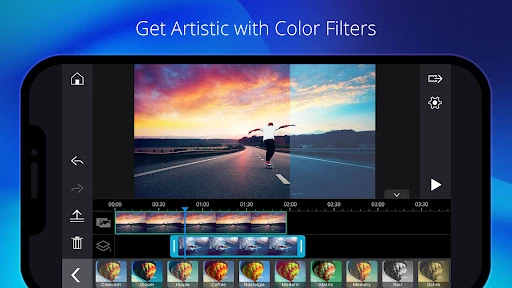
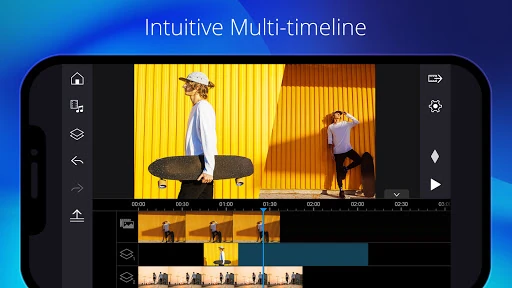
The UI of PowerDirector adheres to a professional landscape-oriented timeline, which is the gold standard for high-level Video Players & Editors. While the interface is dense with features, it maintains a logical flow that guides the user from basic trimming to advanced color grading. The responsive touch targets and smooth preview rendering reflect a highly optimized UX. However, due to the professional nature of the toolset, there is a slight learning curve for absolute beginners, which the app mitigates through the use of "Easy Editing" templates and intuitive AI wizards.
To further solidify its lead, PowerDirector could introduce a more modular UI that allows users to customize their workspace by hiding unused tools to reduce screen clutter. Additionally, improving the offline capabilities of certain AI filters would enhance the workflow for creators editing on the go without stable internet connections. Expanding the AI-generated music library to better match the mood of the AI-edited templates would also provide a more cohesive "one-tap" editing experience.
PowerDirector - Video Editor is the ideal solution for social media influencers, YouTubers, and digital marketers who require a robust, all-in-one editing suite. It strikes an excellent balance between automated "viral-ready" content creation and manual professional editing. We highly recommend this app for creators who have outgrown basic editors and are looking for a sophisticated, AI-enhanced platform to elevate their visual storytelling.