
Advertisement
Click to download now, finish the installation quickly, and directly unlock the "all-round experience"
Advertisement
Screenshots
Click to download now, finish the installation quickly, and directly unlock the "all-round experience"
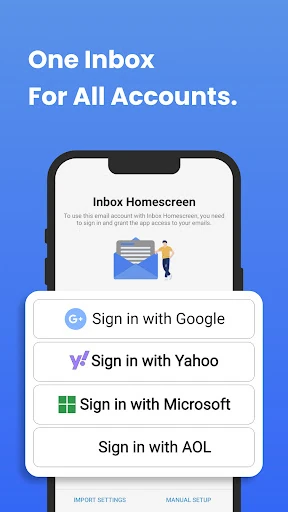
Inbox Homescreen positions itself as a specialized utility within the Communication landscape by blending the functionality of a dedicated email aggregator with the accessibility of an Android launcher. It attempts to solve the "app-switching fatigue" often experienced by professionals who balance multiple accounts across Gmail, Outlook, and Yahoo. By placing the inbox at the forefront of the mobile experience, it transforms the homescreen from a simple grid of icons into a dynamic, communication-centric hub. While the integration of Yahoo search is a significant pivot for some users, the app’s authoritative focus on productivity makes it a notable contender for those seeking a unified messaging workflow.
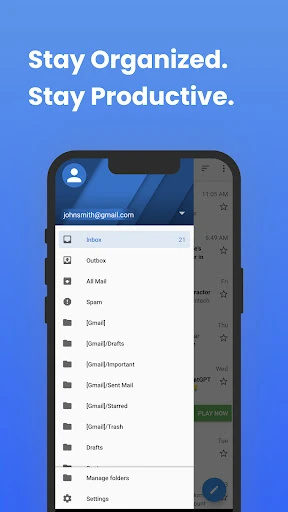
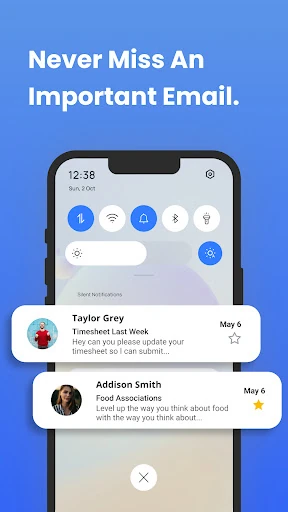
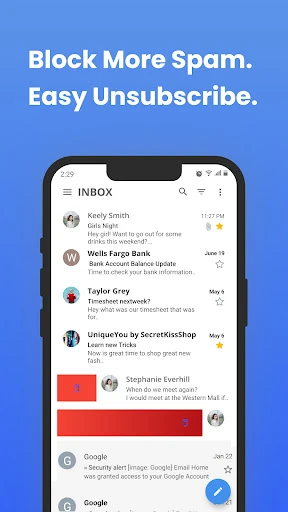
The UI of Inbox Homescreen is built on the principle of "glanceability." By integrating email directly into the launcher layer, the UX reduces the friction typically associated with checking notifications. The interface is clean and professional, adhering to modern Material Design standards while offering enough customization to feel personal. However, the transition to a new search experience is a major UX shift; users accustomed to native search results may find the Yahoo-powered integration requires an adjustment period. Overall, the design successfully prioritizes communication tasks over general app navigation.
The app could significantly benefit from offering a choice of search providers rather than locking users into a specific service. Additionally, expanding the "Utility Features" to include more deep-linked integrations with calendar and task management apps would further solidify its position as the ultimate productivity launcher. Finally, providing a "Lite" mode for users who want the unified inbox without the full homescreen takeover would broaden its market appeal.
Inbox Homescreen is tailor-made for "Email Power Users"—individuals who spend a significant portion of their day managing correspondence and require a more efficient way to stay organized. It is an excellent choice for freelancers, small business owners, and corporate professionals who find traditional app switching inefficient. While the Yahoo search integration is a specific trade-off, the productivity gains offered by the unified inbox and scheduling features make it a strong recommendation for anyone looking to streamline their mobile communication.