Advertisement
Click to download now, finish the installation quickly, and directly unlock the "all-round experience"
Advertisement
Screenshots


Click to download now, finish the installation quickly, and directly unlock the "all-round experience"
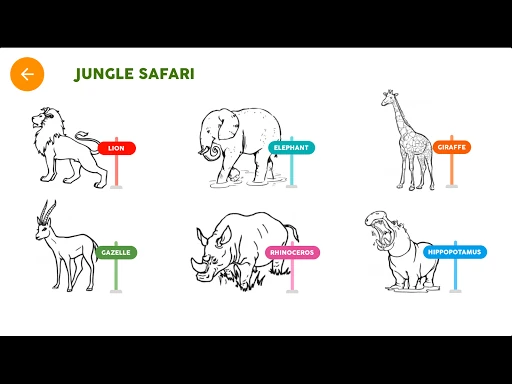
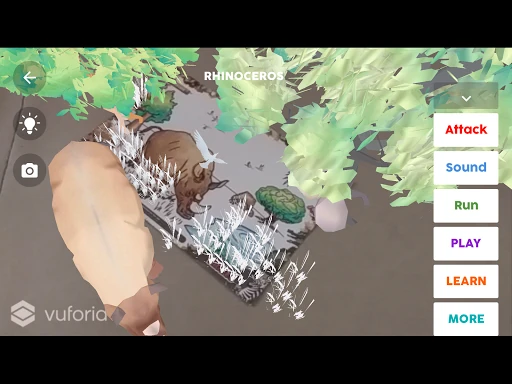
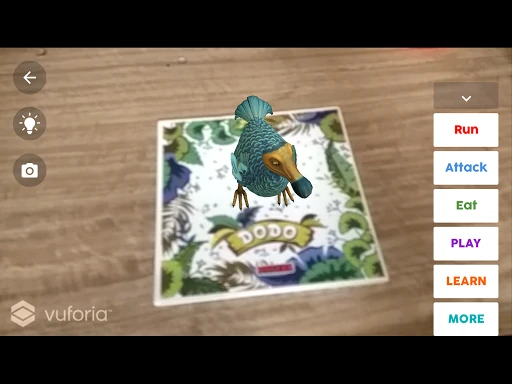
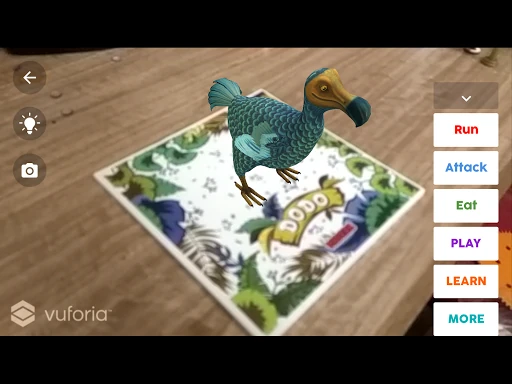
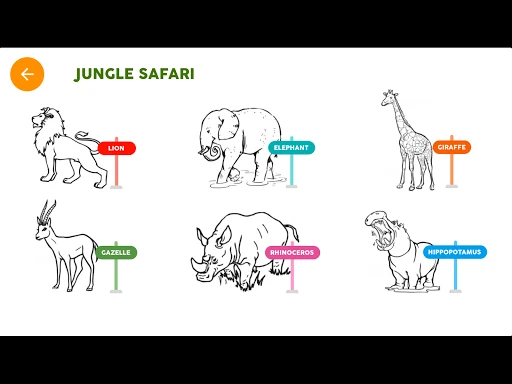
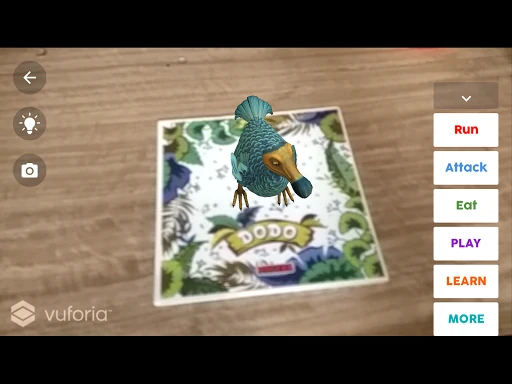
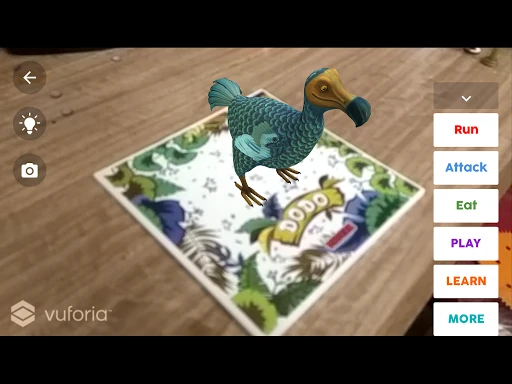
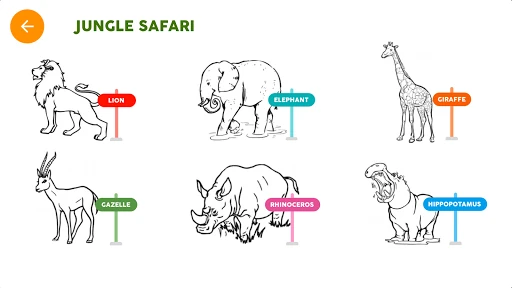
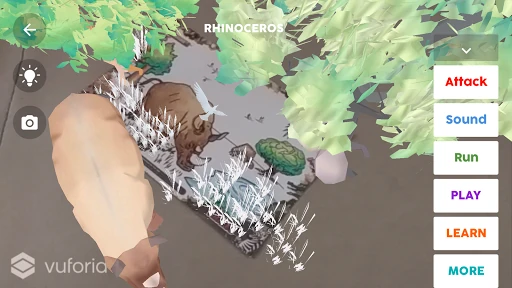
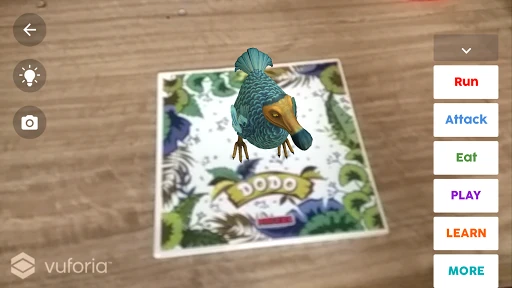
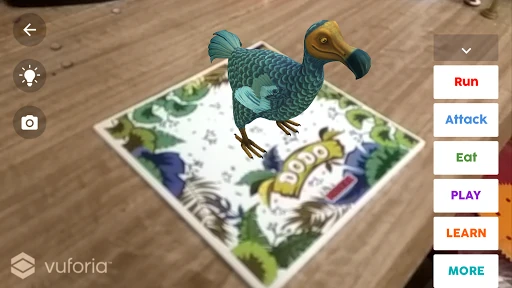
Imagenie represents a sophisticated intersection between traditional tactile learning and modern Augmented Reality (AR). As a core component of the Educational landscape, it transforms static coloring activities into immersive digital experiences. By leveraging the Smartivity EDGE ecosystem, Imagenie encourages children to engage in physical art while rewarding them with a high-tech visualization of their work, effectively bridging the gap between analog creativity and digital literacy.
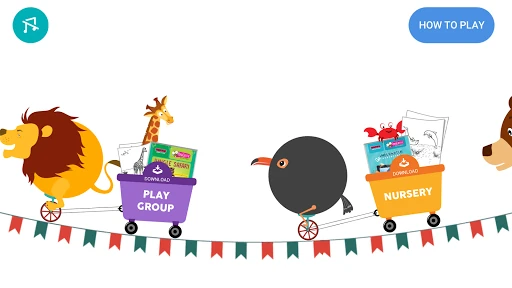
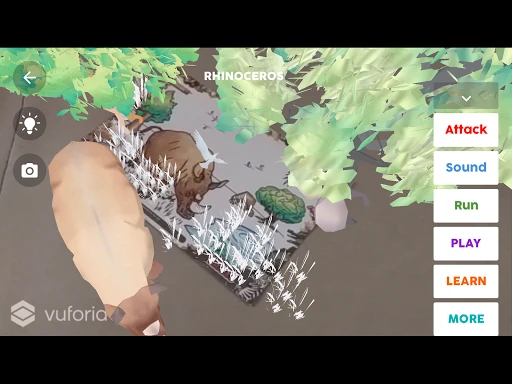
The UI is intentionally minimalist to cater to a younger demographic, focusing on a straightforward "Play" button and a camera-centric scanning interface. The UX design relies heavily on the "point-and-match" mechanic, which provides immediate gratification once the scan is successful. While the interface is clean, the experience is highly dependent on the user's physical environment and steady hands, which is a standard challenge for AR apps in the Educational category.
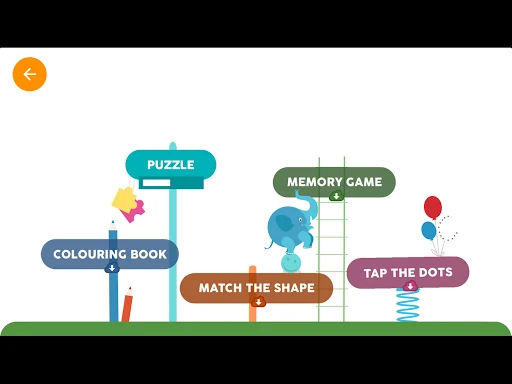
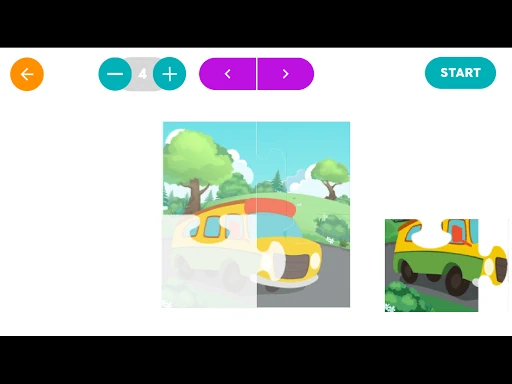
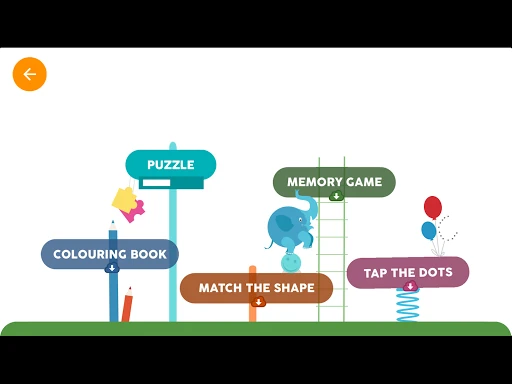
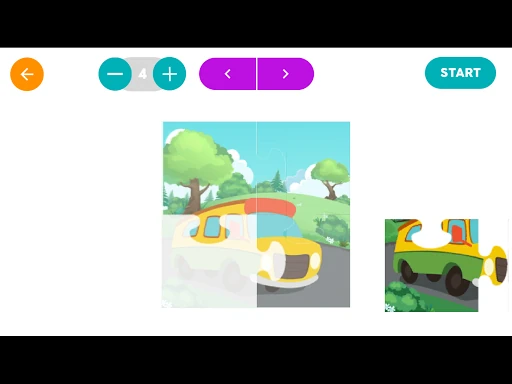
The next update would benefit greatly from an automated voice-guided tutorial to assist children in aligning the camera without adult help. Furthermore, adding interactive educational hotspots or mini-games to the 3D models once they come to life would extend the "post-scan" engagement time and deepen the learning experience.
Imagenie is a must-have utility for owners of Smartivity EDGE products. It is perfectly suited for children aged 4 to 10, offering a unique blend of artistic expression and futuristic technology. For parents seeking to integrate technology into education in a meaningful, active way, Imagenie is a top-tier choice that makes the physical world feel a bit more magical.