Todoist: To Do List & Calendar
Doist Inc.
Downloads
10,000,000+
Version
Latest
Advertisement
Click to download now, finish the installation quickly, and directly unlock the "all-round experience"
Advertisement
Screenshots
Click to download now, finish the installation quickly, and directly unlock the "all-round experience"
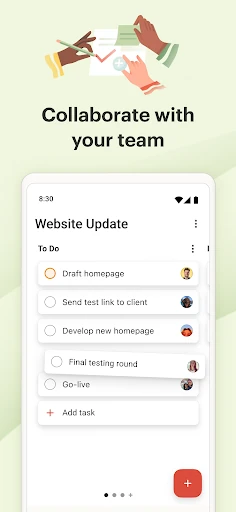
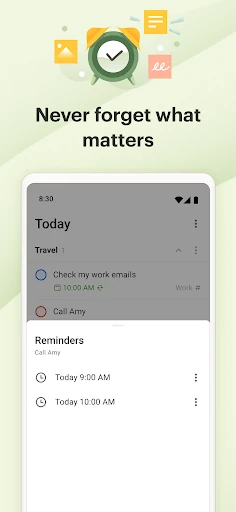
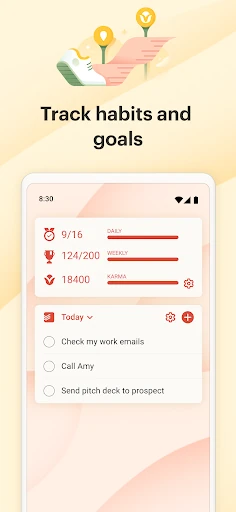
Todoist: To Do List & Calendar stands as a cornerstone of the Productivity landscape, offering a sophisticated yet accessible "second brain" for over 50 million users. It distinguishes itself by removing the "complexity tax" often found in enterprise-grade software, opting instead for a streamlined interface that bridges the gap between personal habit tracking and professional project management. As a premier planning center, Todoist prioritizes clarity and speed, making it an essential tool for those looking to transition from chaotic mental notes to a structured, cross-platform workflow.
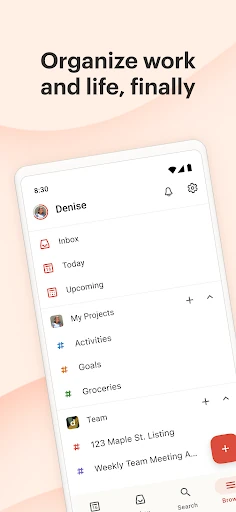
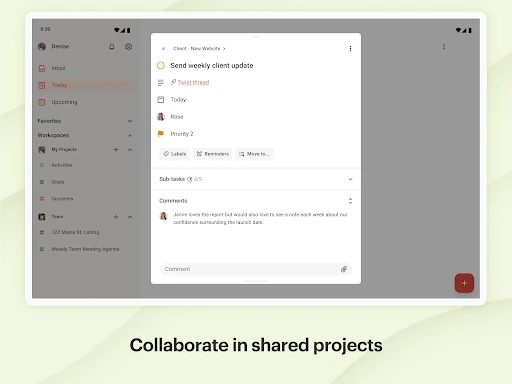
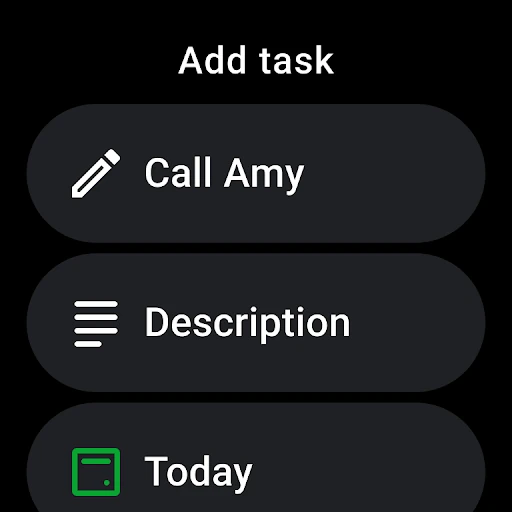
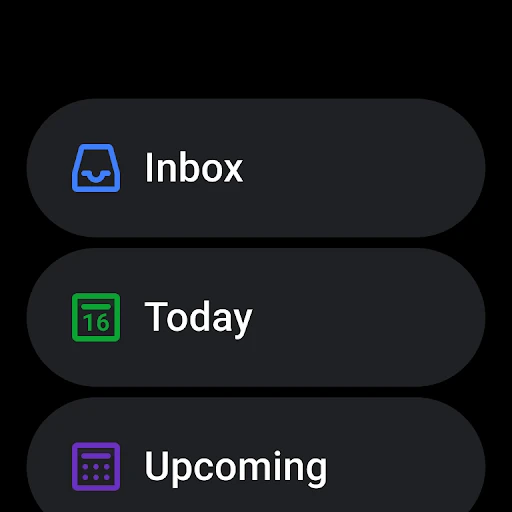
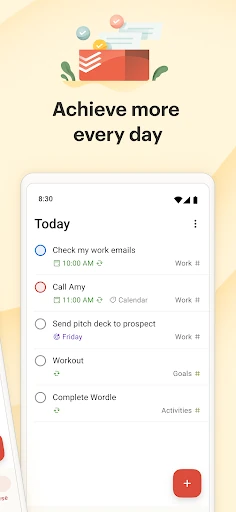
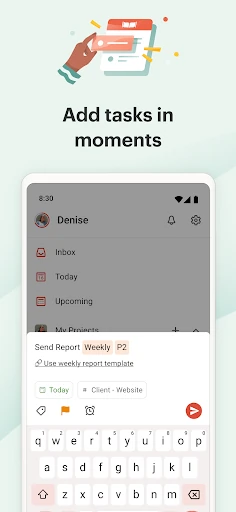
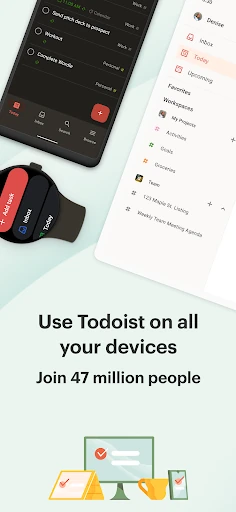
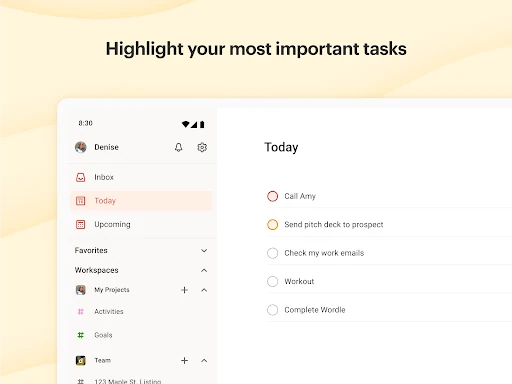
The UI of Todoist is a masterclass in minimalist design, adhering to high standards of functional aesthetics. By avoiding "bloatware" features, the interface remains clean and focused on the user's "doing" rather than "configuring." The UX is centered around low-friction interactions; the Quick Add button is strategically placed, and the transition between mobile and desktop environments is nearly invisible. It strikes a rare balance: it is simple enough for a grocery list but robust enough to manage a complex product launch via sub-tasks and sections.
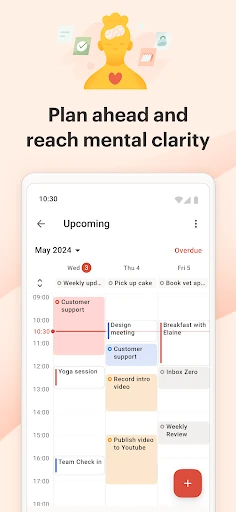
Future updates could benefit from expanded native automation features that trigger based on location or app usage. Additionally, while the calendar view is a welcome addition, providing more granular customization for time-blocking—such as dragging tasks to specific time slots more fluidly on mobile—would further solidify its position as a total calendar replacement.
Todoist: To Do List & Calendar is the gold standard for individuals and small teams who need a reliable, high-performance productivity system without a steep learning curve. It is best suited for professionals juggling multiple projects and individuals seeking to organize their personal lives in a single, unified hub. If you value speed, cross-device reliability, and a clean interface, Todoist is our top recommendation for staying organized in an increasingly distracted world.