Concepts: Sketch, Note, Draw
TopHatch, Inc.
Downloads
5,000,000+
Version
Latest
Advertisement
Click to download now, finish the installation quickly, and directly unlock the "all-round experience"
Advertisement
Screenshots
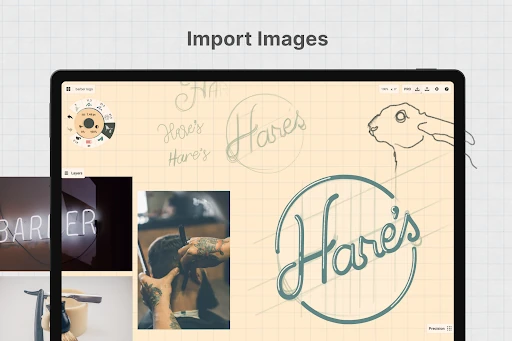
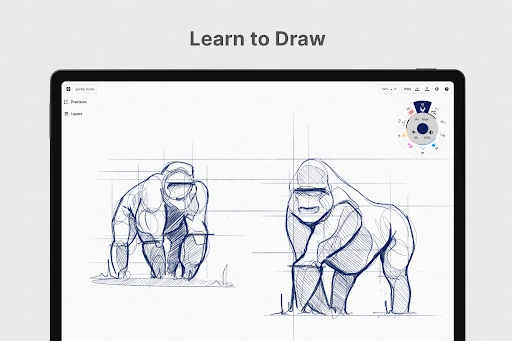
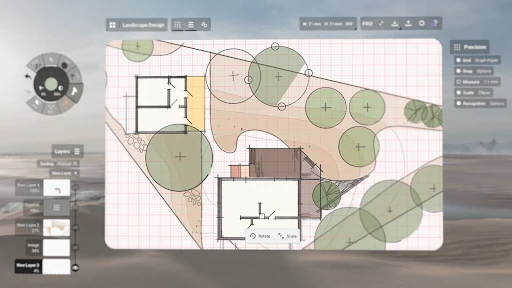
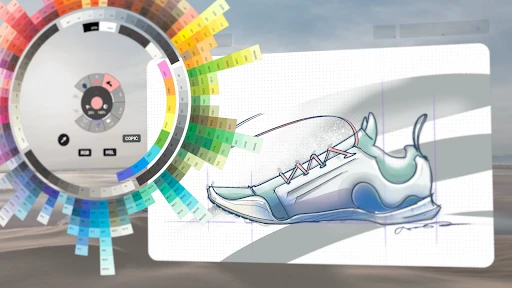
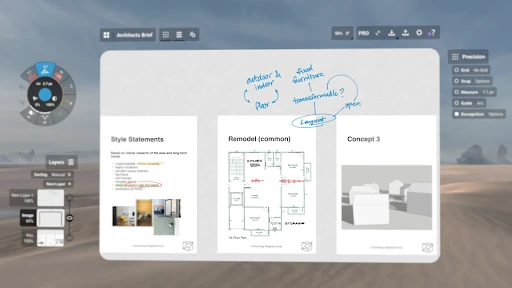
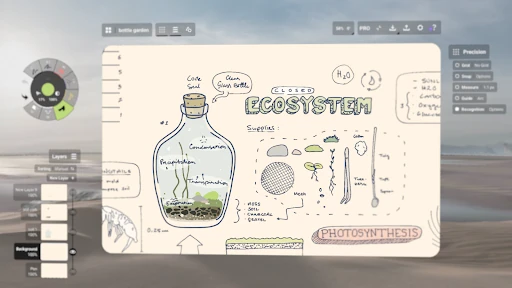
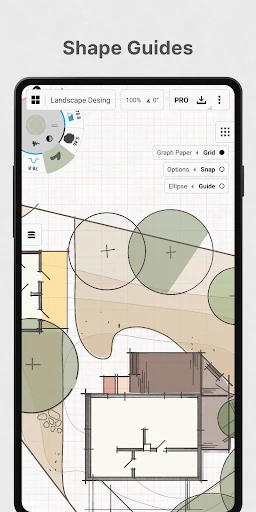
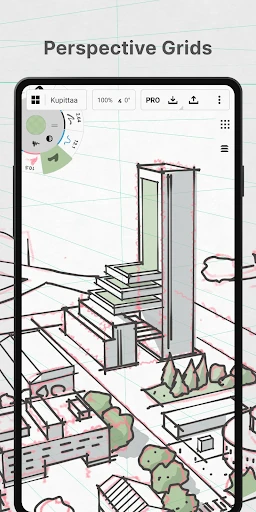

Click to download now, finish the installation quickly, and directly unlock the "all-round experience"
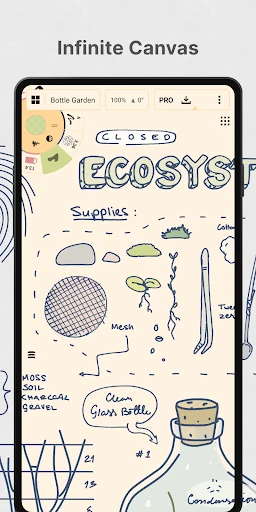
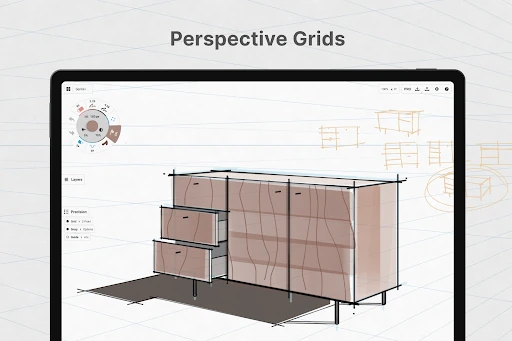
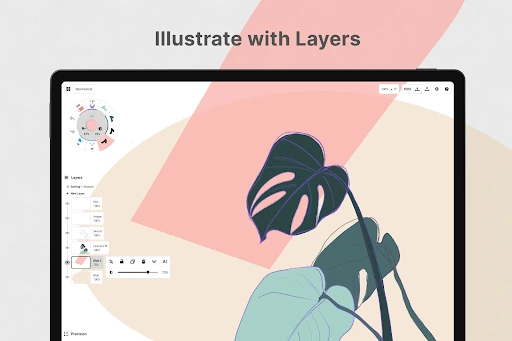
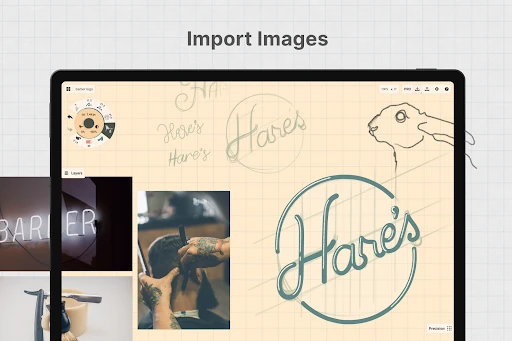
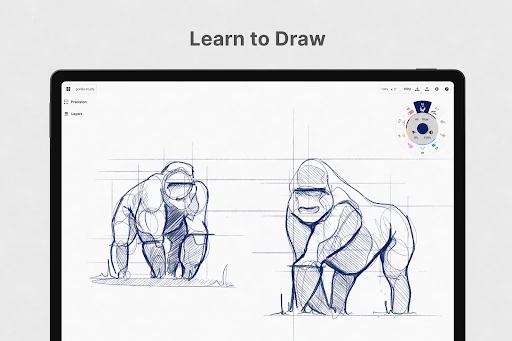
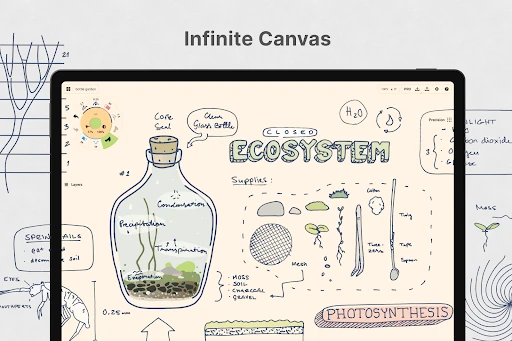
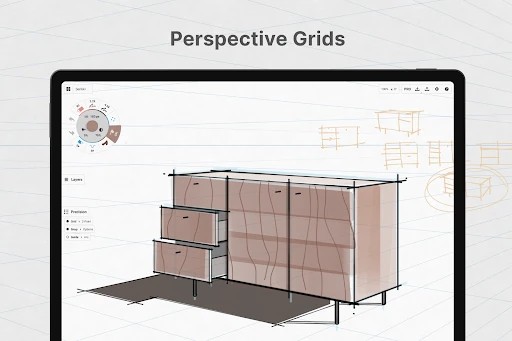
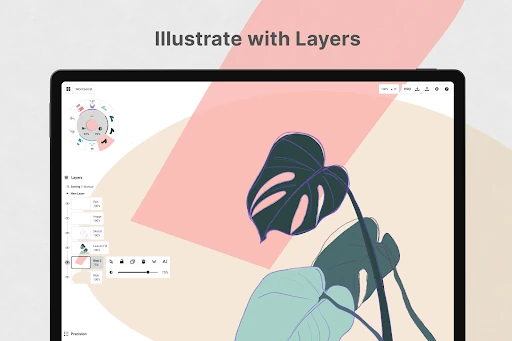
Concepts: Sketch, Note, Draw is a premier vector-based creative workspace that bridges the gap between digital sketching and professional design. In the competitive Art & Design landscape, it distinguishes itself not as a traditional pixel-painting app, but as a sophisticated ideation engine. By leveraging a non-destructive vector workflow, it provides creators with unparalleled flexibility, allowing every stroke to remain editable and scalable. It is an essential tool for those who prioritize the "thinking" and "planning" stages of a project, offering a robust environment for everything from mindmaps to complex industrial designs.
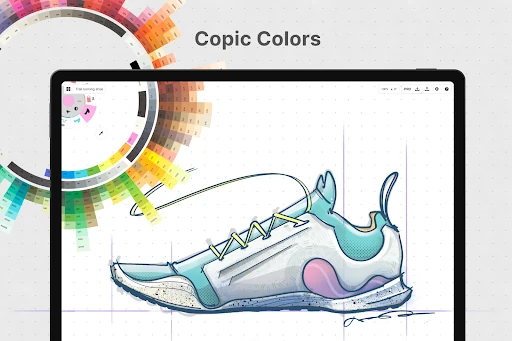
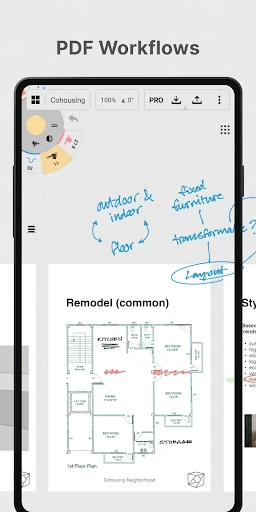
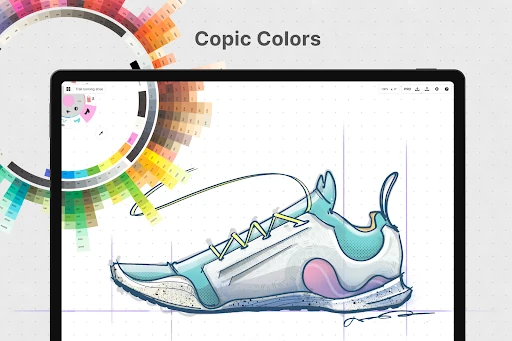
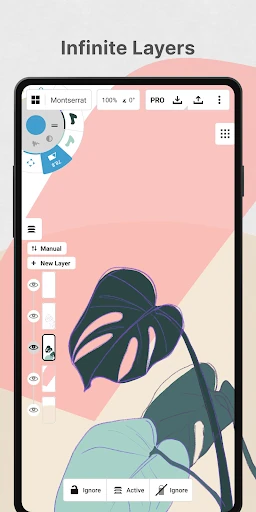
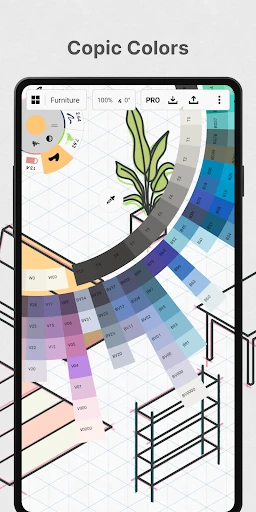
The interface of Concepts is a masterclass in minimalist design, prioritizing the workspace over cluttered menus. Its centerpiece is the customizable tool wheel—an ergonomic feature that keeps frequently used brushes and color palettes, including the industry-standard COPIC wheels, within immediate reach. The app is exceptionally optimized for pen-enabled devices and Chrome OS, delivering a low-latency experience that feels responsive and natural. While the infinite layering and vector controls offer deep functionality, the UI remains clean and unobtrusive, ensuring that the canvas remains the focal point of the user’s creative energy.
While the current offerings are robust, the user experience would benefit from a more unified cross-platform licensing system for one-time purchases, reducing friction for users who switch between Android and Windows. Additionally, integrating a more advanced brush management system with the ability to categorize and folder custom brushes would help professional users navigate large libraries more efficiently during complex project phases.
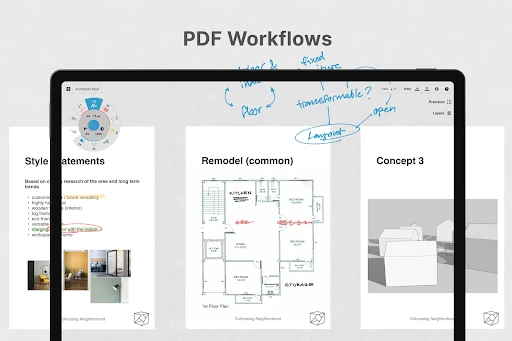
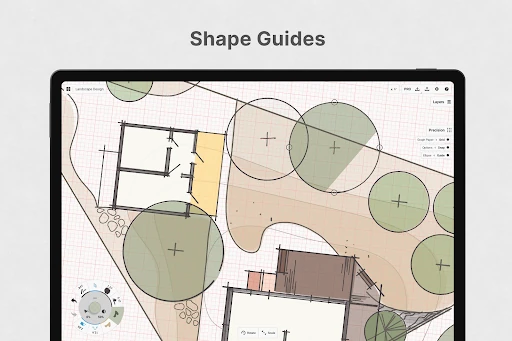
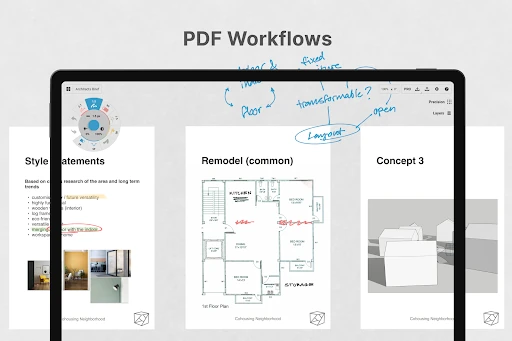
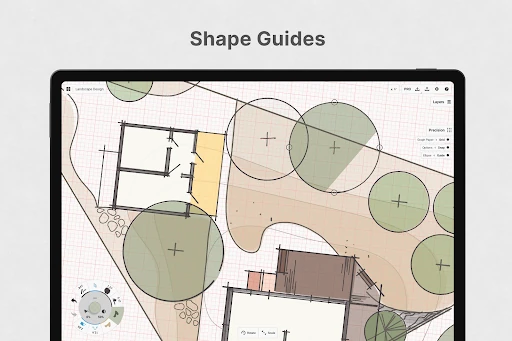
Concepts: Sketch, Note, Draw is tailor-made for architects, product designers, and visual thinkers who require a blend of artistic freedom and technical precision. It is not merely a drawing app; it is a professional-grade workspace designed for the iterative phases of creation. For anyone looking to move beyond static digital paper to a more dynamic and editable format, this app stands as the gold standard for flexible design. It is highly recommended for professionals at the intersection of art and engineering.