
Auto Clicker - Automatic tap
True Developers Studio
Downloads
100,000,000+
Version
Latest
Advertisement
Click to download now, finish the installation quickly, and directly unlock the "all-round experience"
Advertisement
Screenshots
Click to download now, finish the installation quickly, and directly unlock the "all-round experience"
Auto Clicker - Automatic tap stands as a robust utility within the Tools landscape, offering a reliable solution for users seeking to automate repetitive screen interactions without the technical hurdle of rooting their device. By providing a bridge between manual effort and automation, it positions itself as an essential aid for mobile gaming and task optimization. Its focus on precision and customizable intervals makes it a standout choice for those looking to gain a competitive edge or streamline their digital workflow with professional-grade accuracy.
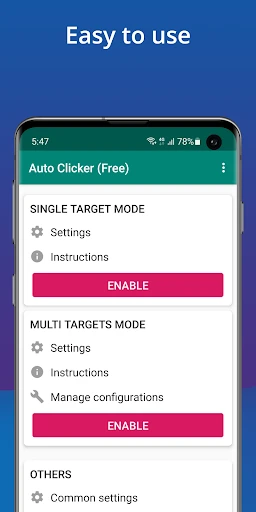
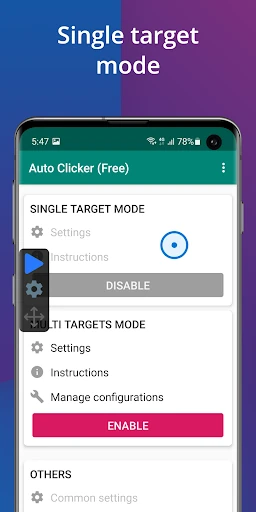
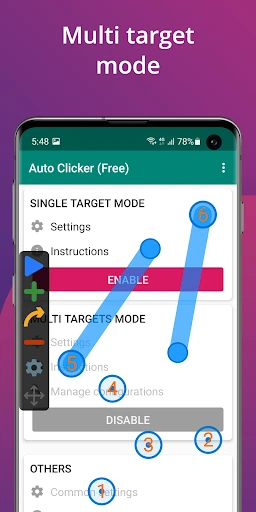
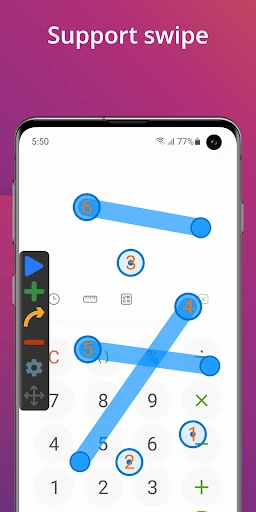
The interface of Auto Clicker - Automatic tap is designed with a "utility-first" philosophy, prioritizing ease of use over visual flair. The layout is clean and logical, ensuring that even novice users can configure their first automation script within minutes. The floating control panel is particularly well-implemented, offering a responsive UI that stays out of the way while remaining accessible. While the setup process requires navigating Android's Accessibility settings, the app provides clear instructions to guide the user through this necessary permission barrier.
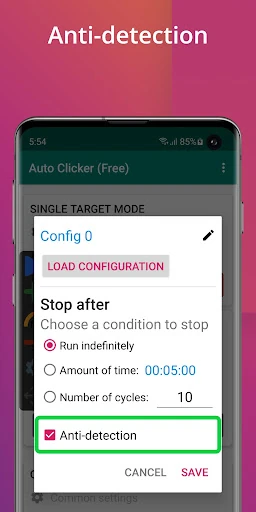
For future updates, the inclusion of a "randomized interval" feature would be a significant addition to help mimic human behavior more closely, which is often desired in gaming contexts. Furthermore, a more modern visual refresh using Material You design principles could make the interface feel more integrated with modern Android versions. Finally, adding a built-in tutorial video or interactive onboarding flow could further simplify the initial permission setup for non-technical users.
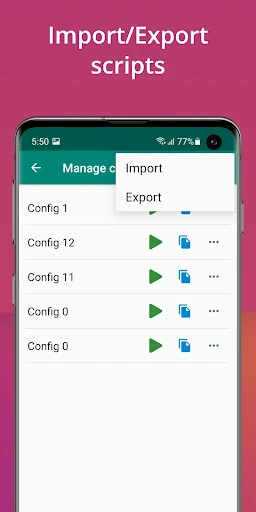
This app is primarily designed for mobile gamers and power users who need to automate repetitive "grinding" or testing tasks. Its combination of script portability and high-precision clicking makes it a leader in its category. For any Android user running version 7.0 or higher who requires a stable, no-root automation solution, Auto Clicker - Automatic tap is a highly recommended tool that delivers on its promises with efficiency and simplicity.