
Advertisement
Click to download now, finish the installation quickly, and directly unlock the "all-round experience"
Advertisement
Screenshots
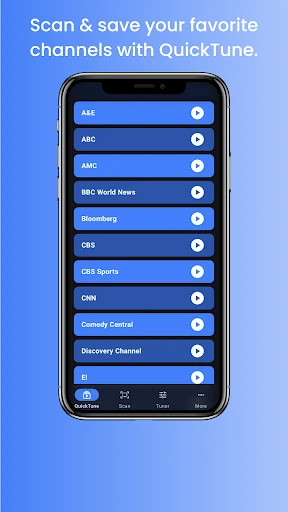
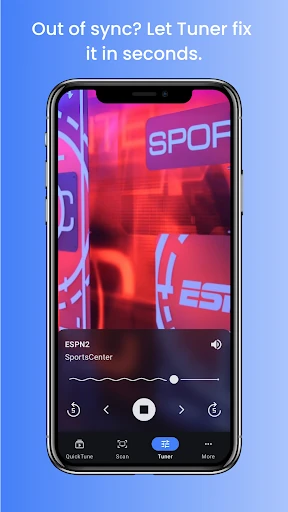
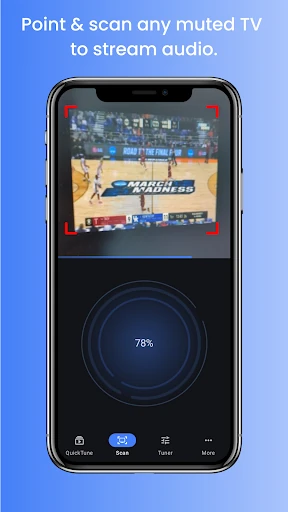
Click to download now, finish the installation quickly, and directly unlock the "all-round experience"
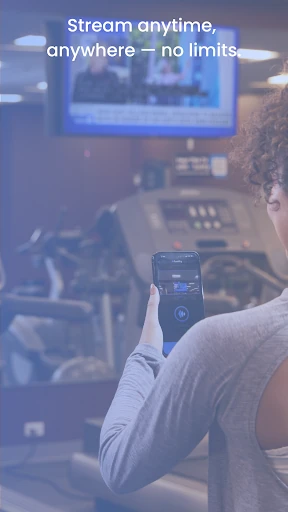
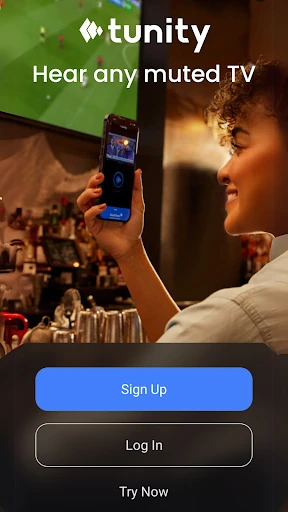
Tunity: Hear Any Muted TV Live is a sophisticated utility that bridges the gap between visual media and personal audio, establishing itself as a standout tool in the Productivity landscape. By leveraging proprietary scanning technology to synchronize live TV broadcasts with mobile audio streams, it solves a persistent real-world friction point: the inability to hear audio in loud, public, or noise-restricted environments. From a professional standpoint, Tunity transforms the smartphone into a personalized hearing hub, making it an essential download for users who frequent gyms, sports bars, or live in shared households where quiet observation is necessary.
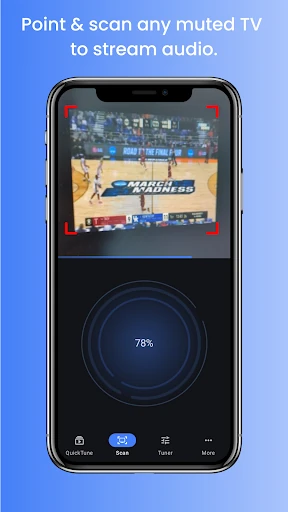
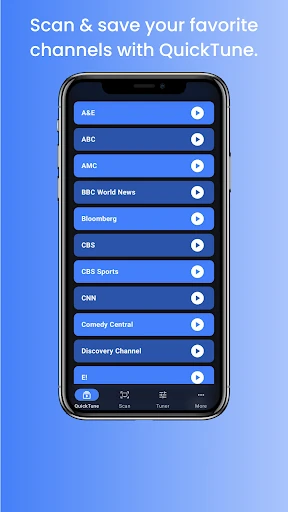
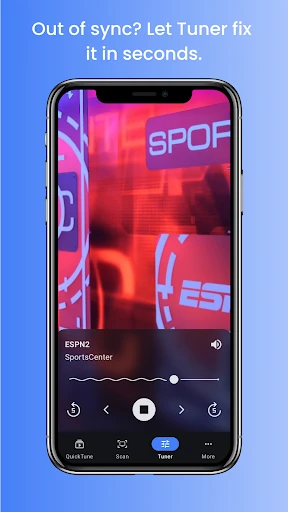
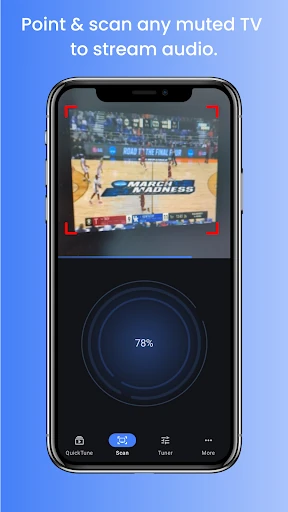
The UI of Tunity is built around the principle of "time-to-value." In the Productivity category, success is measured by how quickly a user can achieve their goal, and Tunity excels here with a camera-centric interface that prioritizes the scanning action. The design is utilitarian and clean, focusing on high-contrast elements that are easy to navigate even in dimly lit environments like bars or transit hubs. While the aesthetic is functional rather than flashy, the UX flow—from scan to sync—is remarkably intuitive, reducing the cognitive load on the user during the initial setup phase.
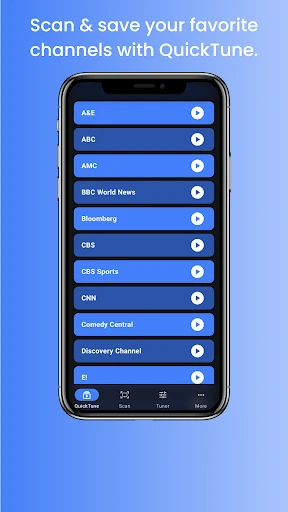
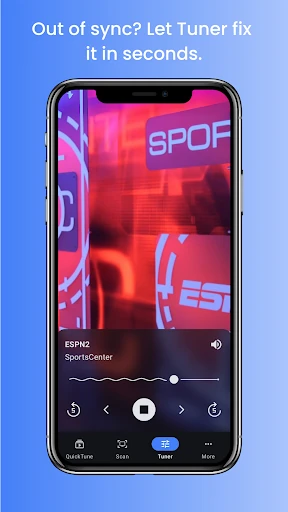
To further elevate the user experience, the developers should consider implementing a manual "Sync Calibration" slider. This would allow users to micro-adjust audio delay to perfectly match the visual broadcast, accounting for network latency. Additionally, expanding the "Quick Tune" library to include a history of metadata (such as show titles or game scores) would add a layer of information density that fits well within the Productivity niche. Finally, optimizing the battery consumption during long-form streaming sessions would be a welcome technical refinement.
Tunity: Hear Any Muted TV Live is highly recommended for sports enthusiasts, frequent travelers, and individuals seeking a more accessible way to consume public media. It is a rare example of an app that uses complex back-end technology to deliver a dead-simple user solution. If you have ever found yourself frustrated by a muted screen in a waiting room or gym, Tunity is an indispensable addition to your digital toolkit. It is a masterclass in identifying a specific environmental problem and solving it with elegant, mobile-first design.