
Advertisement
Click to download now, finish the installation quickly, and directly unlock the "all-round experience"
Advertisement
Screenshots

Click to download now, finish the installation quickly, and directly unlock the "all-round experience"
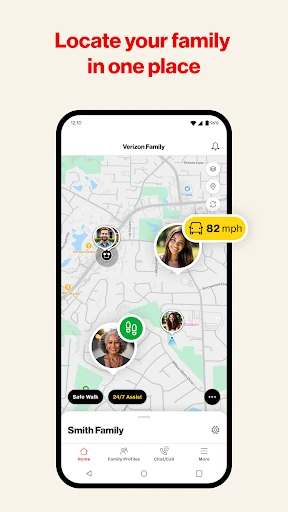
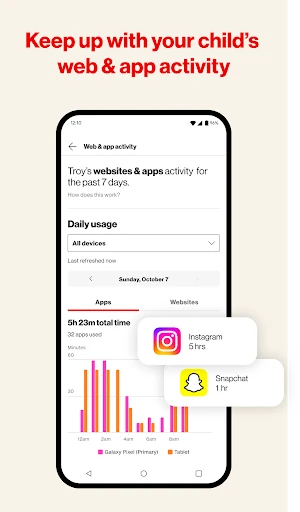
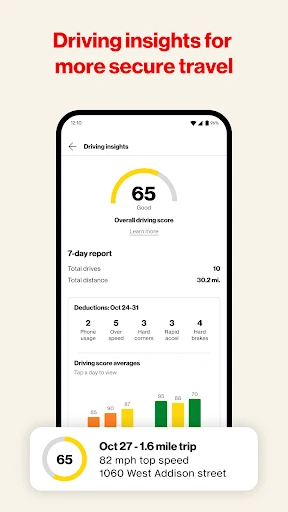
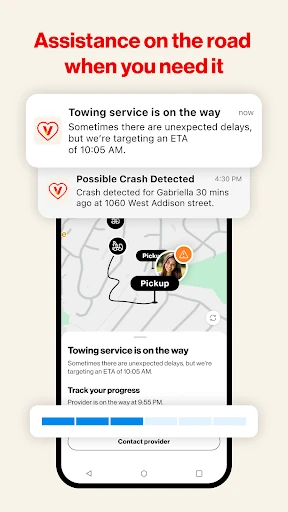
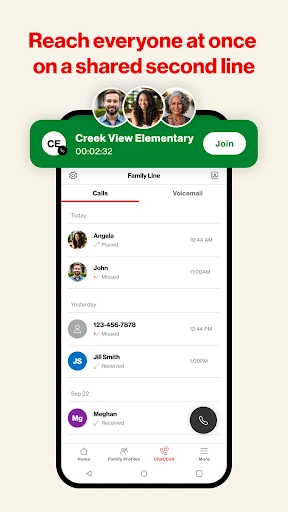
Verizon Family stands as a robust, all-in-one safety and digital management suite designed specifically for the modern connected household. Positioned as a premier offering in the Lifestyle category, the app effectively bridges the gap between physical safety and digital well-being. By consolidating location services, parental controls, and roadside assistance into a single interface, Verizon provides an authoritative solution for families already within its ecosystem. It is a highly specialized tool that aims to offer peace of mind through a blend of network-level monitoring and real-time GPS tracking.
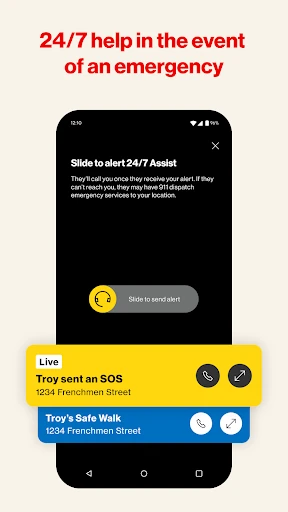
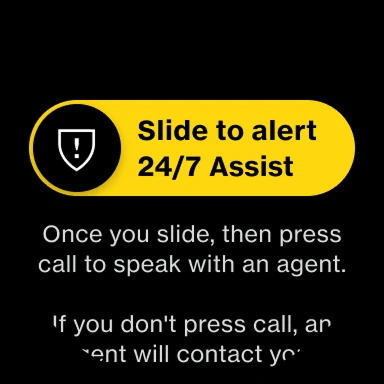
The UI of Verizon Family is built with utility and clarity at the forefront, adhering to the high standards expected of a top-tier Lifestyle application. The dashboard approach organizes a massive amount of data—ranging from GPS maps to data usage charts—into digestible segments. The UX is generally intuitive, though the sheer volume of features necessitates a learning curve for new users. Navigation is optimized for quick access to emergency features like "Safe Walk" or "Pause Internet," ensuring that critical actions are never more than a few taps away.
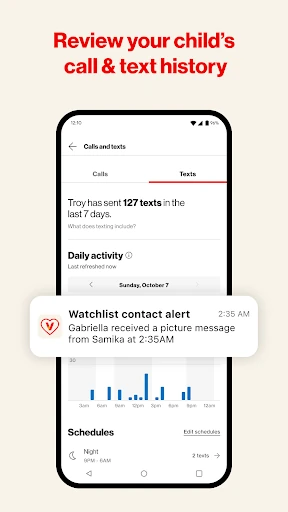
To remain competitive in an evolving tech landscape, Verizon Family should aim to integrate monitoring for encrypted third-party messaging apps, as native SMS usage continues to decline. Additionally, the "Safe Walk" feature should be prioritized for a full rollout on Wear OS to provide a hands-free safety experience. Finally, adding a direct 911 dispatch option for crash detection—rather than relying solely on family alerts—would represent a significant upgrade in emergency response capabilities.
Verizon Family is a powerful, comprehensive utility for parents who are already committed to the Verizon ecosystem. It is the ideal choice for families with young children or new drivers who require a mix of digital boundaries and physical safety nets. While its carrier-specific limitations and lack of third-party app monitoring are notable, its seamless integration of roadside assistance and location alerts makes it a leader in the family safety space. We recommend it as a "must-have" for Verizon postpaid subscribers looking for a centralized command center for family safety.