ACE Scanner - PDF Scanner App
QR Code Scanner.
Downloads
50,000,000+
Version
Latest
Advertisement
Click to download now, finish the installation quickly, and directly unlock the "all-round experience"
Advertisement
Screenshots

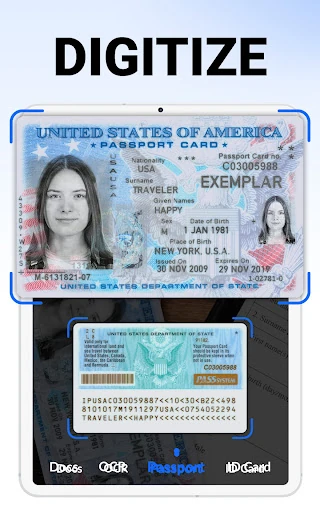
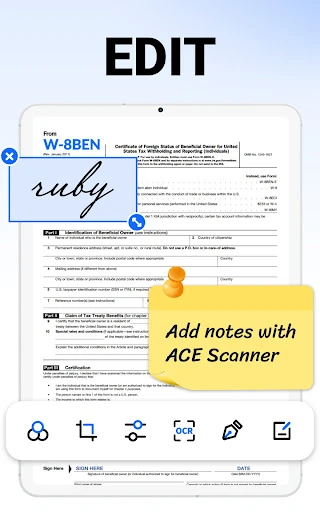
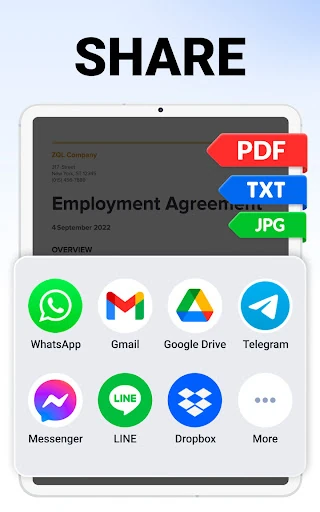
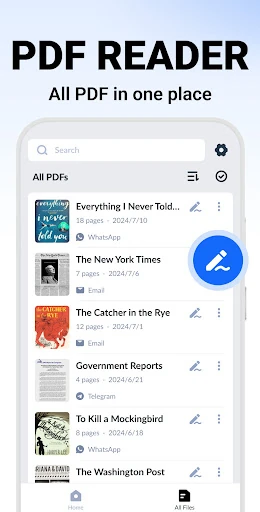
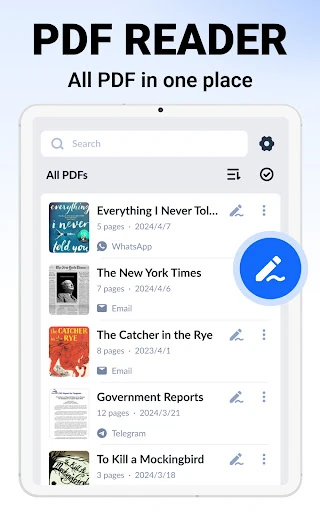
Click to download now, finish the installation quickly, and directly unlock the "all-round experience"
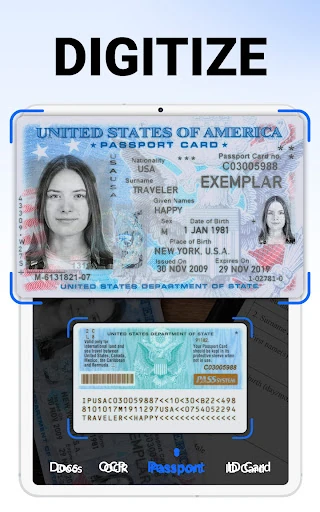
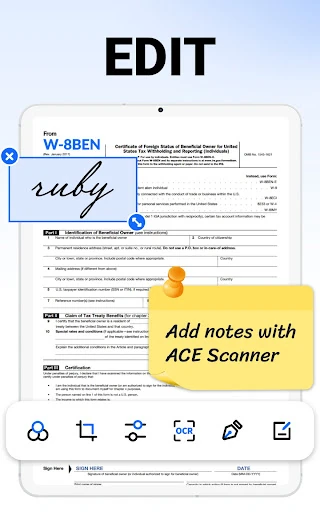
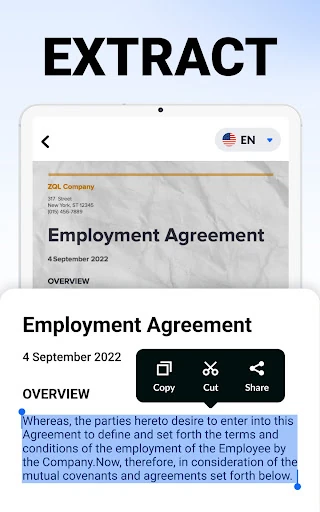
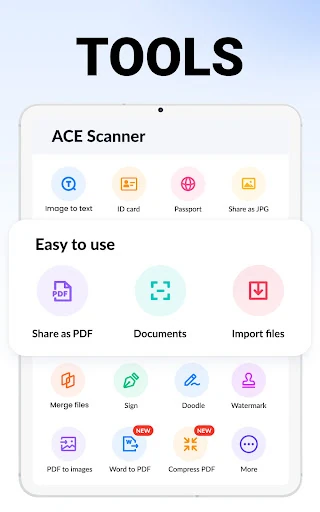
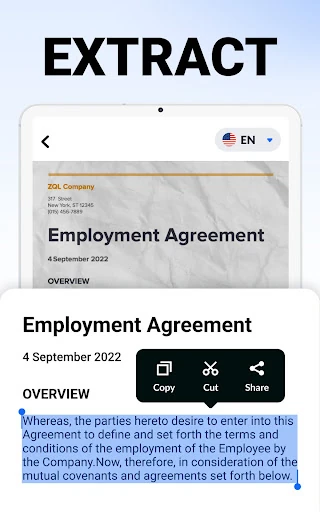
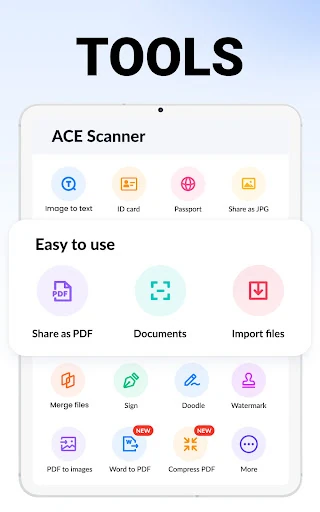
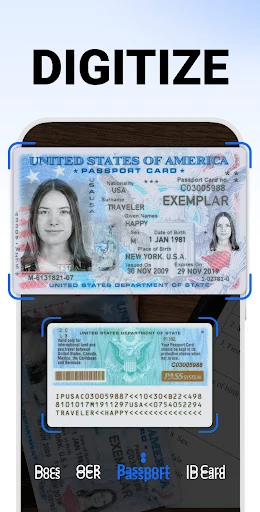
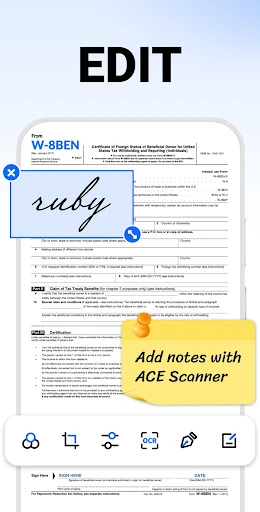
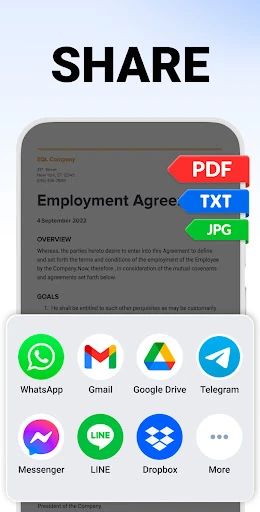
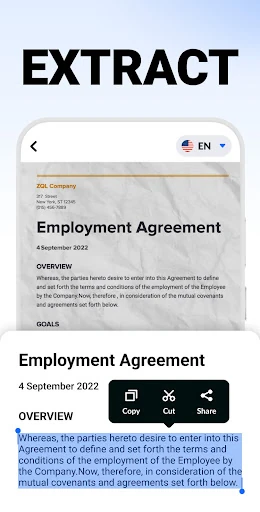
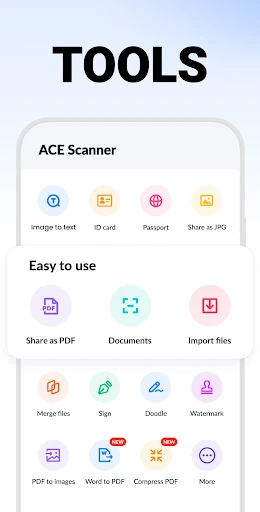
ACE Scanner - PDF Scanner App is a highly capable entry in the Productivity landscape, designed to transform mobile hardware into a sophisticated document processing hub. In an era where digital agility is paramount, this app provides a professional-grade solution for digitizing physical assets. It distinguishes itself by offering a comprehensive suite of tools—ranging from basic capture to advanced optical character recognition—that are typically siloed across multiple applications. Its authoritative presence in the market is solidified by its ability to handle complex workflows, such as e-signing and document security, within a streamlined mobile environment.
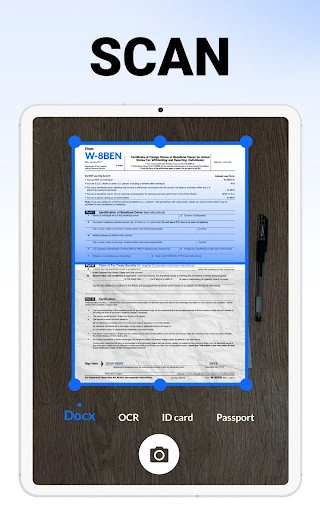
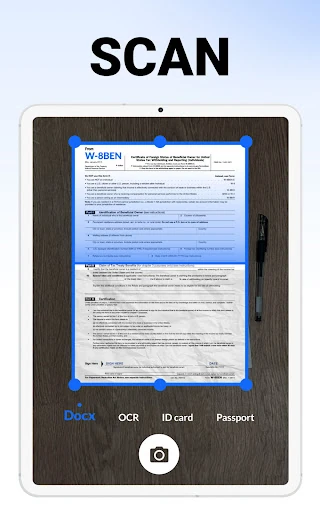
The UI/UX of ACE Scanner is built around the principle of "minimum friction." Adhering to modern Productivity category standards, the interface is clean and functional, prioritizing the camera interface for immediate action. The "one-tap" philosophy is evident throughout the navigation, ensuring that even complex tasks like applying filters (Grayscale, Enhance, etc.) or adjusting document layouts are intuitive. The app handles the heavy lifting of image processing in the background, providing a smooth, responsive experience that caters to the fast-paced needs of mobile professionals and students alike.
To reach its full potential as a market leader, ACE Scanner should expedite the release of its cloud synchronization and backup features. In the current productivity ecosystem, the ability to access scanned documents across tablets and desktops is a necessity. Furthermore, adding a "Batch OCR" mode would allow users to process multi-page documents more efficiently, and implementing a Dark Mode would enhance the user experience during late-night study or work sessions.
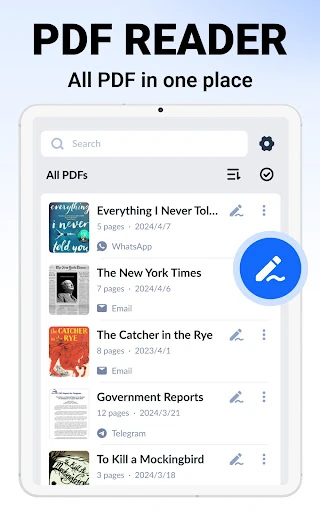
ACE Scanner - PDF Scanner App is a powerful utility for students, remote workers, and administrative professionals who need to manage paper trails on the go. It effectively replaces bulky office scanners with a portable, high-fidelity alternative. While power users may feel the temporary absence of cloud sync, the app's current feature set—particularly the OCR and e-signature capabilities—makes it a top-tier recommendation for anyone looking to increase their efficiency and transition to a paperless workflow.