🏆 Expert Verdict & Overview
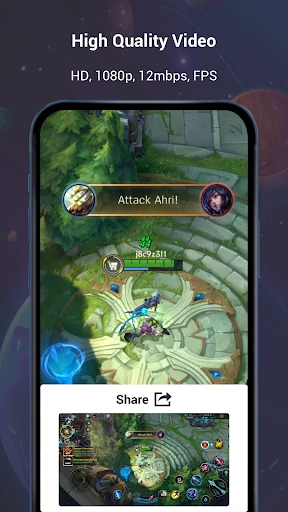
Screen Recorder Video Recorder (often referred to as V Recorder) stands out as a versatile powerhouse within the Video Players & Editors landscape. Unlike basic capture tools, it functions as a comprehensive multimedia suite, bridging the gap between raw screen capture and polished content creation. By integrating advanced AI analysis and a robust internal editing engine, it addresses the specific needs of mobile gamers, educators, and social media influencers who require high-fidelity recording without the constraints of rooting or restrictive time limits.
🔍 Key Features Breakdown
- AI-Powered Analysis & Assistant: This innovative tool leverages image analysis to extract text and answer questions directly from screenshots, significantly reducing manual data entry for researchers and students.
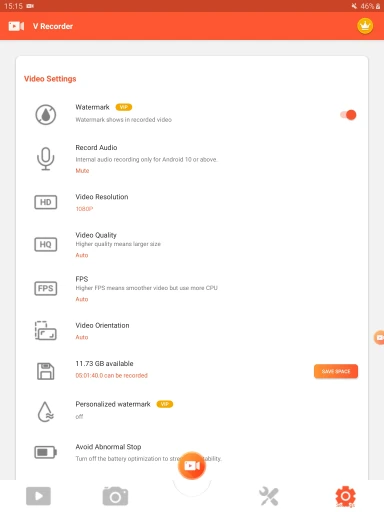
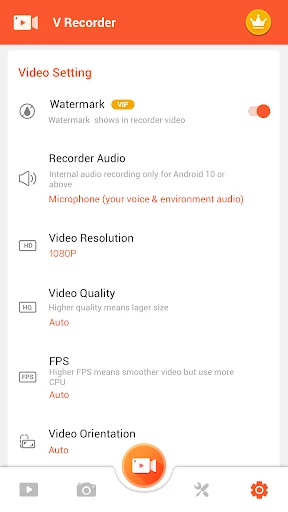
- Hybrid Audio Capture & Noise Reduction: The app supports simultaneous internal and external sound recording with one-click AI noise reduction, solving the common frustration of background interference and providing studio-quality commentary.
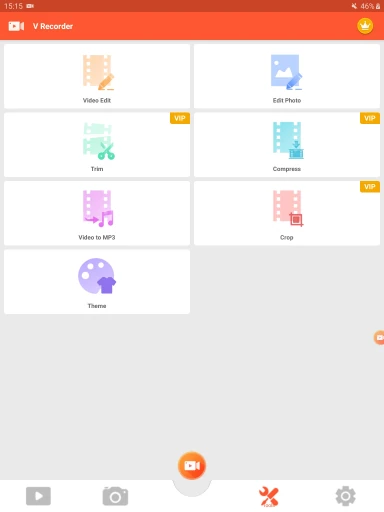
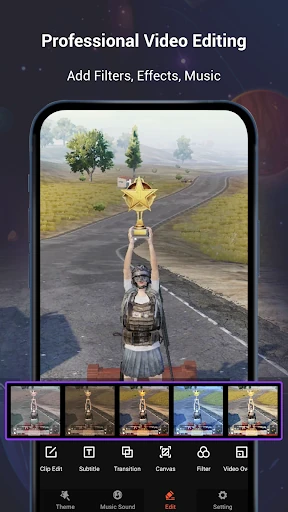
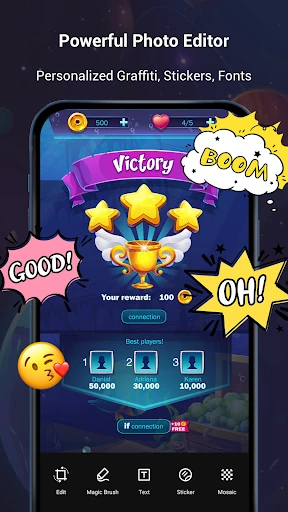
- Professional-Grade Editing Engine: Beyond simple trimming, the app provides licensed music, speed control, and "Magic Brush" doodling, allowing users to produce professional videos without needing to export to third-party software.
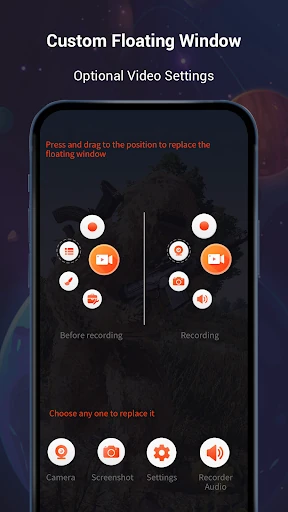
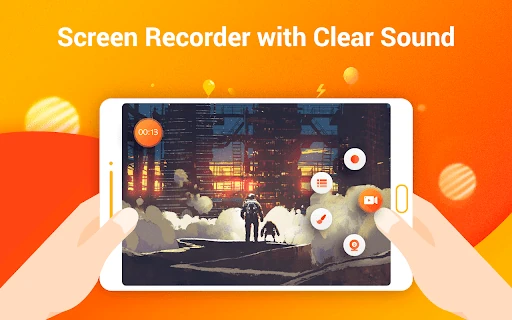
- Customizable Floating Window: By allowing users to replace the default floating button with specific features, the app optimizes workflow and ensures the recording interface never interferes with the content being captured.
🎨 User Experience & Design
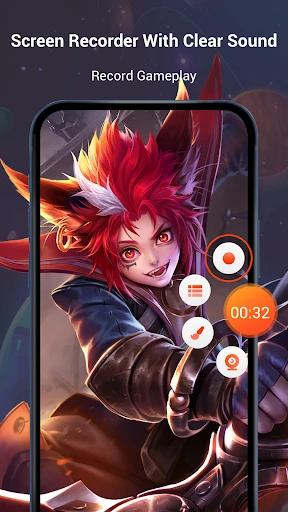
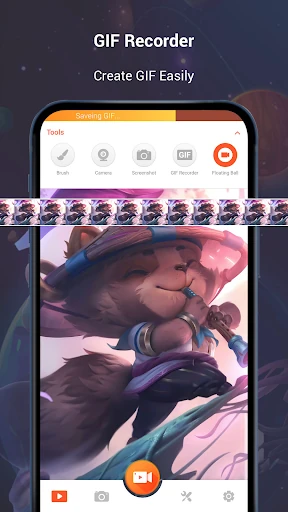
The UI is designed with high-stakes accessibility in mind, centered around a minimalist floating control center that grants instant access to recording, screenshots, and tools without obstructing the screen. The design philosophy follows the modern standards for the Video Players & Editors category, utilizing a clean, non-linear timeline for editing and intuitive icons for resolution settings. While the feature density is remarkably high, the logical grouping of recording vs. post-production tools ensures the learning curve remains shallow for novice users.
⚖️ Pros & Cons Analysis
- ✅ The Good: Support for internal audio recording provides a professional edge for mobile gameplay clips and app tutorials.
- ✅ The Good: The lack of a watermark on output videos and no recording time limits offer a level of creative freedom rarely found in free-to-use tools.
- ❌ The Bad: Processing high-definition recordings with AI tools can be resource-intensive, potentially taxing the battery life of older Android devices.
- ❌ The Bad: The interface can occasionally feel cluttered with "trendy" themes and stickers that may not appeal to users looking for a purely utilitarian tool.
🛠️ Room for Improvement
Future iterations would benefit from more granular control over bitrates and specific frame-rate locking to cater to professional-tier gamers. Additionally, integrating direct cloud storage synchronization would help users manage the significant storage space required for long-form HD video files. Refining the AI assistant to support a wider range of languages for text extraction would further solidify its position as a global productivity tool.
🏁 Final Conclusion & Recommendation
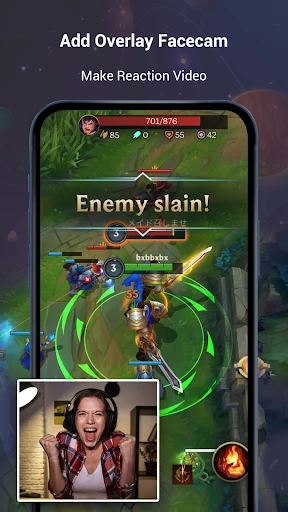
Screen Recorder Video Recorder is a premier choice for mobile content creators, gamers, and educators who need an all-in-one production studio in their pocket. It is specifically recommended for users who find system-native recorders too limited and require advanced post-production features like facecam overlays and audio cleanup. For those moving beyond basic clips to professional-grade tutorials or game highlights, this app is a definitive recommendation.