Advertisement
Click to download now, finish the installation quickly, and directly unlock the "all-round experience"
Advertisement
Screenshots
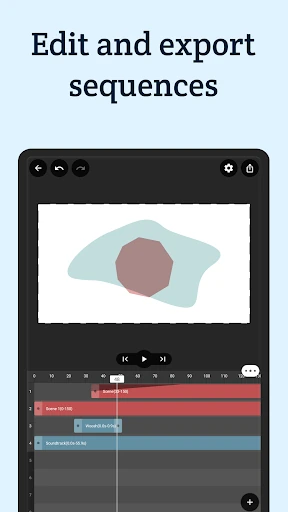
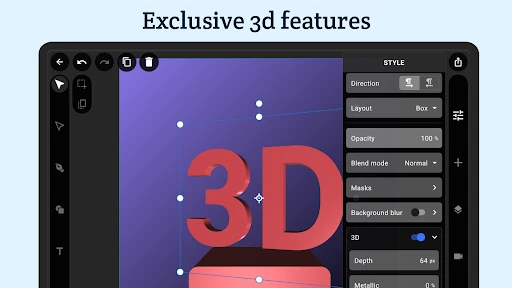
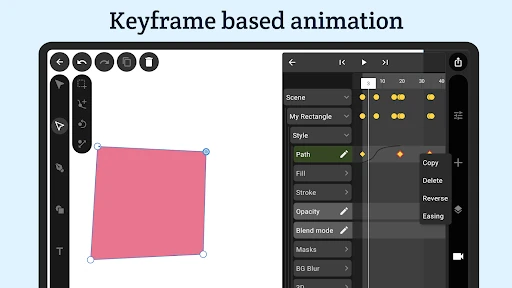
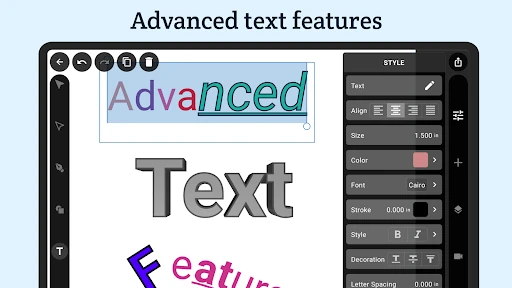
Click to download now, finish the installation quickly, and directly unlock the "all-round experience"
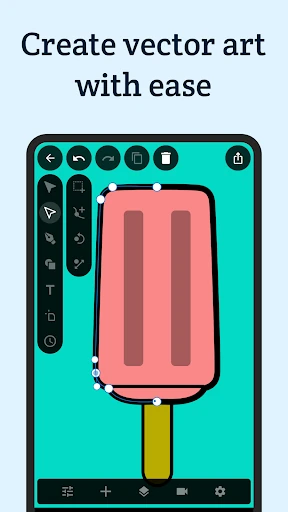
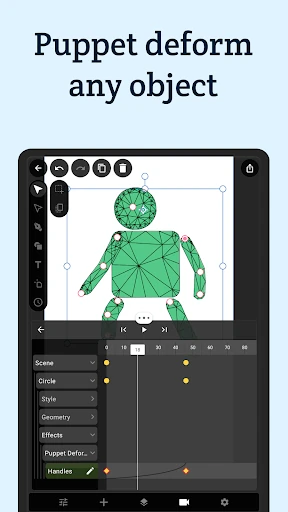
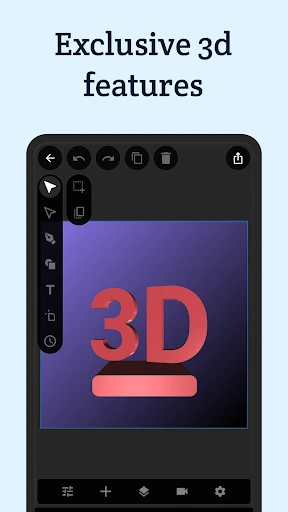
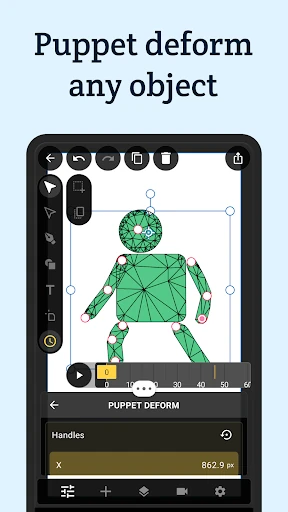
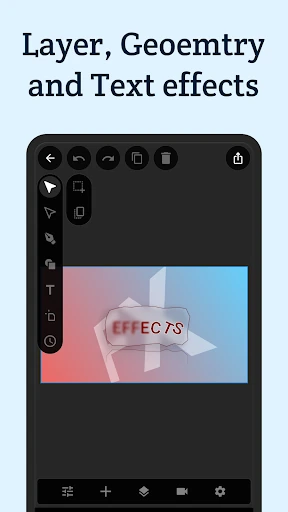
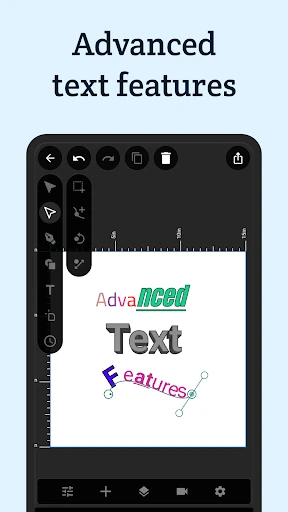
VectorMotion - Design/Animate is a remarkably ambitious entry into the mobile Art & Design landscape, positioning itself as a comprehensive, desktop-grade motion graphics suite for Android. Unlike many competitors that gate essential features behind subscriptions, VectorMotion distinguishes itself by offering a professional-grade toolset—including vector manipulation, puppet deformation, and 3D rendering—completely free of charge and without advertisements. It effectively bridges the gap between simple social media editors and complex professional software, providing a powerful platform for creators to execute high-fidelity animations on the go.
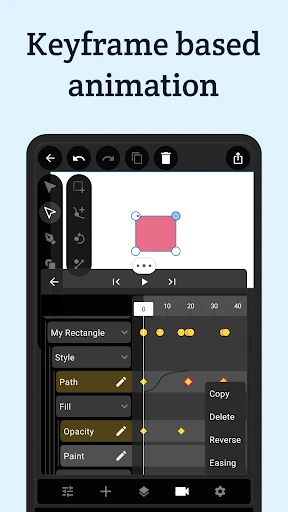
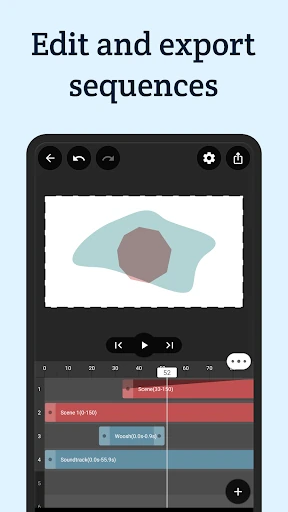
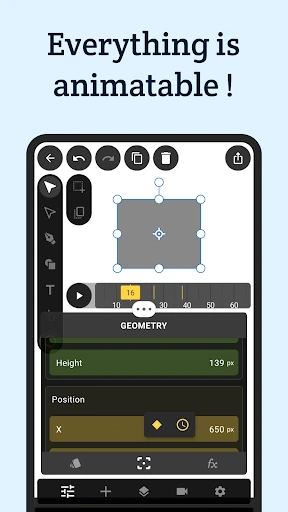
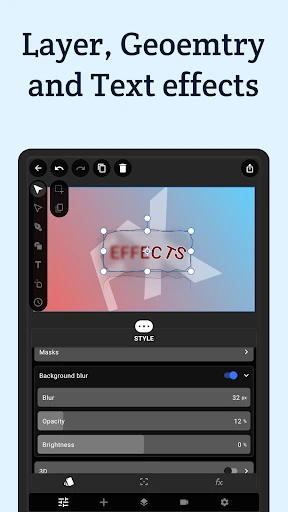
The user interface of VectorMotion is designed for power users who require a high density of information and control. By utilizing an advanced timeline that supports easing, reversing, and batch editing of keyframes, the app mimics the workflow of professional desktop environments. The UX is characterized by its non-destructive editing approach and a sophisticated layering system. While the depth of features is impressive, the interface demands a significant learning curve, as the reliance on long-press menus and multi-layered property editors assumes a level of prior knowledge in motion design principles. However, for its target demographic, the layout is logical and highly functional.
To further solidify its position, VectorMotion could benefit from an integrated tutorial hub or interactive onboarding flow to help new users navigate its complex toolset. Additionally, adding a library of pre-set easing curves and motion templates would speed up the workflow for professionals. Enhanced cloud synchronization for project files would also be a welcome addition for creators working across multiple mobile devices.
VectorMotion - Design/Animate is an essential tool for professional motion designers, illustrators, and advanced hobbyists who require a mobile workstation without compromise. It is best suited for users who have a foundational understanding of vector math and keyframe animation. Because of its robust feature set and lack of monetization barriers, it stands as one of the most powerful and accessible creative tools currently available in the Google Play Store.