Advertisement
Click to download now, finish the installation quickly, and directly unlock the "all-round experience"
Advertisement
Screenshots



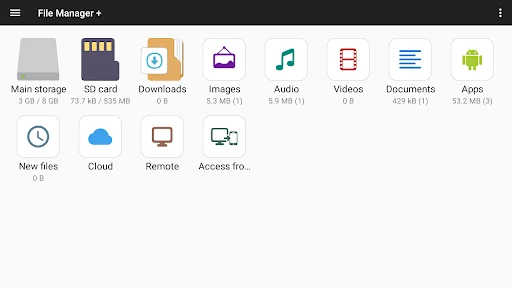
Click to download now, finish the installation quickly, and directly unlock the "all-round experience"
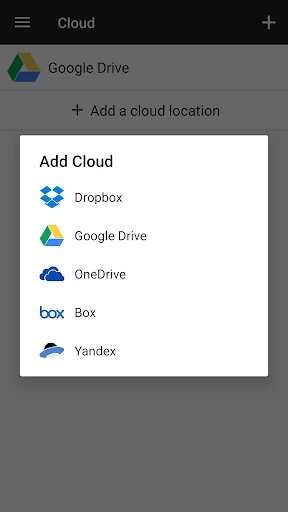
File Manager (Plus) stands as a cornerstone in the Productivity category, offering a robust alternative to native system explorers. It distinguishes itself by balancing high-level technical capabilities—such as NAS and FTP support—with a deceptively simple interface. In an era where mobile devices are primary workstations, this app bridges the gap between local storage and cloud ecosystems, making it a vital tool for power users and professionals who require granular control over their digital assets.
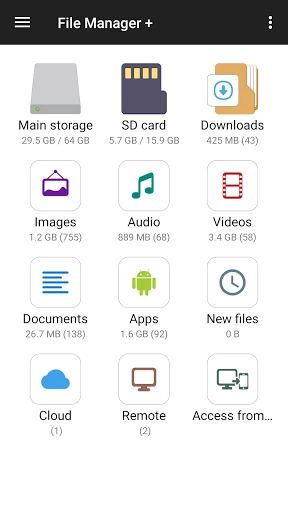
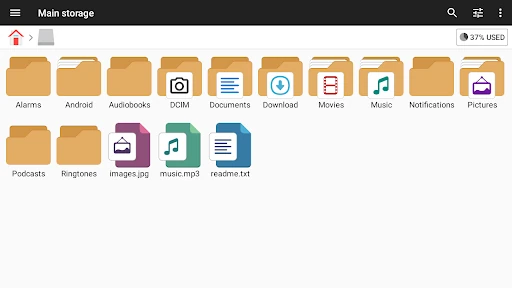
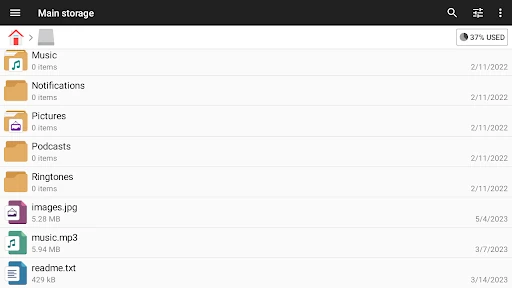
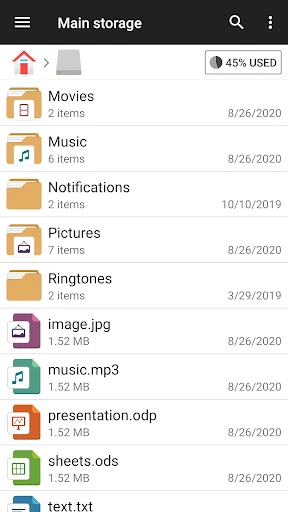
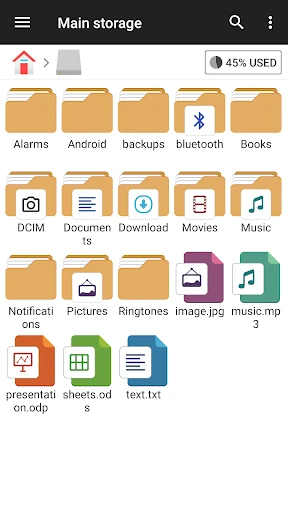
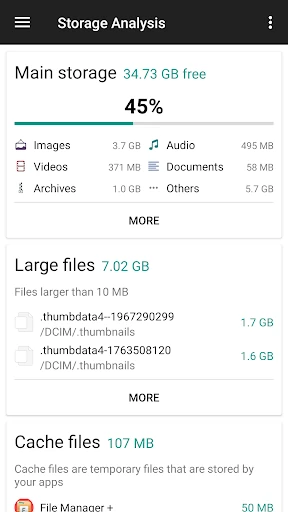
The UI follows a classic, utility-first philosophy. While it may lack the flashy animations found in some modern lifestyle apps, its layout is exceptionally logical for the Productivity category. The home screen provides an immediate snapshot of storage distribution and file categories (Images, Audio, Documents), which significantly reduces the "click-depth" required to find specific items. The navigation is intuitive, ensuring that even users who are not tech-savvy can perform complex operations like file compression or directory mapping without a steep learning curve.
To further solidify its market lead, File Manager could benefit from a more modern UI overhaul that incorporates dynamic theming. Additionally, expanding the archive support to include more diverse compression formats like 7-Zip and RAR would cater to a broader power-user demographic. Implementing an encrypted "Secure Vault" for sensitive documents would also be a significant value-add for professional users concerned with data privacy.
File Manager is an essential tool for Android power users, IT professionals, and anyone frustrated by the limitations of stock file explorers. Its ability to bridge local storage with network-attached storage makes it a standout in the productivity space. We highly recommend this app for users who manage large volumes of data or need to sync files across multiple cloud and physical platforms seamlessly.