Advertisement
Click to download now, finish the installation quickly, and directly unlock the "all-round experience"
Advertisement
Screenshots
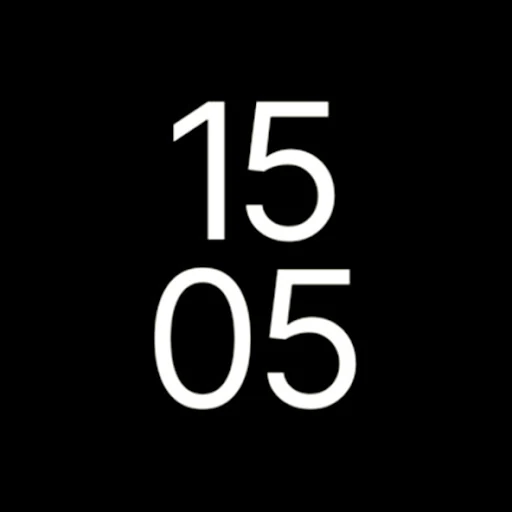
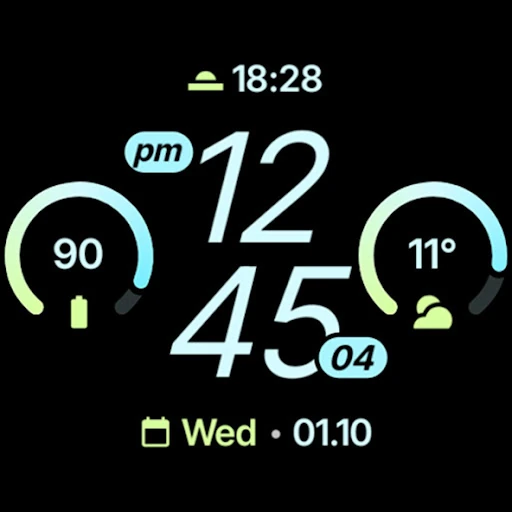
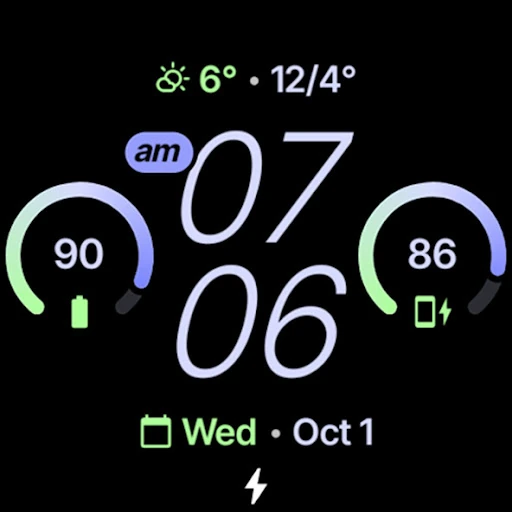
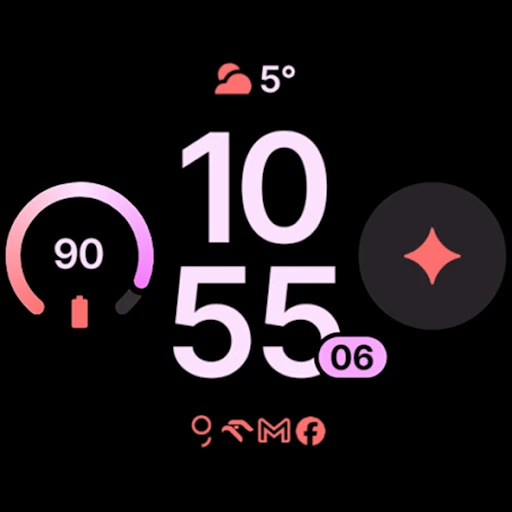
Click to download now, finish the installation quickly, and directly unlock the "all-round experience"
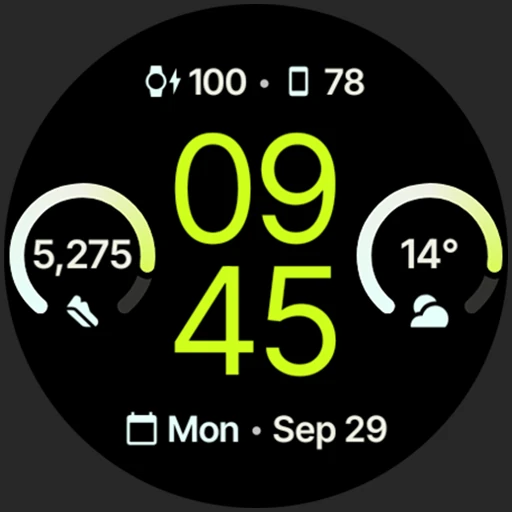
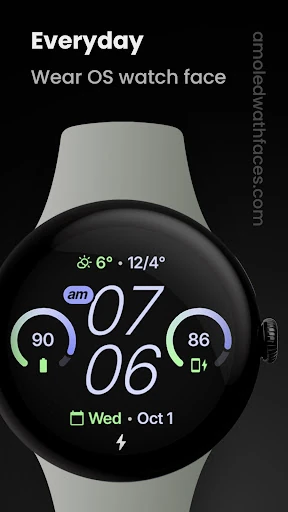
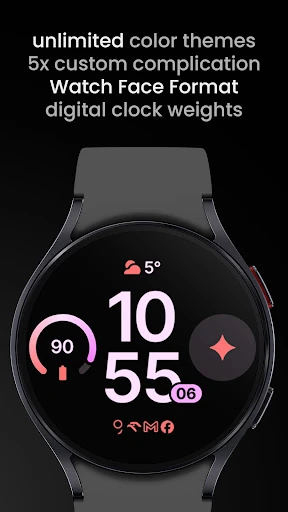
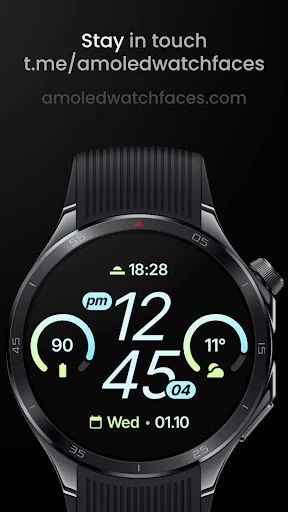
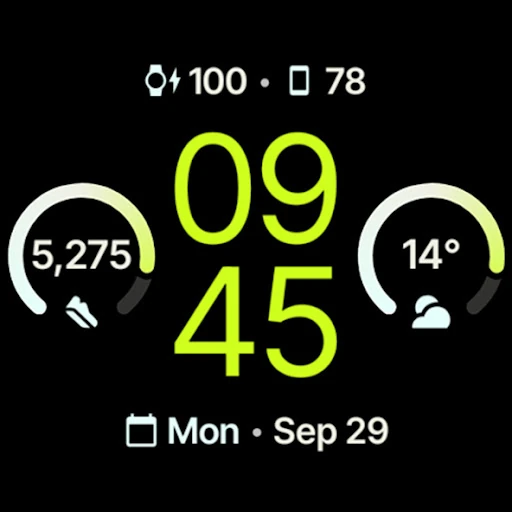
The Everyday Watch Face represents a sophisticated evolution in the Wear OS ecosystem, specifically leveraging the latest Watch Face Format 4 to deliver a high-performance, battery-efficient user experience. As a cornerstone of the Lifestyle category for wearables, this app prioritizes the balance between information density and aesthetic minimalism. It serves as an authoritative "daily driver" for users who require immediate access to data through complications while maintaining a sleek, professional appearance that adapts to various social and professional settings.
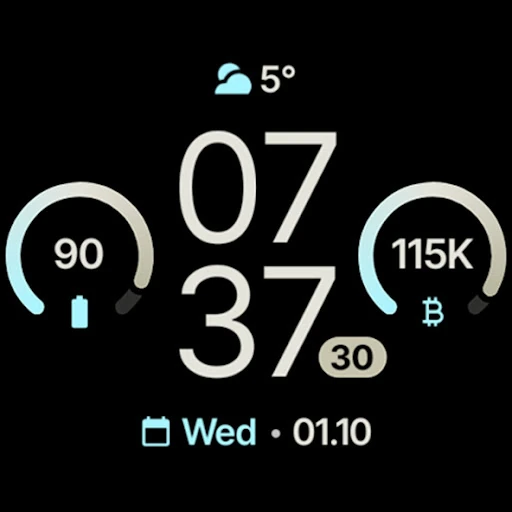
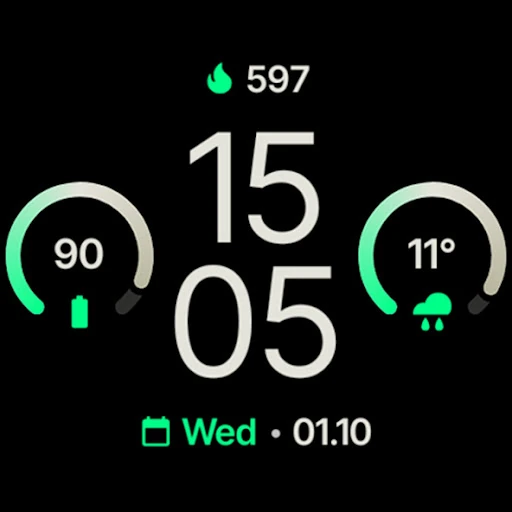
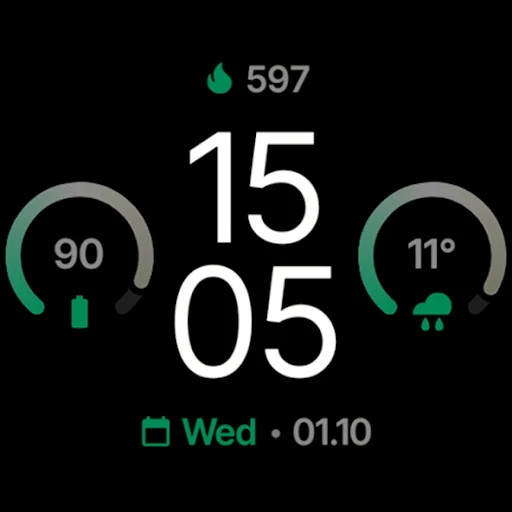
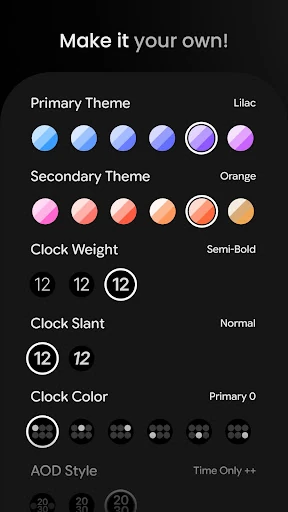
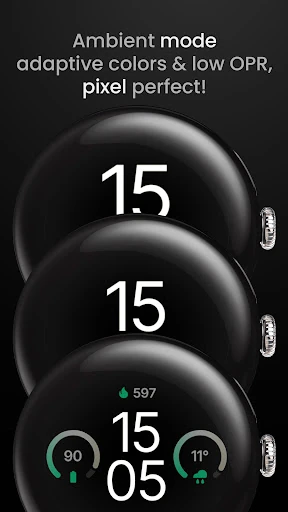
The design language of Everyday Watch Face is rooted in modern functionalism. The UI is exceptionally clean, utilizing a "True Black" canvas that makes vibrant complication gradients and font colors pop with high contrast. From a UX perspective, the app succeeds by offering three distinct Always-On Display (AOD) styles, recognizing that user needs change depending on whether they are in a dark theater or a bright office. The interface avoids clutter despite supporting five complications, a feat achieved through smart spatial distribution and a clear visual hierarchy.
To further elevate the user experience, the developer could look into integrating more "native" bridges for phone-to-watch communication to eliminate the need for external complication apps. Additionally, adding a "pre-set gallery" within the configuration menu could help users quickly cycle through professionally curated color palettes before they dive into the more granular, "unlimited" theme settings.
Everyday Watch Face is a premier choice for the discerning Wear OS user who values a "set it and forget it" reliability without sacrificing the ability to tinker. It is particularly well-suited for professionals and tech enthusiasts who own newer hardware (Wear OS 4 and up) and want a watch face that feels like a native extension of the operating system. For those seeking a blend of high-utility data and refined AMOLED aesthetics, this is a highly recommended installation.