🏆 Expert Verdict & Overview
GPS, Maps - Driving Directions serves as a streamlined utility within the highly competitive Maps & Navigation landscape. Positioned as a reliable companion for North American travelers, it focuses on delivering core navigation essentials without the bloat often found in enterprise-level suites. While it competes with heavyweights like Google Maps and Waze, its specific integration of location-based photography and local discovery tools makes it a notable alternative for users seeking a straightforward, utilitarian experience for both daily commutes and interstate road trips.
🔍 Key Features Breakdown
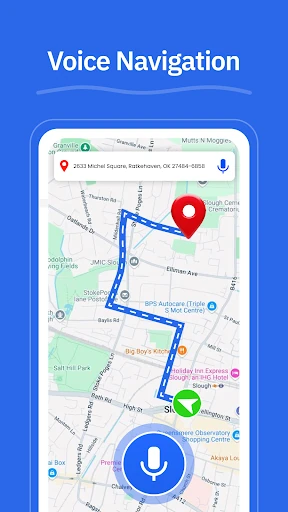
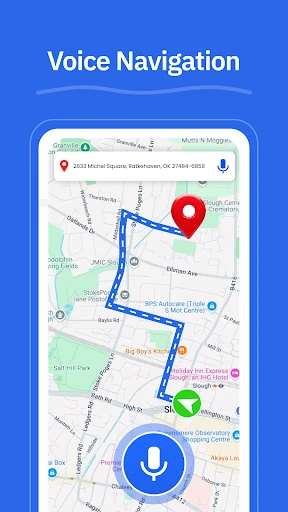
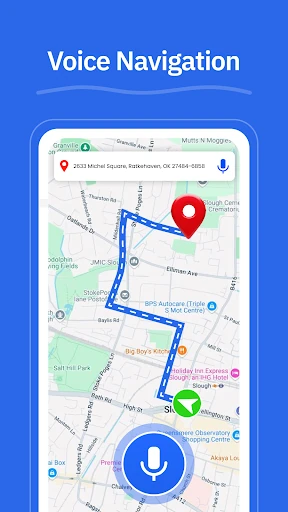
- Turn-by-Turn GPS Navigation: Provides essential voice guidance to ensure hands-free safety and reduce driver distraction during complex maneuvers.
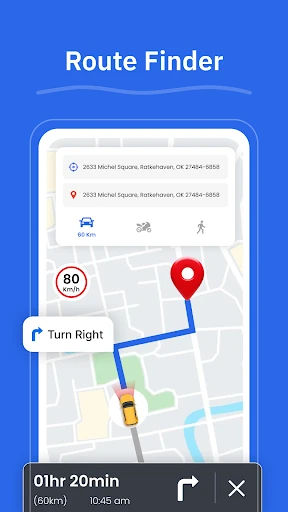
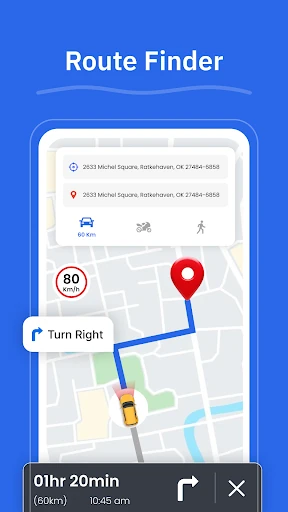
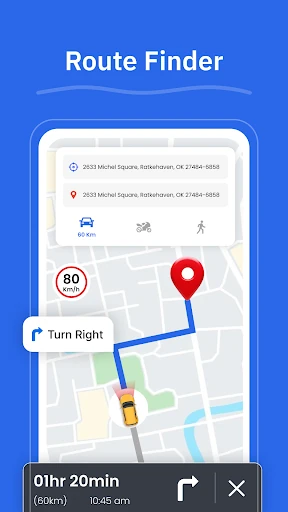
- Dynamic Route Finder: Analyzes road conditions to suggest efficient paths, helping users mitigate delays on highways and local streets.
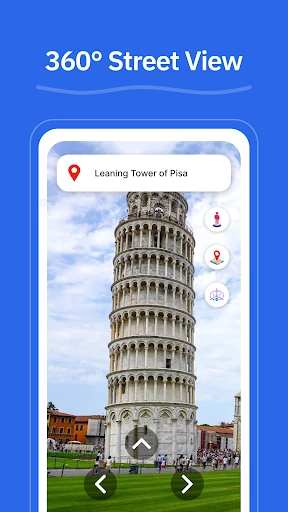
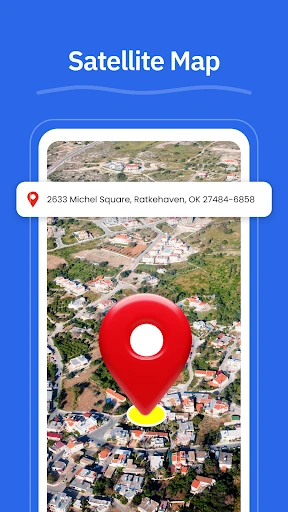
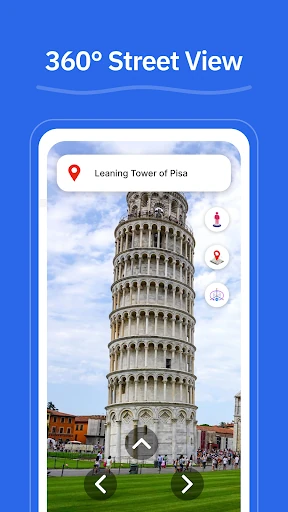
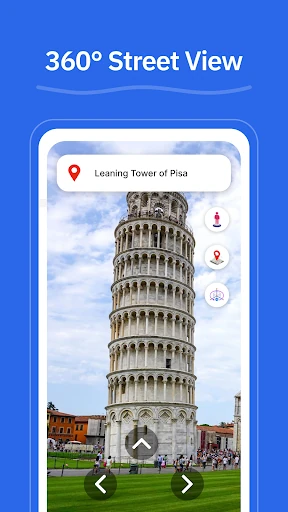
- Integrated Street View: Offers visual context for unfamiliar neighborhoods and landmarks, aiding in last-mile navigation and destination recognition.
- Geo-Tagged GPS Camera: A unique utility that allows travelers to archive locations through photos, facilitating easier return trips to specific spots or parking locations.
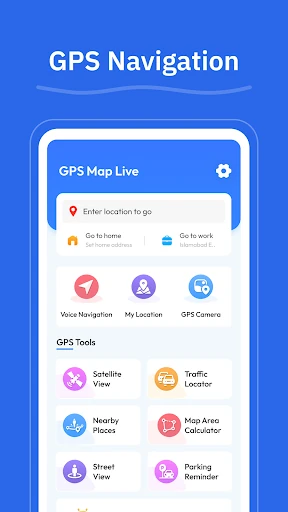
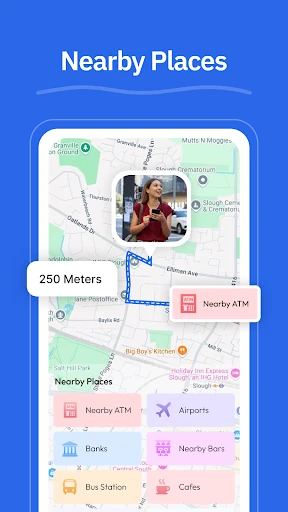
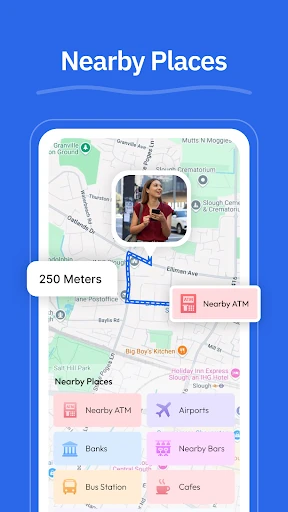
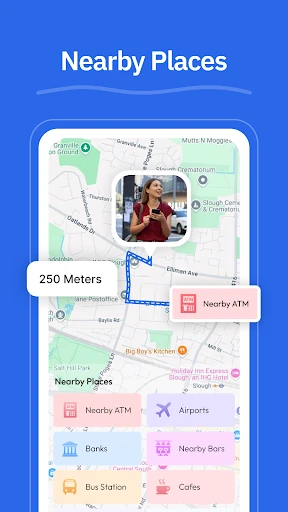
- Proximity-Based Discovery: Aggregates essential services like EV chargers, gas stations, and pharmacies, streamlining the planning process for long-distance travel.
🎨 User Experience & Design
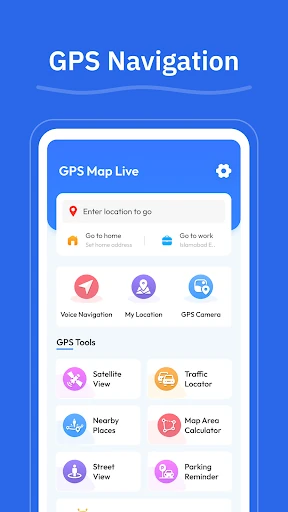
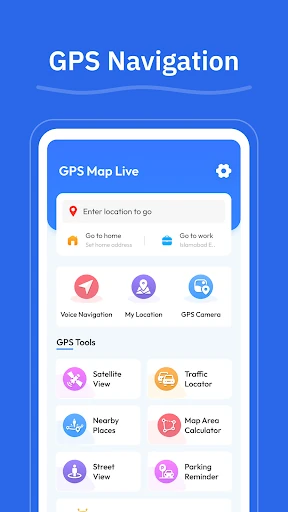
The interface of GPS, Maps - Driving Directions prioritizes functional clarity over aesthetic flair. Adhering to established design patterns in the navigation category, the app ensures that high-priority buttons—such as route initiation and My Location—are easily accessible. The UX is optimized for high-glanceability, which is crucial for in-car environments where driver focus must remain on the road. While the design is conservative, its predictable layout reduces the learning curve for non-technical users, making it accessible for a broad demographic of drivers.
⚖️ Pros & Cons Analysis
- ✅ The Good: The inclusion of a GPS Camera provides a valuable niche feature for documenting specific scenic landmarks or complex urban arrival points.
- ✅ The Good: A lightweight and responsive interface that performs well on various hardware without the excessive battery drain often associated with feature-heavy competitors.
- ❌ The Bad: The app faces stiff competition regarding real-time community-sourced traffic data, which may be less granular than dedicated social-navigation platforms.
- ❌ The Bad: Lacks advanced integration features such as native music player controls or comprehensive multi-stop trip planning within the primary UI.
🛠️ Room for Improvement
To elevate the user experience, the next iteration should focus on implementing robust offline map support for rural dead zones frequently encountered during interstate travel. Additionally, integrating real-time gas price comparisons within the Nearby Places feature would significantly increase its value proposition for budget-conscious road trippers. A UI refresh to include a dedicated Dark Mode specifically optimized for night-time driving would also enhance safety and visual comfort.
🏁 Final Conclusion & Recommendation
GPS, Maps - Driving Directions is best suited for the practical traveler who values simplicity and specific location-archiving tools over complex social-navigation features. It is an excellent choice for US-based commuters and weekend explorers who need a dependable, easy-to-read guide for highway travel. While power users might miss deep customization, its core functionality delivers a confident and accessible navigation experience.