Advertisement
Click to download now, finish the installation quickly, and directly unlock the "all-round experience"
Advertisement
Screenshots
Click to download now, finish the installation quickly, and directly unlock the "all-round experience"
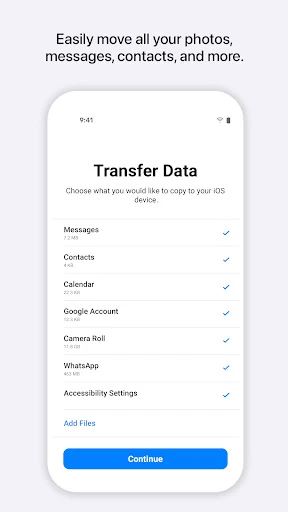
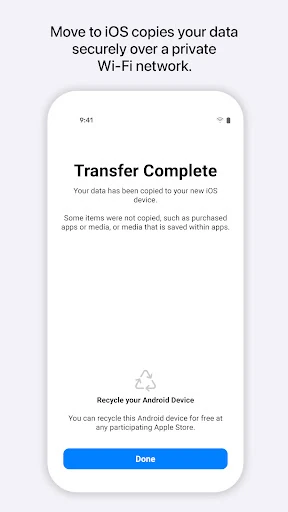
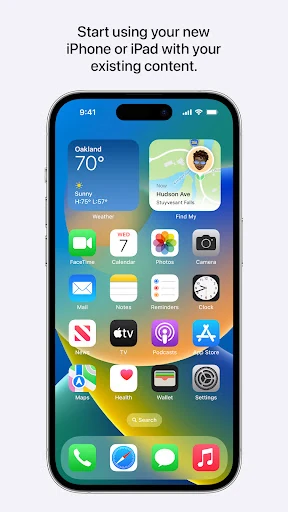
Move to iOS serves as the official bridge for users transitioning from the Android ecosystem to Apple’s proprietary environment. Within the Tools category, it is a high-stakes migration utility that simplifies what was once a manual, error-prone process into a secure, automated handshake between platforms. By streamlining the transfer of sensitive data—including encrypted WhatsApp chats and system logs—it acts as the primary gatekeeper for user retention and onboarding in the mobile hardware market. Its professional execution reflects Apple’s philosophy of "it just works," though it demands specific environmental conditions to function optimally.
The interface is characterized by Apple’s signature minimalist design language, which stands in stark contrast to more cluttered utility apps in the Google Play Store. The user experience is structured as a linear, guided wizard that minimizes "choice fatigue" for the user. By utilizing a simple security code pairing system, it removes the technical barriers associated with network configuration. However, the UX is highly sensitive to external factors; users are strictly required to maintain proximity and power connectivity, which is communicated through clear, albeit rigid, on-screen instructions.
The most critical update needed is a "Resume" functionality. Currently, if a transfer of 100GB is interrupted at 90%, the user often has to restart the entire process. Adding support for wired transfers via a USB-C to USB-C cable would also drastically improve speed and stability for users with large media libraries. Finally, providing a "pre-flight" check to estimate transfer time and identify incompatible file types before the process begins would significantly manage user expectations.
Move to iOS is an essential tool for any Android user who has purchased a new iPhone or iPad and wishes to avoid the headache of manual data entry. It is specifically designed for "switchers" who value data integrity and ease of use over manual control. While it requires patience and a stable environment, it remains the most comprehensive migration solution available. If you are moving to the Apple ecosystem, this is not just a recommendation—it is a requirement for a seamless transition.