
Advertisement
Click to download now, finish the installation quickly, and directly unlock the "all-round experience"
Advertisement
Screenshots
Click to download now, finish the installation quickly, and directly unlock the "all-round experience"
Google Password Manager stands as a cornerstone of the modern Android ecosystem, offering a seamless and secure repository for digital credentials. Positioned within the Tools category, this specific shortcut application bridges the gap between complex system settings and the user's need for immediate access. It is not just a storage locker; it is an integrated identity management solution that leverages Google’s robust security infrastructure to streamline the authentication process across web and mobile platforms. For users looking to balance high-level security with extreme convenience, this tool is an indispensable part of their digital toolkit.
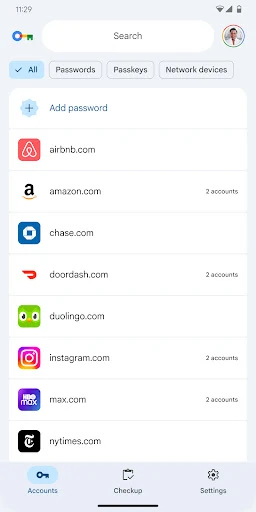
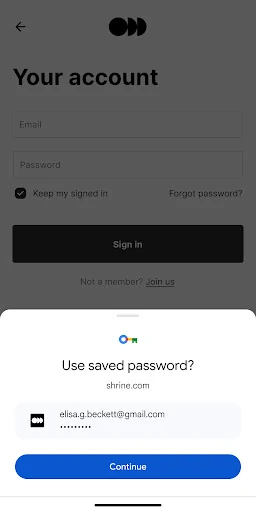
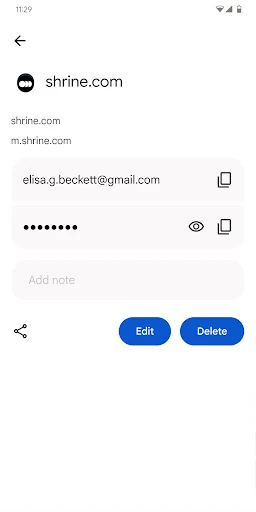
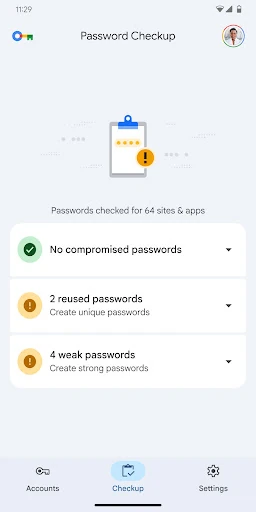
The design philosophy follows Google's Material You guidelines, prioritizing clarity and ease of navigation. Since the interface is a direct extension of the Android system settings, it offers a high level of familiarity and trust. The user journey is intentionally minimalist: users can search, view, or edit credentials with minimal taps. The lack of visual clutter ensures that even non-technical users can manage their digital security without feeling overwhelmed by the complex configurations common in dedicated third-party password managers.
To further enhance its utility, Google could introduce custom organizational folders or tags to help users with hundreds of saved credentials manage their lists more effectively. Additionally, adding a dedicated "Secure Notes" section for non-password sensitive data, such as Wi-Fi codes or emergency recovery keys, would provide a more comprehensive security solution for the end user.
Google Password Manager is the definitive recommendation for the vast majority of Android users who prioritize convenience and native security. It is the perfect "set it and forget it" solution for individuals who want to bolster their online safety without the learning curve or subscription costs of third-party apps. While it may lack the bells and whistles for security enthusiasts, it remains the gold standard for frictionless credential management in the mobile space.