🏆 Expert Verdict & Overview
Screen Recorder: Facecam Audio enters the competitive Video Players & Editors landscape as a robust, specialized utility designed for the modern content creator. By integrating front-camera reactions directly with high-definition screen capture, it addresses a specific niche that includes mobile gamers, tutorial makers, and social media influencers. The app positions itself as an authoritative tool that simplifies the transition from raw gameplay to shareable content, ensuring that the user's personality remains at the forefront of the digital experience.
🔍 Key Features Breakdown
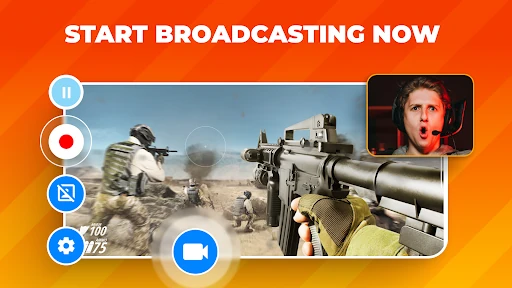
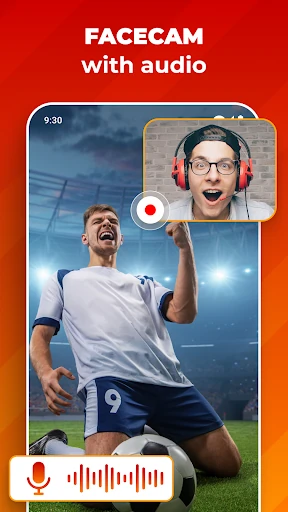
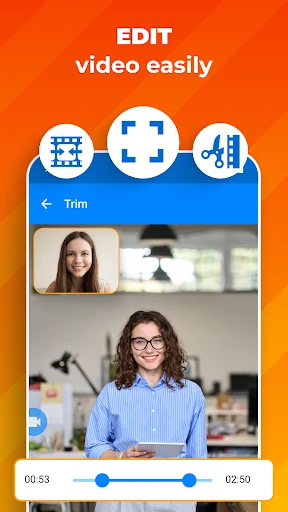
- Simultaneous Facecam & Screen Recording: Solves the problem of disconnected content by allowing users to record their live reactions in a customizable overlay, making tutorials and gaming videos more engaging.
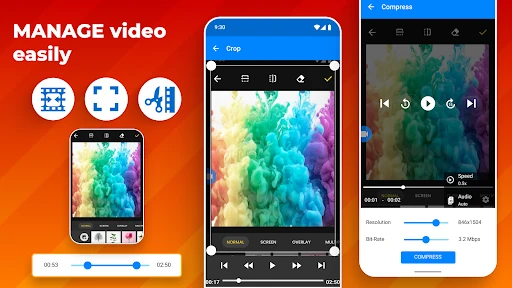
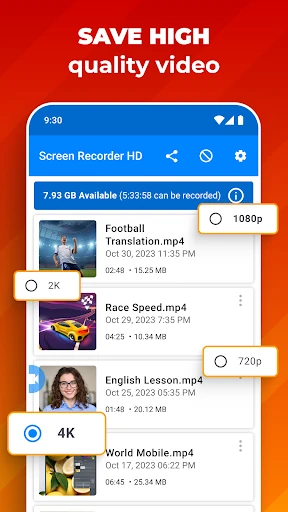
- Adjustable Video Resolutions (UHD, HD, SD): Provides flexibility for various hardware capabilities and storage constraints, ensuring professional quality for high-end devices and efficiency for others.
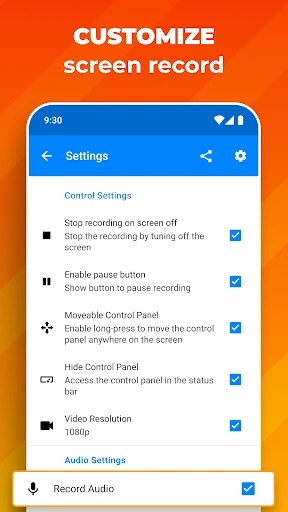
- Dual Audio Input Options: Addresses the need for clear narration or immersive game sounds by letting users choose between the device microphone, internal audio, or both.
- Unlimited Recording Length: Removes the technical barriers for long-form content creators, such as those hosting webinars or recording extended walkthroughs.
- Customizable Overlay UI: Offers the ability to resize and reposition the camera window, ensuring that the Facecam never obscures critical on-screen elements or game UI.
🎨 User Experience & Design
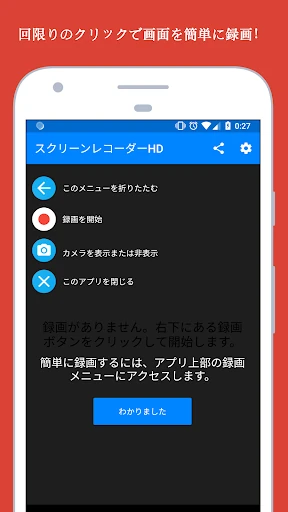
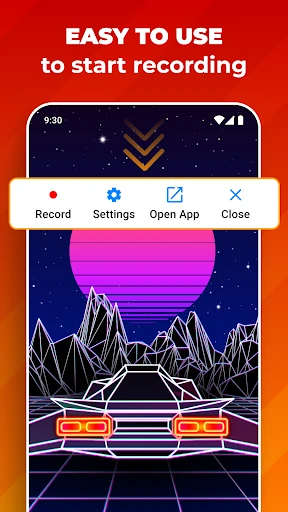
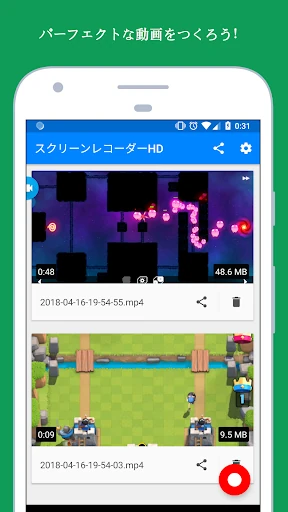
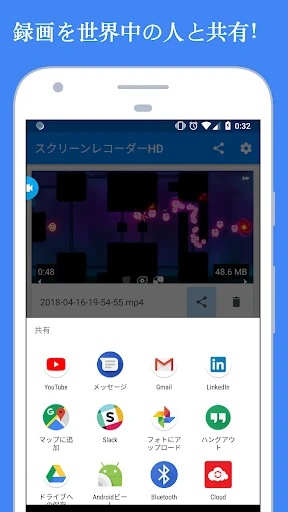
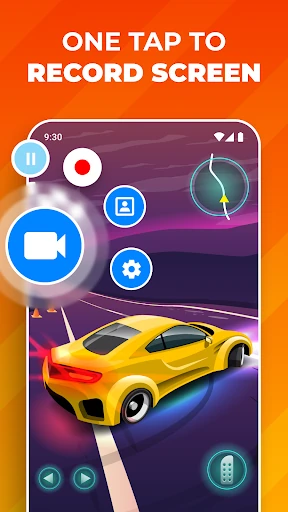
The interface of Screen Recorder: Facecam Audio is built on the principle of "functionality first," which is a standard expectation in the Video Players & Editors category. The navigation is streamlined to reduce the "time-to-record," a crucial metric for capturing spontaneous gaming moments. Its design is clean, with intuitive controls for the Facecam overlay that respond well to drag-and-drop gestures. While the UI focuses on utility, it maintains a modern aesthetic that doesn't overwhelm the user with unnecessary menus, making it accessible for both beginners and advanced users.
⚖️ Pros & Cons Analysis
- ✅ The Good: Exceptional versatility in video quality, supporting up to UHD for professional-grade output.
- ✅ The Good: Highly intuitive Facecam management, allowing for seamless real-time resizing and positioning.
- ❌ The Bad: Lack of advanced built-in post-production editing tools (like transitions or filters) within the app.
- ❌ The Bad: Internal audio recording may be limited by specific Android OS version constraints or app-specific permissions.
🛠️ Room for Improvement
To truly dominate the category, the app should consider adding basic post-capture editing features, such as a video trimmer or a tool to add text annotations. Furthermore, integrating a "Gaming Mode" that automatically silences system notifications during recording would significantly enhance the user experience by preventing interrupted takes and protecting user privacy.
🏁 Final Conclusion & Recommendation
Screen Recorder: Facecam Audio is specifically tailored for mobile gamers, educators, and "reaction" content creators who need a reliable, all-in-one capture suite. It bridges the gap between a simple system utility and a professional creation tool. For anyone looking to build an online presence on platforms like YouTube or Twitch via their mobile device, this app is a highly recommended addition to their digital toolkit.