Advertisement
Click to download now, finish the installation quickly, and directly unlock the "all-round experience"
Advertisement
Screenshots
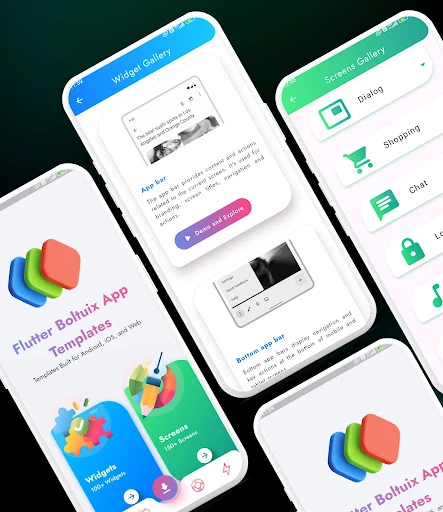
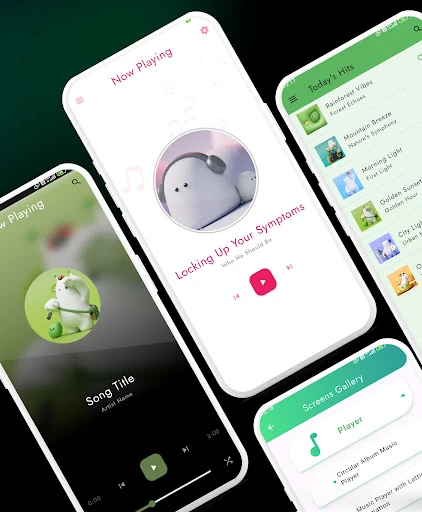
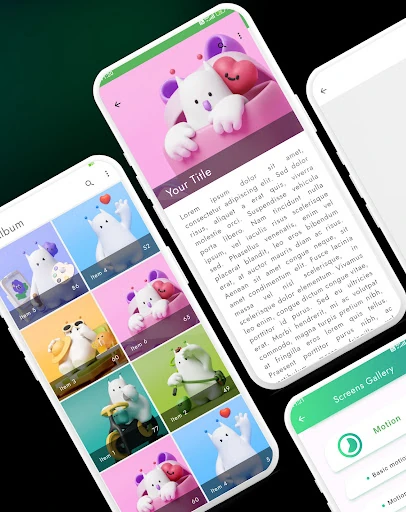
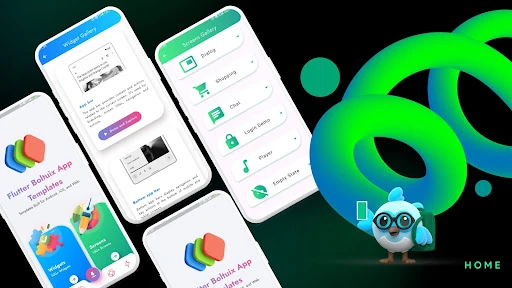
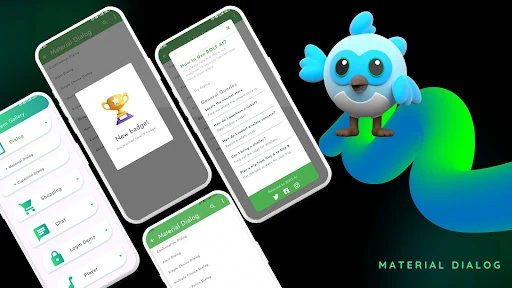
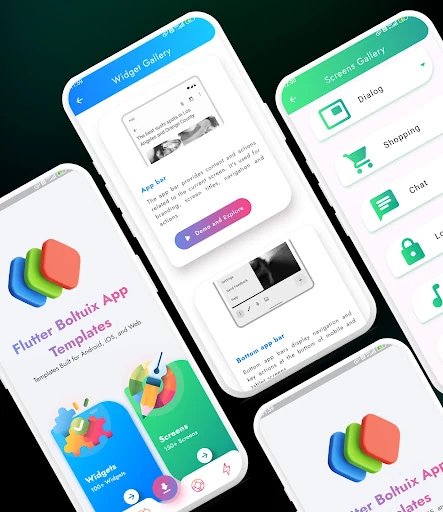
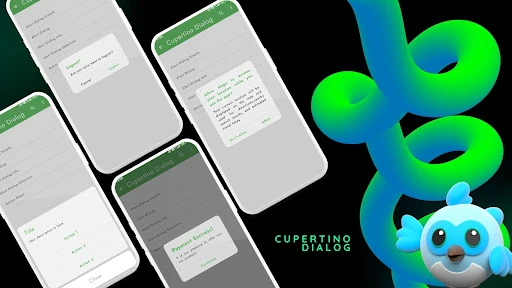
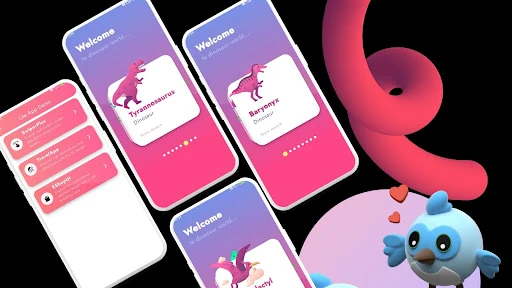
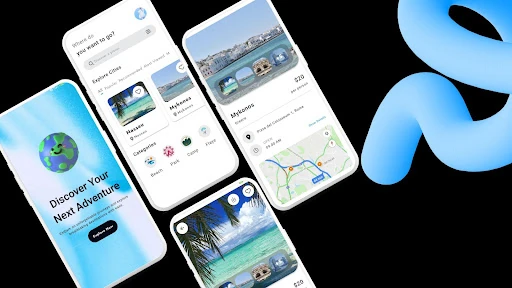
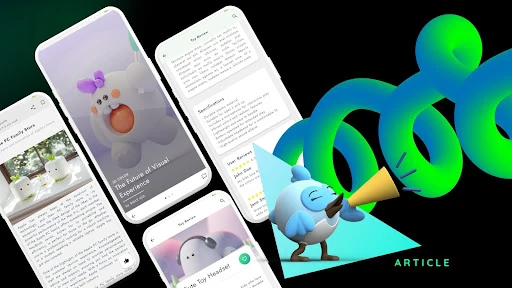
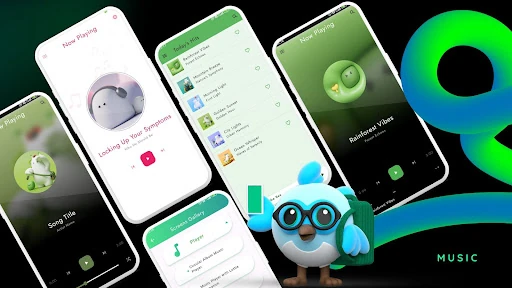
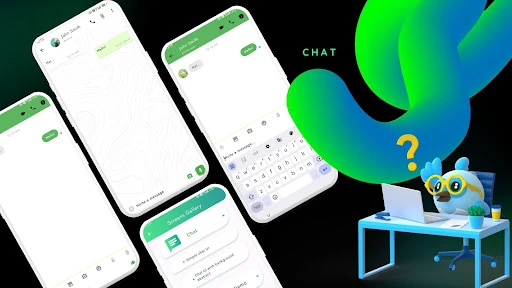
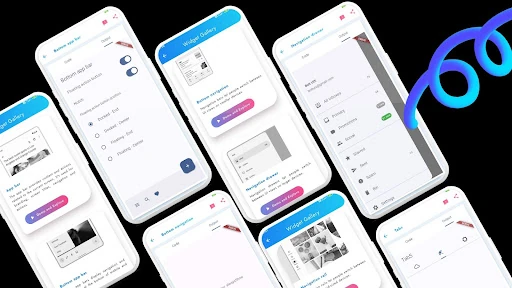
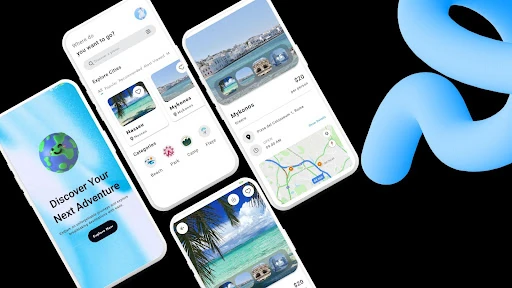
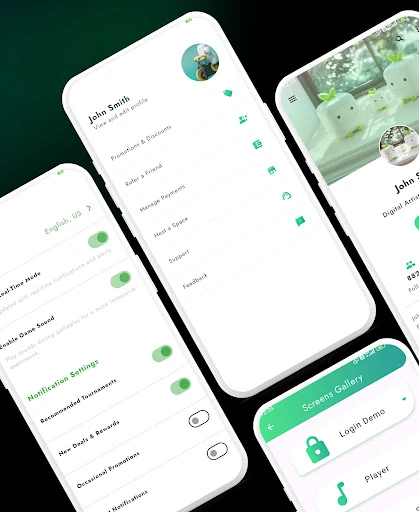
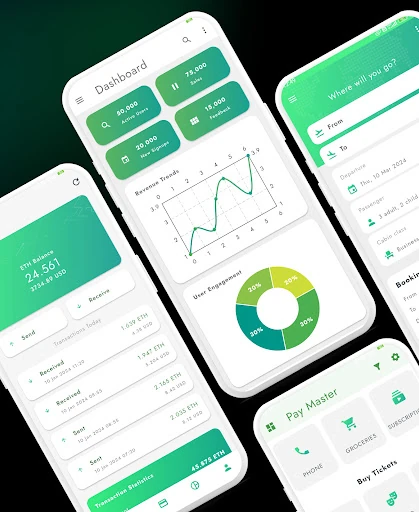
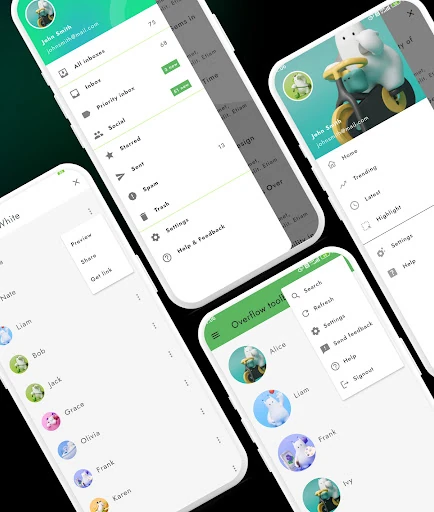
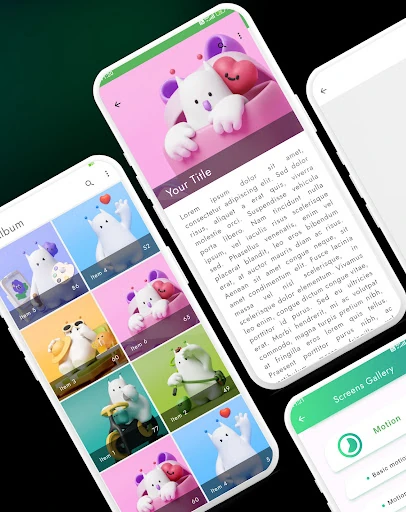
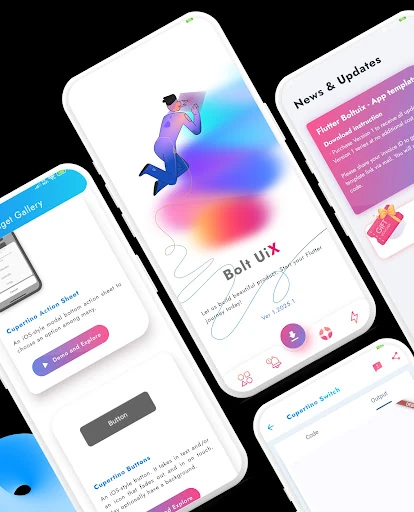
Click to download now, finish the installation quickly, and directly unlock the "all-round experience"
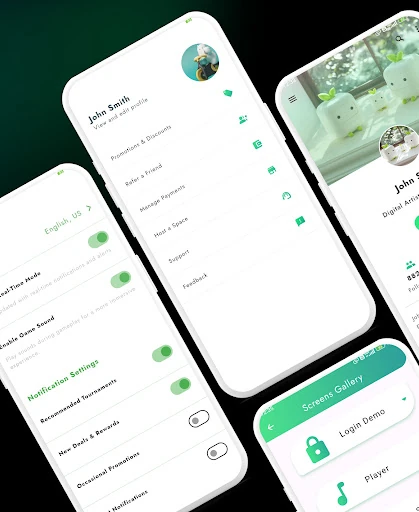
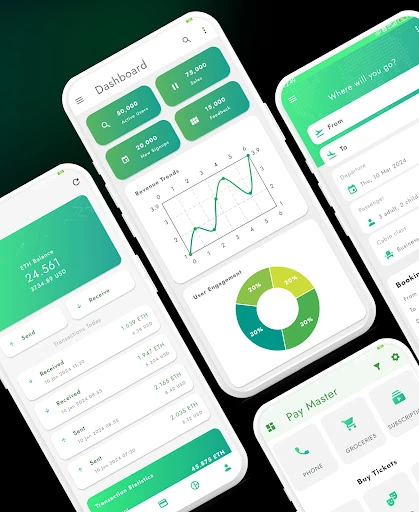
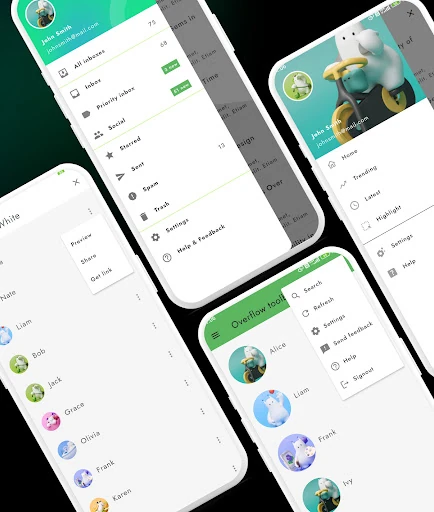
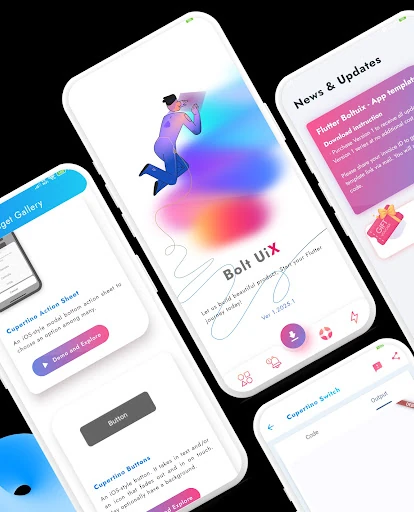
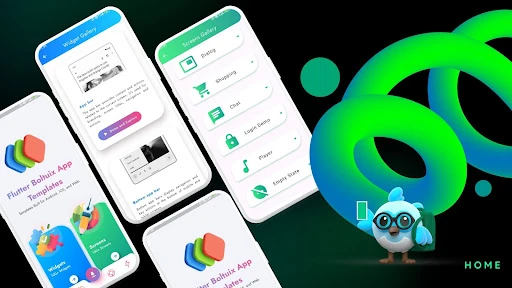
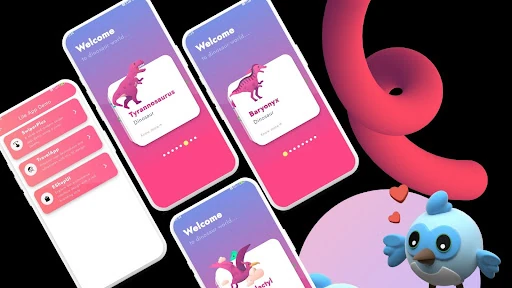
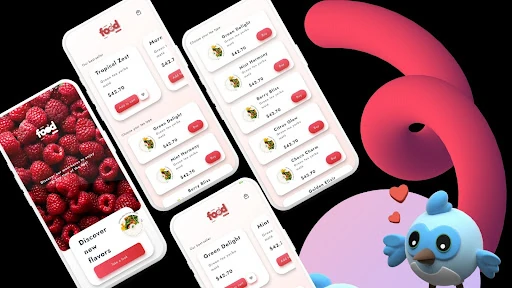
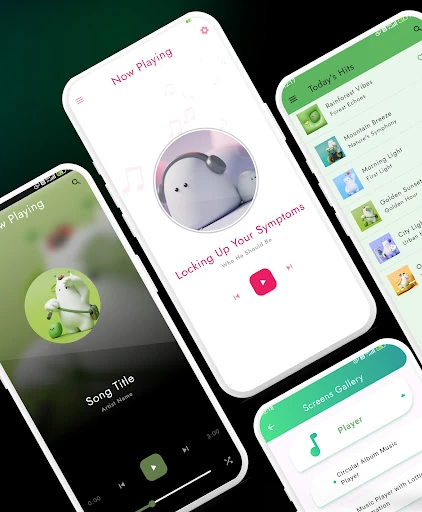
Flutter UI App Template, specifically the Boltuix edition, serves as a high-caliber repository for developers and designers operating within the Flutter ecosystem. Positioned as a premier entry in the Libraries & Demo category, this app functions as a live catalog of Material Design excellence. It effectively addresses the "blank canvas" problem by providing a comprehensive suite of pre-built, production-ready UI components. The template is designed to bridge the gap between complex UX concepts and functional Dart code, making it an essential reference tool for rapid prototyping and high-fidelity application development.
The user interface of the Flutter UI App Template is a testament to the flexibility of the Flutter framework. It adheres strictly to modern Material Design principles, offering a clean, grid-based navigation system that makes browsing through dozens of components intuitive. The UX is optimized for discovery; users can quickly jump from typography samples to complex dashboard layouts with minimal friction. The use of the Material Color Palette API ensures that the app remains visually cohesive even when demonstrating a vast array of disparate elements like "Bottom Sheets" or "Stepper Transitions."
While the app is an excellent visual reference, the addition of a "Live Code Preview" feature—where users could toggle a view to see the underlying Dart code for a specific widget—would greatly enhance its educational value. Furthermore, incorporating a search functionality to quickly find specific components (e.g., "Login" or "Calendar") would improve the workflow for developers using the app as a daily reference guide.
The Flutter UI App Template is a "must-have" resource for Flutter developers, UI designers, and startup founders who prioritize speed-to-market without compromising on aesthetic quality. It is particularly well-suited for those building enterprise-grade or consumer-facing Android applications. If you are looking to elevate your app's visual language and streamline your development pipeline, this toolkit provides a professional and authoritative foundation.