🏆 Expert Verdict & Overview
Remove It : Remove Objects enters the competitive photography landscape as a specialized utility designed to simplify the complex task of image retouching. As an analyst, I find its positioning particularly effective; rather than trying to be an all-in-one editor, it focuses on the "surgical" removal of unwanted elements using advanced AI precision. It addresses a core pain point for mobile photographers—cluttered backgrounds and distracting elements—by providing a streamlined, automated workflow that rivals desktop-grade software. The app is an authoritative solution for users who prioritize clean, high-quality visual storytelling without the steep learning curve of traditional editing suites.
🔍 Key Features Breakdown
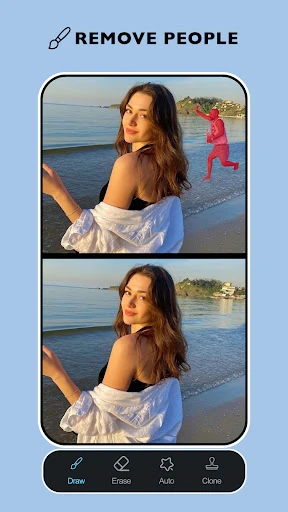
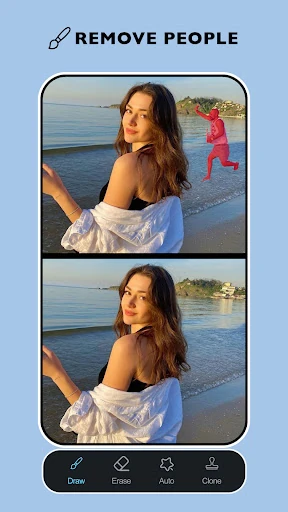
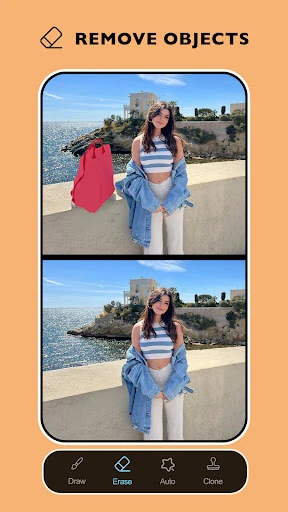
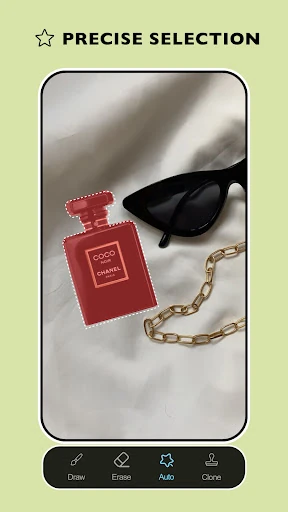
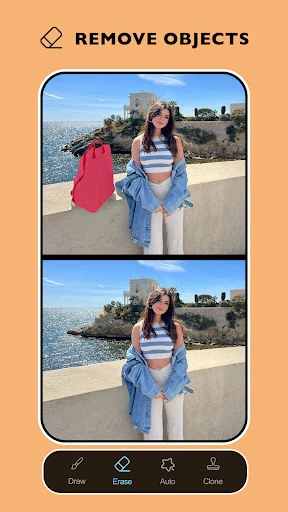
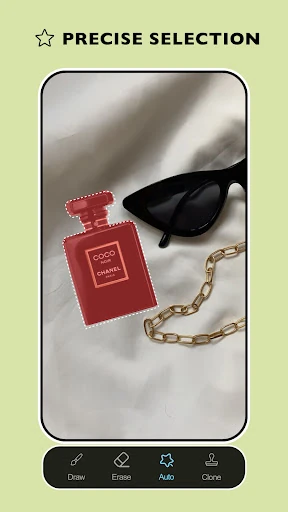
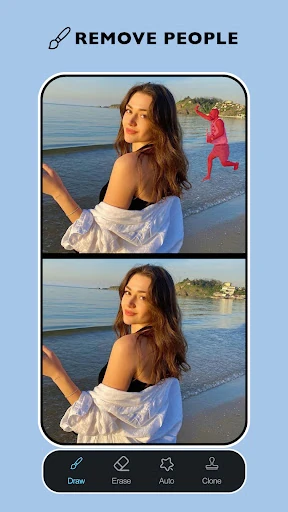
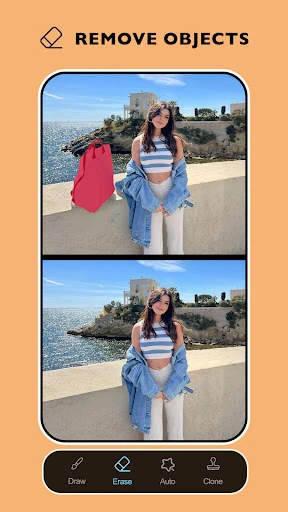
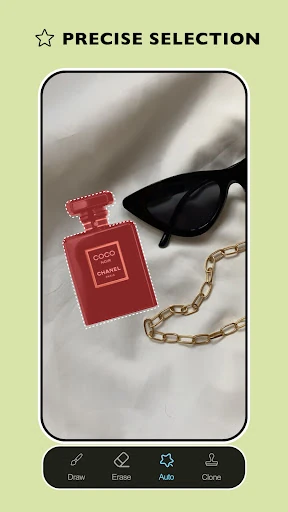
- Intelligent Object Removal: This feature leverages smart detection to identify and erase distractions like clutter or photobombers, automatically filling the gap with a context-aware background to maintain visual consistency.
- Portrait Skin Refinement: Specifically designed for portraiture, the Acne and Blemish Remover tools allow users to target skin imperfections while preserving natural textures, solving the problem of "over-processed" or artificial-looking skin.
- AI-Powered Background Eraser: Beyond simple object removal, this tool allows for the total isolation of subjects, enabling users to create clean, focused images suitable for professional or commercial use.
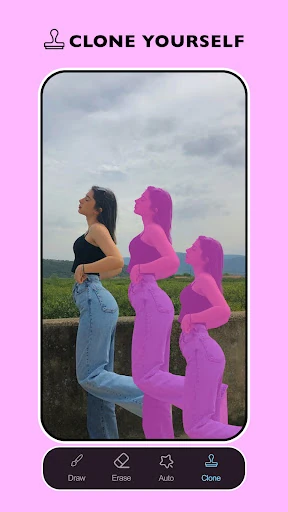
- Granular Control Tools: By offering adjustable brush sizes and undo/redo capabilities, the app provides a manual safety net for the AI, allowing users to refine complex edges where automated systems might struggle.
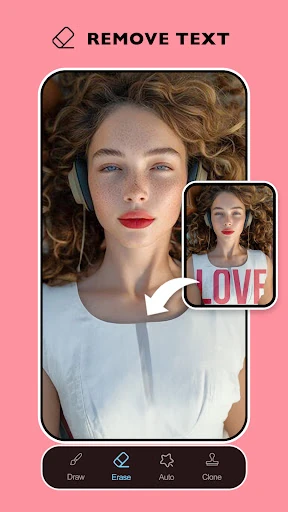
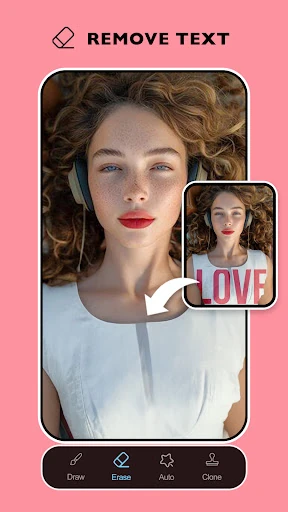
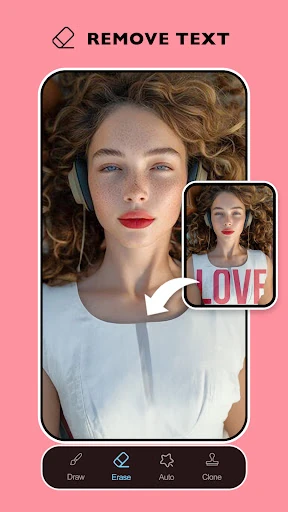
- Watermark and Text Eraser: This utility specifically targets logos and overlays, helping users reclaim the visual integrity of their photos by removing intrusive branding or accidental visual noise.
🎨 User Experience & Design
The UI of Remove It : Remove Objects is built on the principle of "discoverability," ensuring that even novice users can find the AI Eraser tools immediately upon launching. In the Photography category, UX is often judged by the speed of the "action-to-result" loop, and this app excels by minimizing menus. The brush interface is responsive, providing tactile feedback that makes the selection process feel organic. Furthermore, the inclusion of an instant "before and after" preview is a critical design choice that builds user trust in the AI's capabilities, allowing for immediate validation of the edit's quality.
⚖️ Pros & Cons Analysis
- ✅ The Good: Highly sophisticated AI blending that prevents the "smudged" look common in lower-tier removal apps.
- ✅ The Good: Versatile application, ranging from high-level landscape cleaning to micro-level facial retouching.
- ❌ The Bad: The AI can occasionally struggle with highly detailed or geometric backgrounds, requiring multiple passes.
- ❌ The Bad: Performance may vary on older hardware when processing high-resolution images due to the heavy computational load of the AI.
🛠️ Room for Improvement
For future iterations, the app could benefit from an AI-driven "Shadow Reconstructor." Currently, when large objects are removed, the remaining lighting can sometimes feel inconsistent. Adding a tool that automatically adjusts or generates shadows in the vacated space would elevate the realism further. Additionally, a batch-processing feature for removing consistent watermarks across multiple photos would be a significant productivity boost for power users.
🏁 Final Conclusion & Recommendation
Remove It : Remove Objects is a must-have utility for social media content creators, casual photographers, and digital marketers who require "clean" assets quickly. It successfully demystifies the retouching process, making it accessible to anyone with a smartphone. While it is a specialized tool, its excellence in object removal makes it a perfect companion to broader editing apps. We highly recommend it for users who want to transform cluttered snapshots into professional-grade photographs with minimal manual effort.