Advertisement
Click to download now, finish the installation quickly, and directly unlock the "all-round experience"
Advertisement
Screenshots
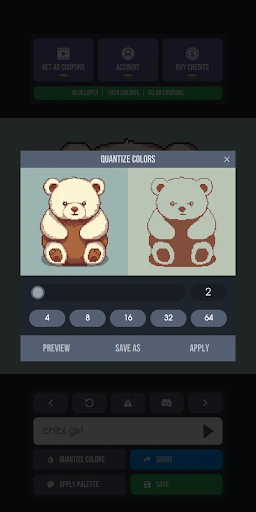
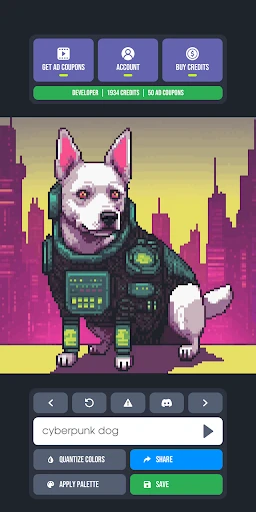
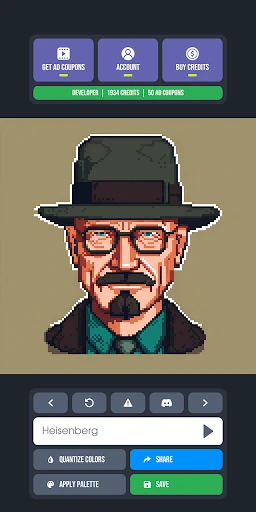
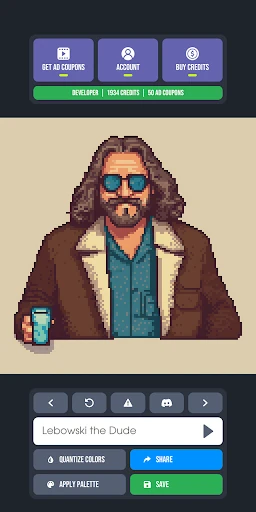
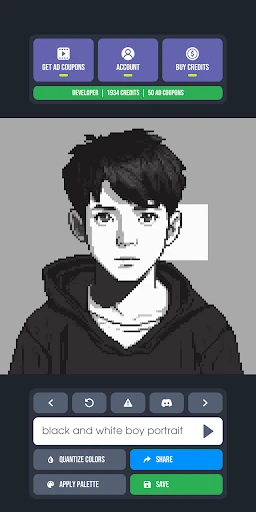
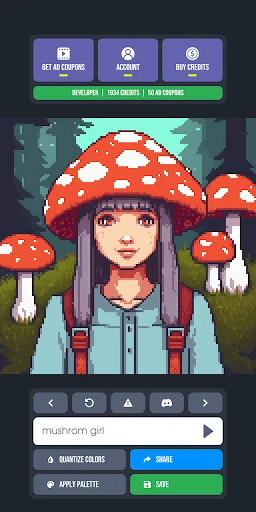
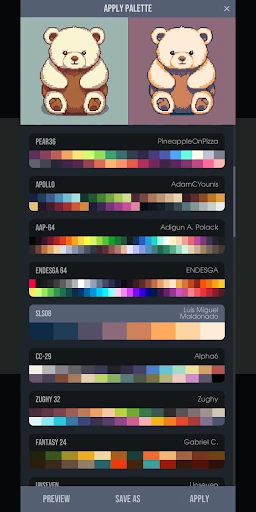
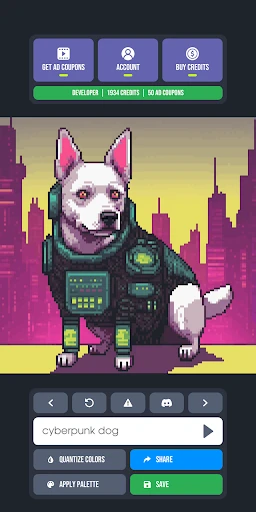
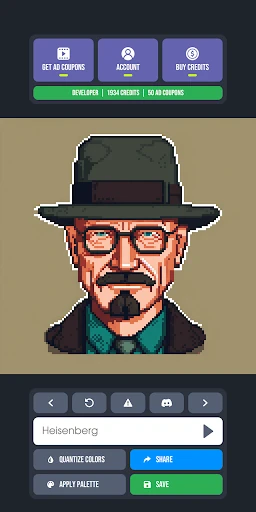
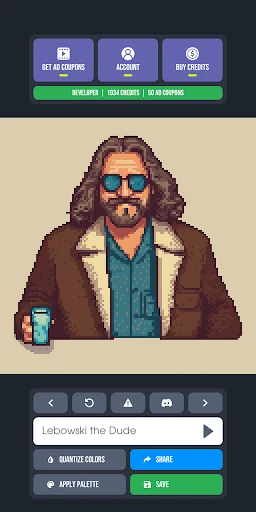
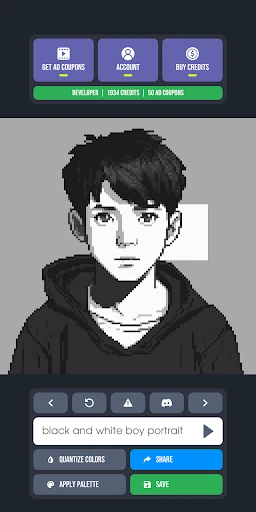
Click to download now, finish the installation quickly, and directly unlock the "all-round experience"
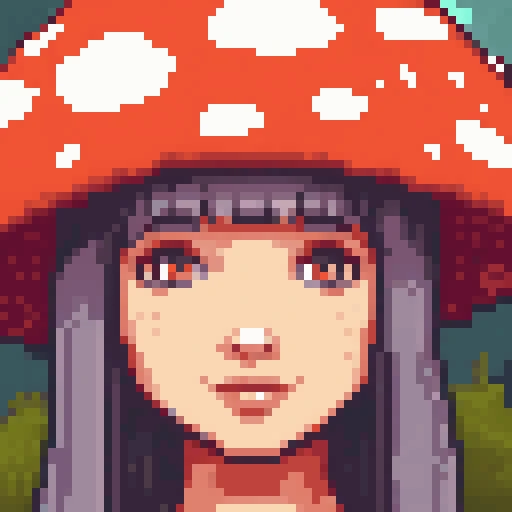
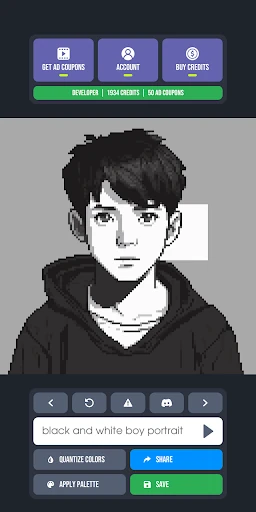
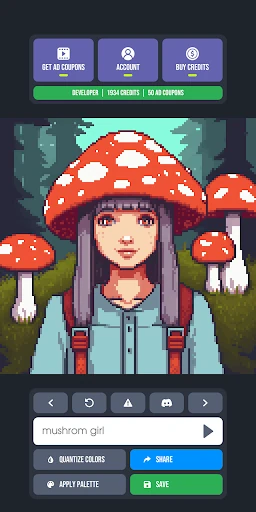
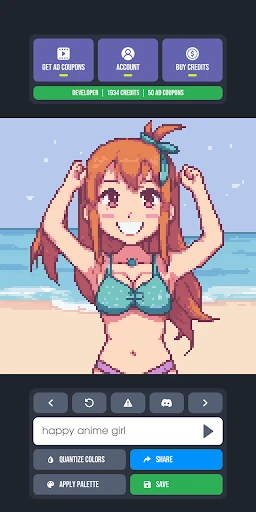
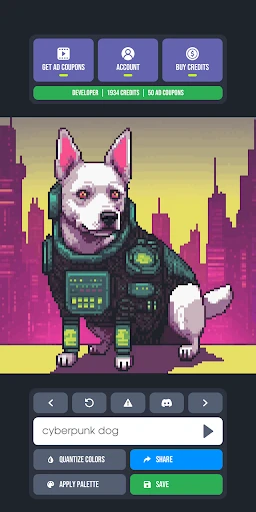
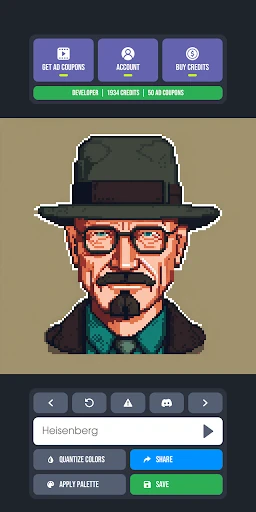
Pixel Diffusion represents a specialized evolution in the generative AI space, specifically targeting the Art & Design niche of retro aesthetics. Unlike broad-spectrum AI generators that often struggle with the mathematical precision of grid-based art, Pixel Diffusion distinguishes itself by focusing on "pixel-perfect" output. It effectively bridges the gap between modern latent diffusion models and the technical constraints of classic 8-bit and 16-bit artistry, making it a noteworthy tool for both hobbyists and indie game developers looking for rapid prototyping assets.
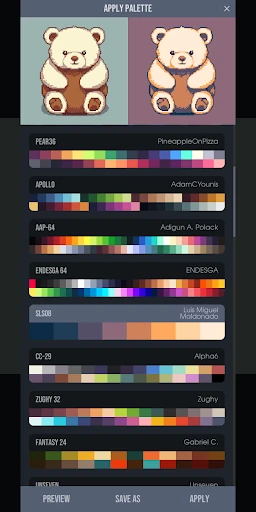
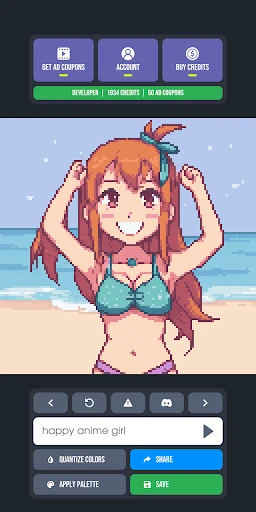
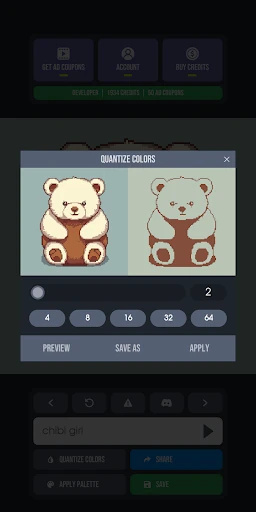
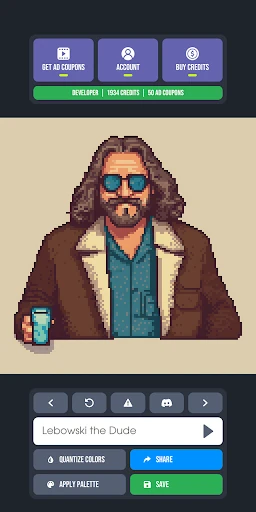
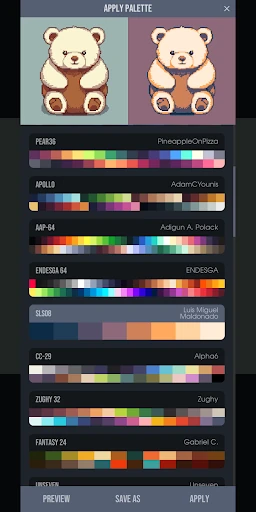
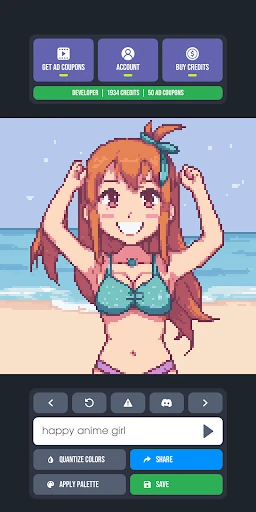
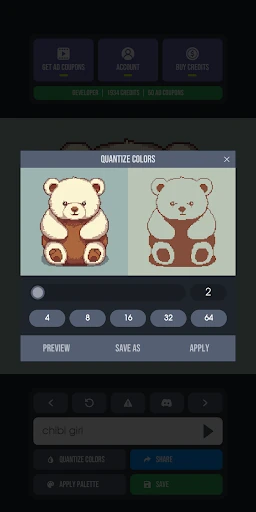
The interface of Pixel Diffusion is designed around a high-velocity workflow, catering to the Art & Design category's need for iterative experimentation. The UX prioritizes the prompt entry and immediate visual feedback, minimizing the friction between an idea and a rendered asset. While the design is utilitarian, its focus on "pixel perfection" ensures that the output is not just a digital image, but a functional asset that can be further refined in dedicated pixel editors, demonstrating a deep understanding of the professional creator's pipeline.
To further solidify its position as a professional-grade tool, Pixel Diffusion could benefit from the implementation of "In-Painting" features, allowing users to regenerate specific sections of a pixel canvas. Additionally, adding support for exporting in formats compatible with professional software like Aseprite or including a basic layer system would greatly enhance its utility for game development workflows.
Pixel Diffusion is an essential tool for indie game developers, retro art enthusiasts, and digital illustrators who need high-quality pixel assets without the hours of manual placement. It is best suited for those who need to generate backgrounds, icons, or character concepts quickly. While it doesn't replace a skilled pixel artist for final polished work, it serves as an incredible "starting point" and inspiration engine for any retro-themed creative project.