
Advertisement
Click to download now, finish the installation quickly, and directly unlock the "all-round experience"
Advertisement
Screenshots
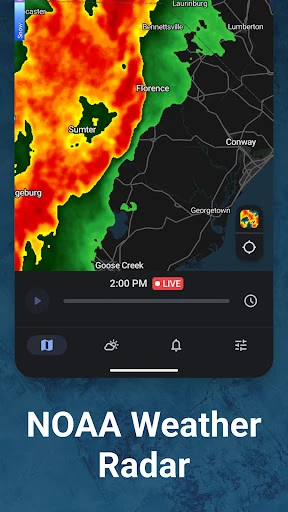
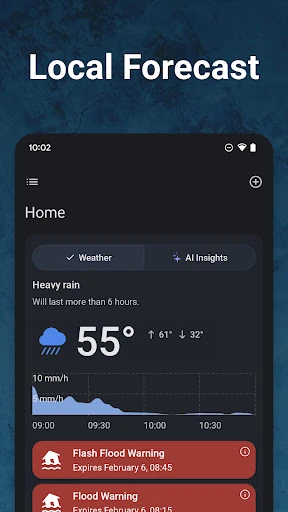
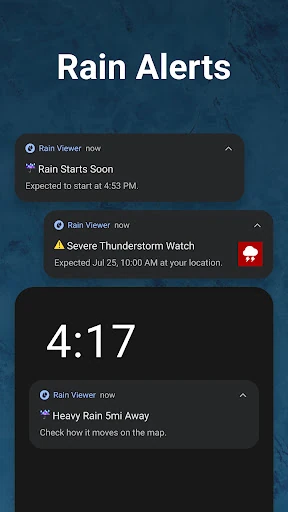
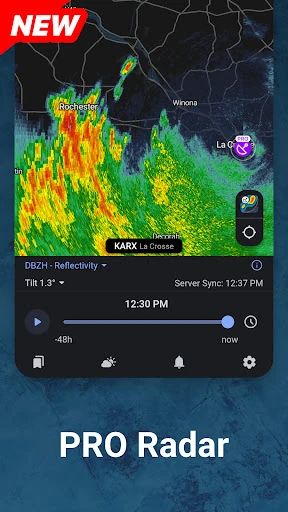
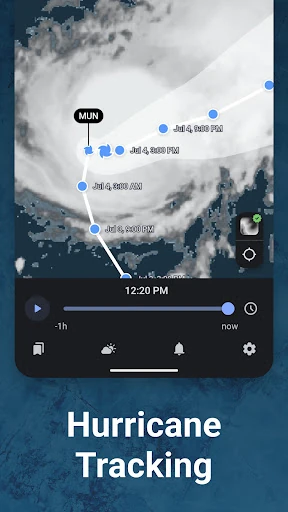
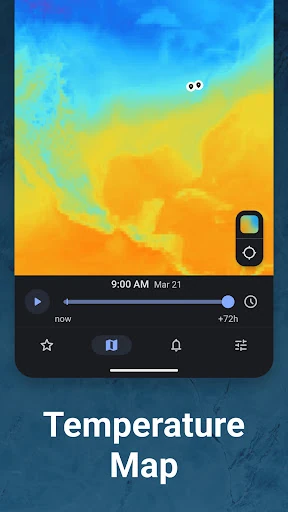
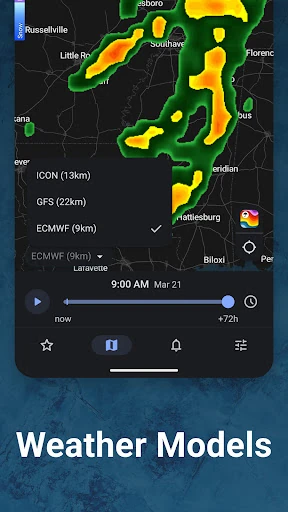
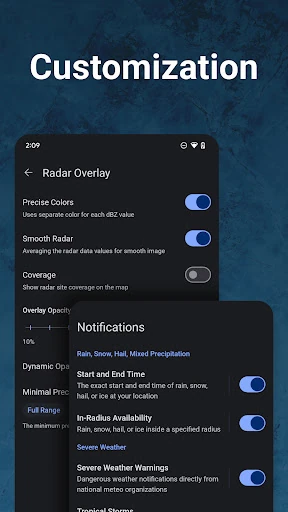
Click to download now, finish the installation quickly, and directly unlock the "all-round experience"
Rain Viewer: Weather Radar Map distinguishes itself in a crowded weather category by bypassing third-party data aggregators and processing raw radar data in-house. This technical independence allows it to offer a level of granularity and speed that few competitors can match. In the current weather landscape, where data accuracy is often sacrificed for flashy animations, Rain Viewer prioritizes professional-grade utility, making it a "must-have" tool for users who require precise, short-term precipitation forecasts without the delay typically found in consumer-grade apps.
The UI of Rain Viewer is a masterclass in modern Android development. Leveraging 60fps vector maps, the interface feels fluid and responsive, avoiding the stuttering often associated with heavy data overlays. The inclusion of precipitation direction arrows and a clean, clutter-free layout enhances readability even when viewing complex data layers. The design philosophy balances professional utility with aesthetic minimalism, ensuring that both casual users and "weather nerds" can navigate the app without friction.
While the app excels in technical data delivery, adding an "Educational Overlay" or tooltips to explain complex radar products (such as correlation coefficient) would help bridge the gap for novice users. Additionally, integrating more localized community reporting features could complement the raw radar data with ground-level observations for even higher accuracy in micro-climates.
Rain Viewer: Weather Radar Map is the definitive choice for outdoor professionals, travelers, and weather enthusiasts who value raw data accuracy over generic, simplified forecasts. It is highly recommended for those living in regions prone to sudden severe weather who need reliable, low-latency radar tracking. If you want to see exactly where the storm is moving without the fluff, this is your primary weather tool.