🏆 Expert Verdict & Overview
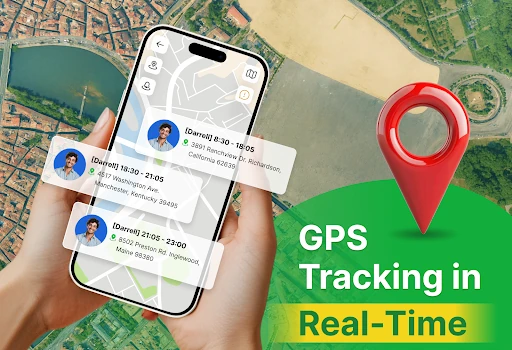
GPS Location & Phone Tracker enters the competitive Tools category with a refreshing emphasis on ethical tracking and user agency. Unlike many "stealth" locator apps that raise privacy concerns, this utility prioritizes mutual consent and transparency. By integrating geofencing, real-time sharing, and location history into a secure framework, it establishes itself as a reliable companion for family safety and group coordination, ensuring that users remain in total control of their digital footprint at all times.
🔍 Key Features Breakdown
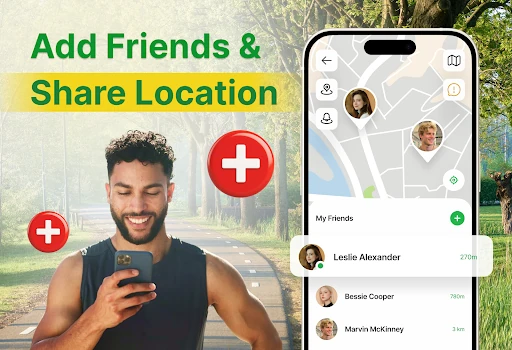
- Mutual Consent Sharing: Utilizes QR and invite codes to ensure location data is only exchanged after both parties explicitly agree, effectively preventing unauthorized or "stealth" tracking.
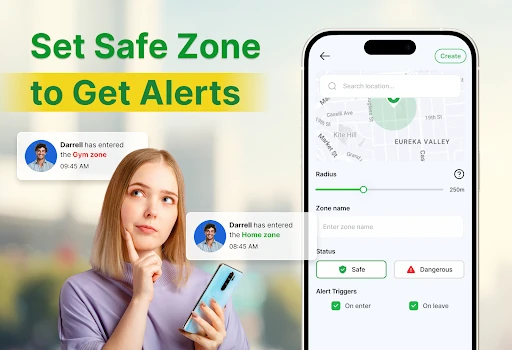
- Safe-Zone Geofencing: Allows users to define custom perimeters like "Home," "School," or "Work," sending automated entry and exit alerts to keep contacts informed without the need for constant manual check-ins.
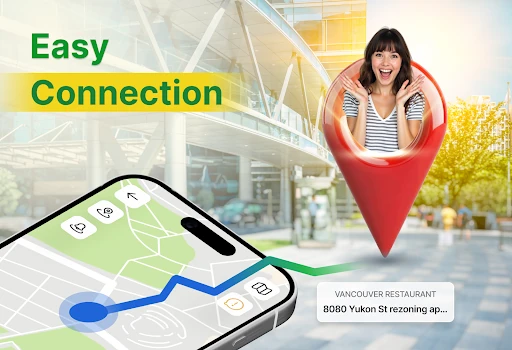
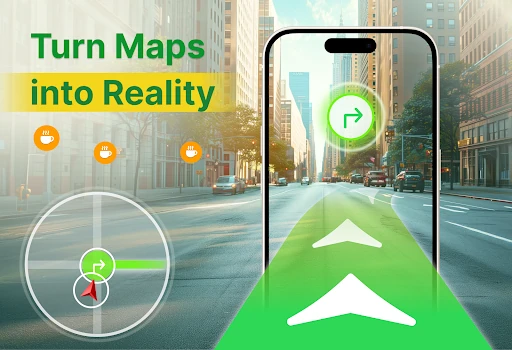
- Interactive Street-Level Previews: Integrates Mapillary imagery to provide visual context of a location, helping users identify exact meeting points or unfamiliar surroundings before they arrive.
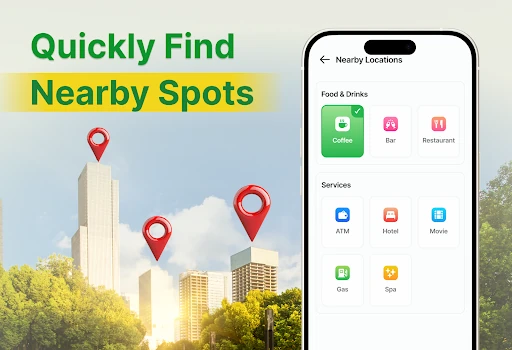
- Nearby POI Discovery: Includes a built-in search for essential services like ATMs, gas stations, and cafes, with one-tap integration to external map apps for seamless navigation.
🎨 User Experience & Design
The user interface is built around a "Privacy First" philosophy, which is evident in its straightforward navigation and clear visual indicators. The UX is characterized by its high level of transparency, most notably through the persistent notification that serves as a constant reminder when sharing is active. The onboarding process via QR codes simplifies what is traditionally a cumbersome setup in location apps. While the design is functional and adheres to modern Android Tools standards, the use of WebViews for street imagery suggests a focus on utility over a deeply integrated native aesthetic.
⚖️ Pros & Cons Analysis
- ✅ The Good: Exceptional transparency with mandatory persistent notifications and zero hidden tracking features.
- ✅ The Good: Granular privacy controls that allow users to pause sharing, clear history, or manage contacts instantly.
- ❌ The Bad: Heavy reliance on background location services for geofencing can lead to increased battery drain if multiple zones are active.
- ❌ The Bad: The street-level preview relies on a third-party WebView, which may not feel as fluid or responsive as a native map implementation.
🛠️ Room for Improvement
To further enhance the user experience, the developer could implement more granular notification schedules for geofencing, such as allowing alerts only during specific hours of the day. Additionally, replacing the WebView-based street imagery with a native API integration would improve performance. A "Battery Saver" mode that intelligently adjusts GPS ping frequency based on the user's velocity would also be a significant technical upgrade for power users.
🏁 Final Conclusion & Recommendation
GPS Location & Phone Tracker is the ideal solution for privacy-conscious families, travel groups, and small teams who require location awareness without the ethical baggage of surveillance-style apps. It successfully balances functional utility with rigorous consent protocols. We recommend this app for any user who prioritizes transparency and wants a secure, easy-to-manage tool for staying connected with their trusted circle.