Advertisement
Click to download now, finish the installation quickly, and directly unlock the "all-round experience"
Advertisement
Screenshots
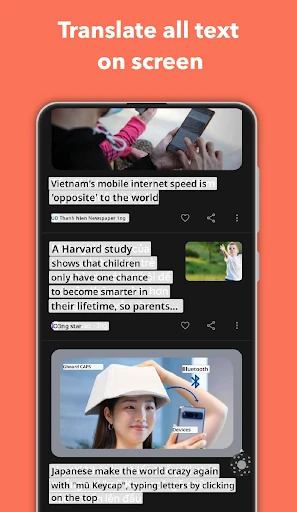
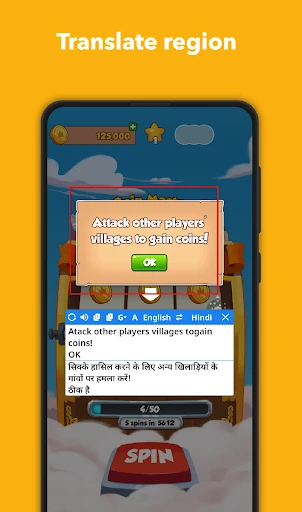
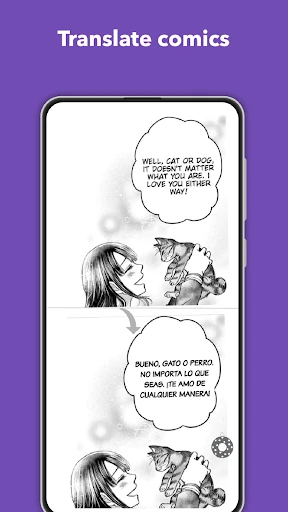
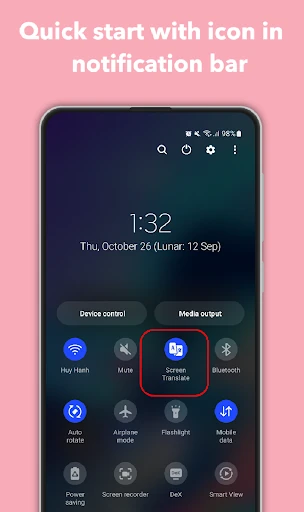
Click to download now, finish the installation quickly, and directly unlock the "all-round experience"
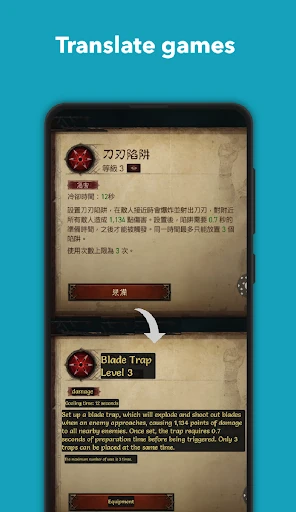
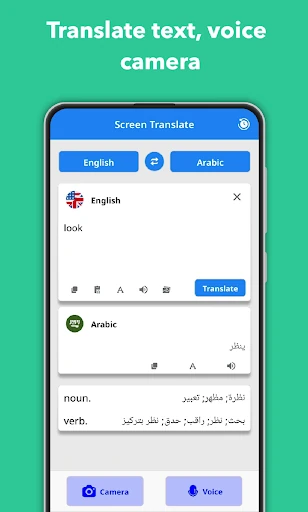
Translate On Screen emerges as a critical utility within the Education and Productivity sectors, bridging the gap between static language learning and real-time application. By functioning as a sophisticated overlay, it removes the friction of "app-switching" that traditionally hampers users when engaging with foreign language content. Whether it is a mobile gamer navigating a Japanese RPG, a student reading digital manga, or an expat using a local shopping app, Translate On Screen provides an immediate linguistic bridge. Its integration of Optical Character Recognition (OCR) technology positions it as more than just a dictionary; it is a contextual interpretation tool that enhances digital accessibility across the global Android ecosystem.
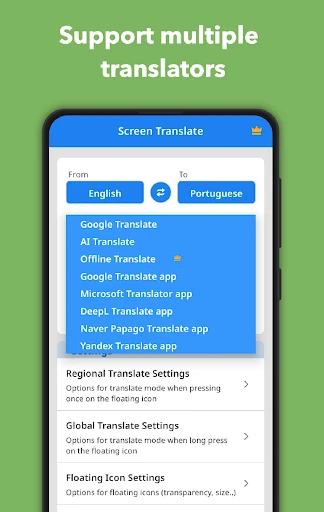
The user experience is centered around the concept of non-intrusive assistance. The UI is designed to remain "invisible" until needed, utilizing a floating icon that minimizes screen real estate usage. For an Education category app, this is vital as it prioritizes the primary content—be it a document or a game—over its own interface. The setup process is straightforward, though it requires specific system permissions to "Display over other apps," which is handled with enough transparency to guide even non-technical users. The design language is functional and clean, focusing on speed and accessibility rather than ornamental graphics.
To further elevate the user experience, future updates should consider an "Offline Mode" for basic language pairs to assist users in low-connectivity environments. Additionally, refining the OCR engine to better handle stylized or handwritten-style fonts common in manga and comics would significantly benefit its core enthusiast audience. Implementing a "translation history" log could also help students review and memorize the phrases they have translated, strengthening the app's educational value.
Translate On Screen is an essential tool for gamers, language students, and international shoppers who frequently encounter language barriers in non-text-based environments. It effectively turns the entire Android OS into a readable, localized experience. We highly recommend this app for any user looking to consume foreign media or navigate foreign-language applications without the constant frustration of manual translation. It is a robust, "set-it-and-forget-it" solution that delivers on its promise of universal screen interpretation.