Advertisement
Click to download now, finish the installation quickly, and directly unlock the "all-round experience"
Advertisement
Screenshots
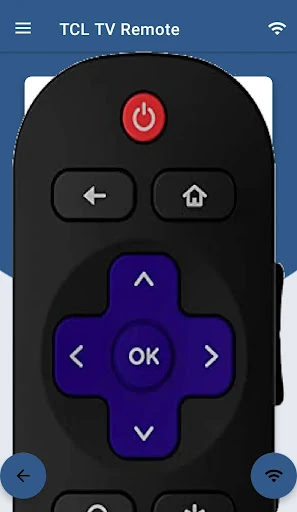
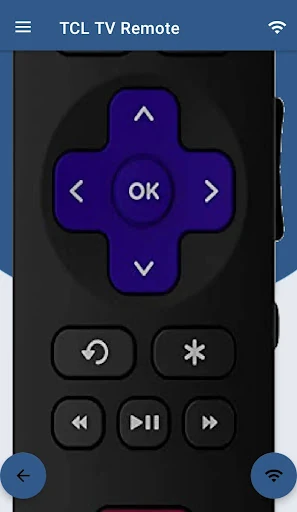
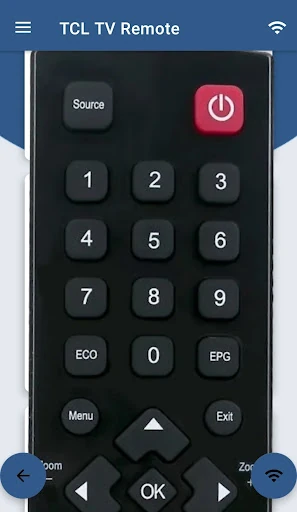
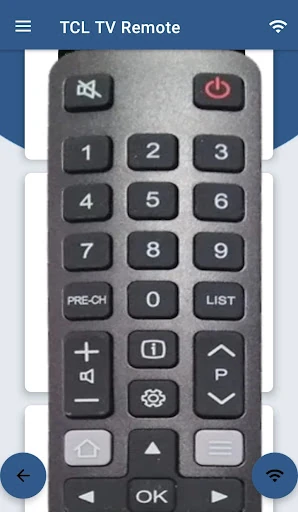
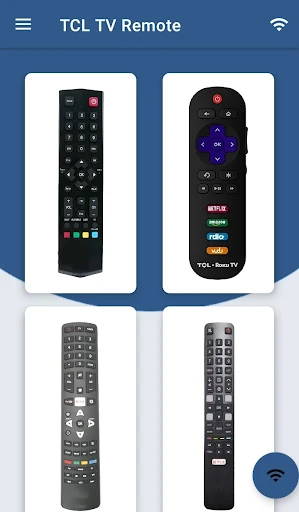
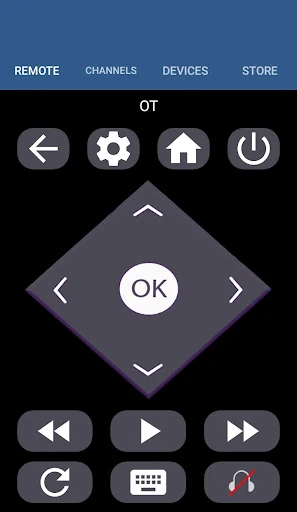
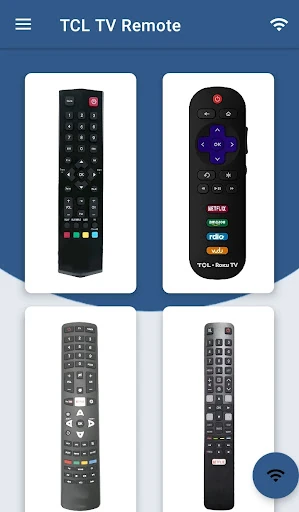
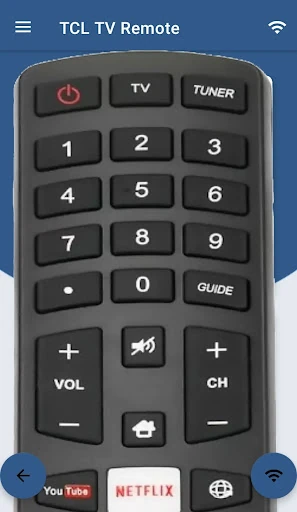
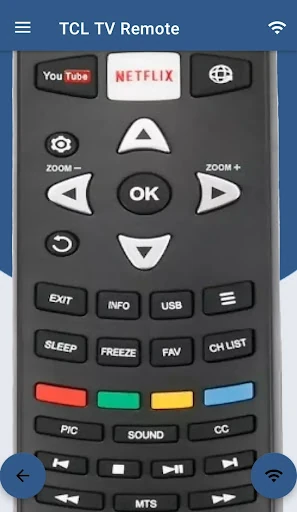
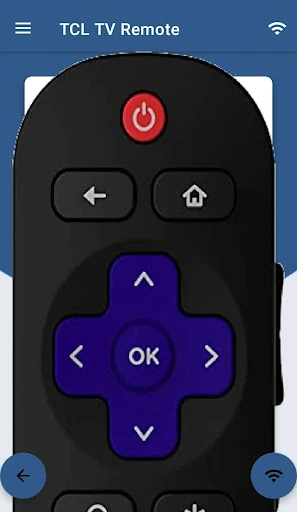
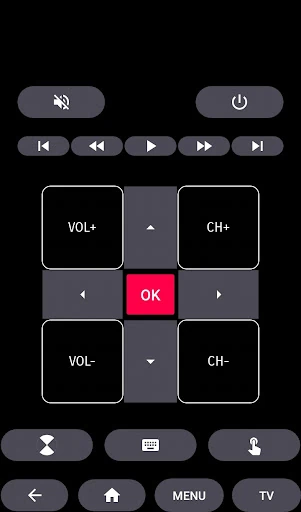
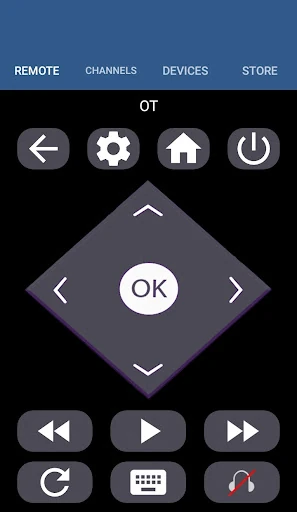
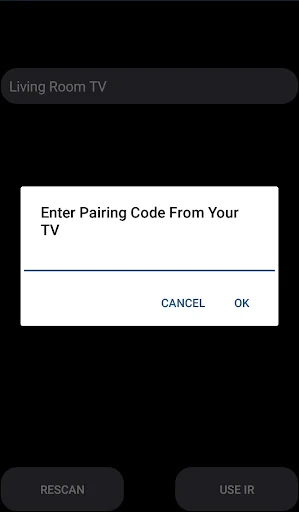
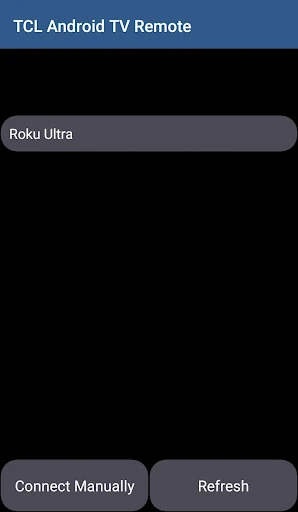
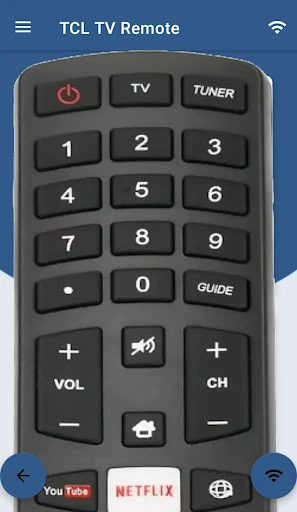
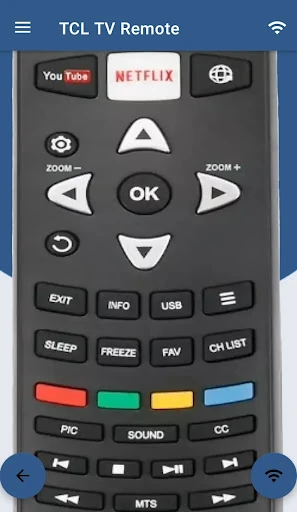
Click to download now, finish the installation quickly, and directly unlock the "all-round experience"
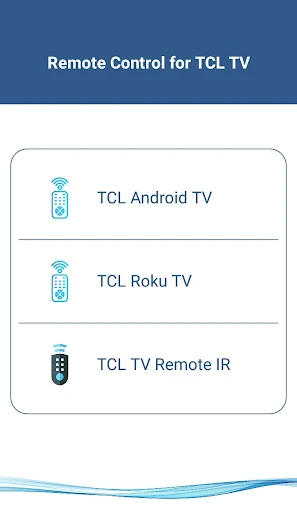
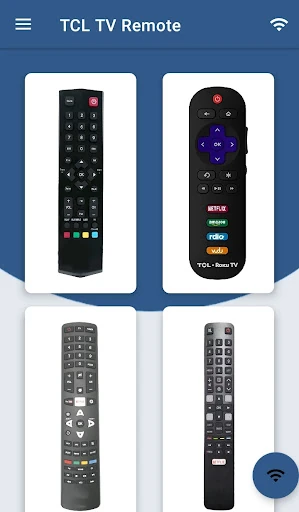
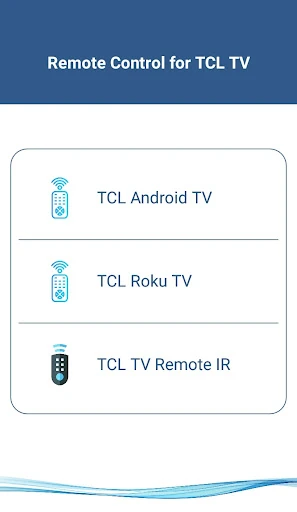
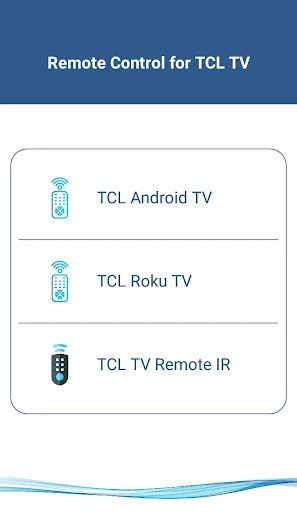
The TCL Android TV Remote emerges as a versatile, third-party utility designed to bridge the gap between physical hardware and digital convenience within the House & Home ecosystem. In an era where physical remotes are often lost or rendered useless by battery failure, this app provides a robust fail-safe. It stands out by offering a unified control interface that supports the broad spectrum of TCL’s display technology, including Android TV, Roku TV, and legacy IR-based models. As a senior analyst, I find its multi-protocol approach—utilizing both Wi-Fi networking and Infrared—to be a practical solution for households with a mix of modern and aging hardware.
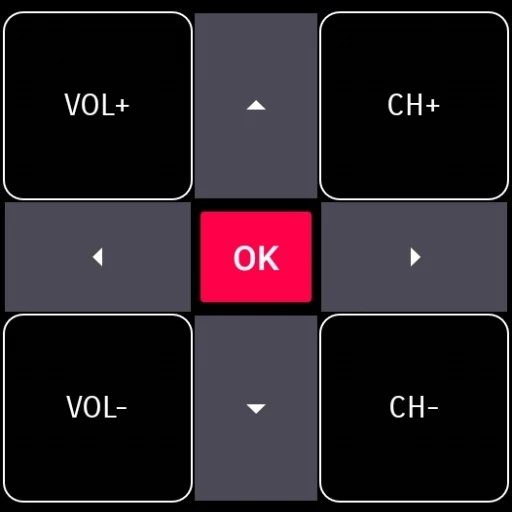
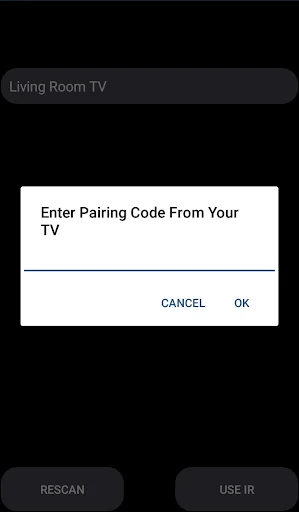
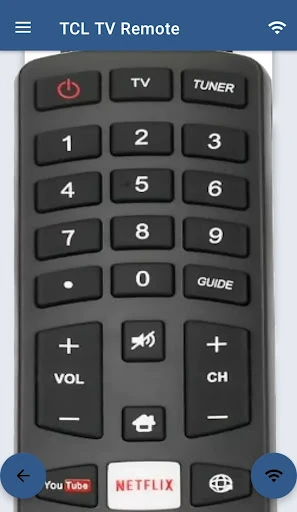
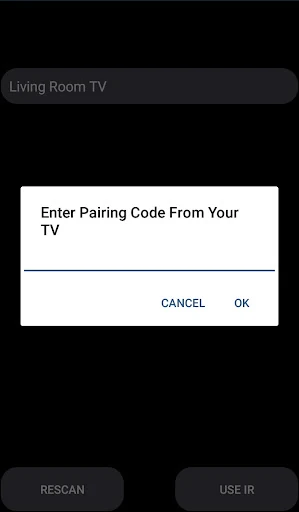
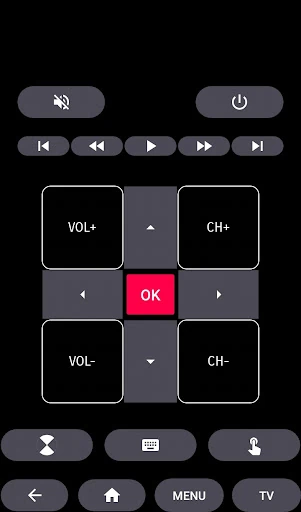
In the House & Home category, user friction is the primary enemy. The TCL Android TV Remote addresses this by mimicking the familiar layout of a physical remote while leveraging the smartphone's capacitive screen. The setup process for Smart TVs is notably straightforward: as long as the mobile device and TV share a Wi-Fi network, the discovery phase is nearly instantaneous. While the UI focuses more on utility than aesthetic flair, the responsiveness of the touch-based navigation provides a tactile advantage over the "mushy" buttons found on many stock remotes. However, users with older phones lacking an IR blaster will find the legacy support inaccessible, which is a hardware limitation rather than a software flaw.
To truly dominate the smart home space, the app could benefit from the integration of voice command shortcuts, allowing users to search for content via the phone's microphone. Additionally, adding haptic feedback (vibration) for button presses would enhance the UX by providing confirmation during "blind" operation in dark rooms. A customizable button layout or "Favorites" bar for specific streaming apps would also significantly reduce the time spent navigating menus.
The TCL Android TV Remote is a highly recommended tool for TCL owners who want a reliable backup to their physical hardware. It is particularly valuable for power users who manage multiple TCL displays across different operating systems (Roku and Android TV). While the inclusion of ads is expected in a free third-party utility, the functionality it provides—specifically the touch pad and easy Wi-Fi pairing—makes it a superior alternative to many generic remote apps on the Play Store. If your physical remote is broken or you simply prefer the convenience of your phone, this is a top-tier utility for your digital home.