Advertisement
Click to download now, finish the installation quickly, and directly unlock the "all-round experience"
Advertisement
Screenshots
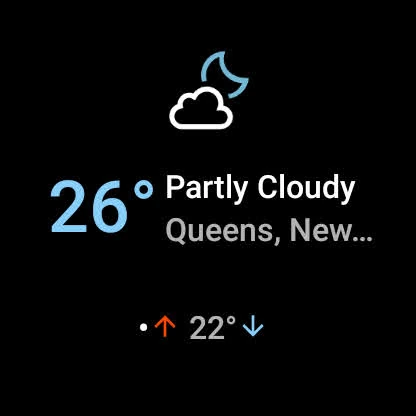
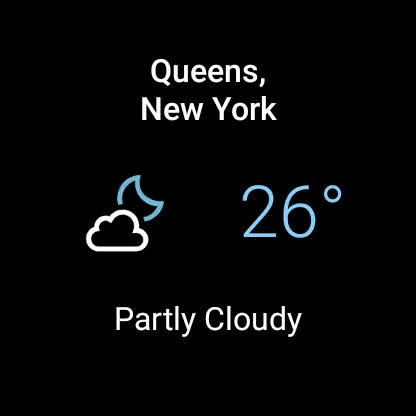
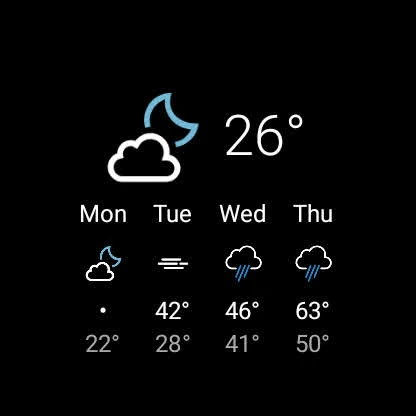
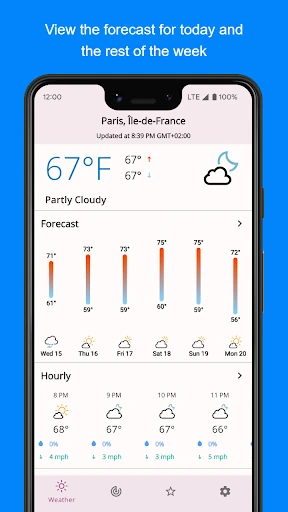
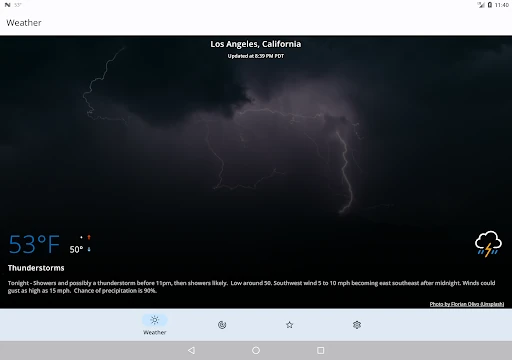
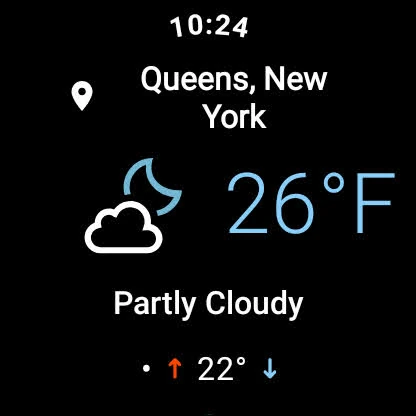
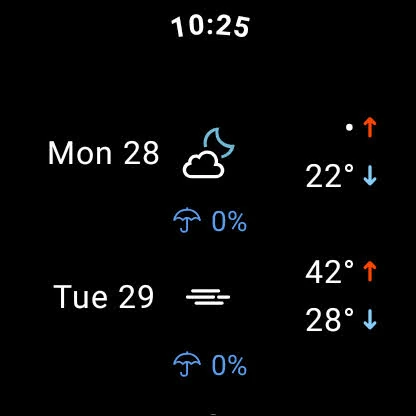
Click to download now, finish the installation quickly, and directly unlock the "all-round experience"
SimpleWeather distinguishes itself in a saturated market by prioritizing utility over aesthetics and data over advertisements. As a refreshingly minimalist entry in the Weather category, it serves as a robust alternative to bloatware-heavy stock applications. By offering a clean, ad-free environment and a flexible approach to data providers, SimpleWeather empowers power users while remaining accessible to casual observers who simply want an accurate forecast without the noise of modern data-mining apps.
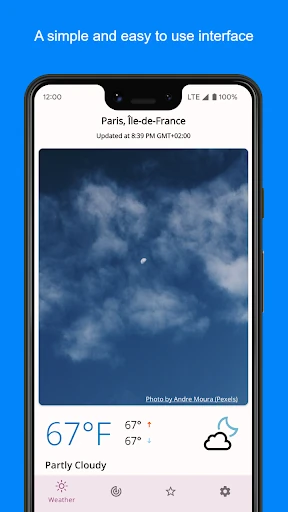
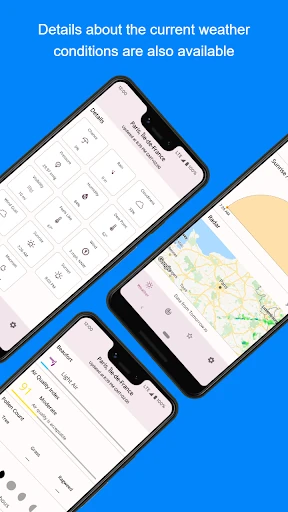
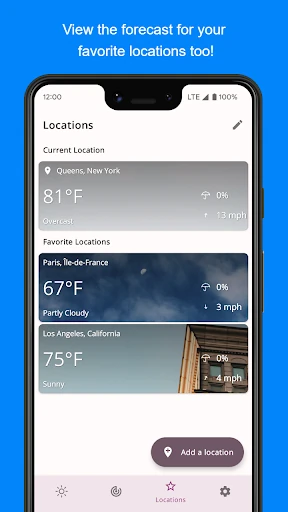
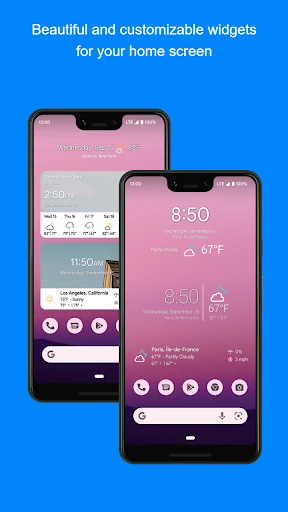
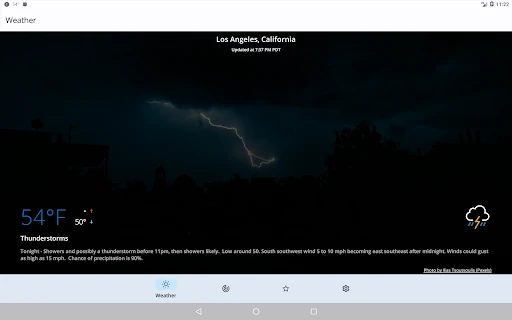
The design philosophy of SimpleWeather is rooted in efficiency and clarity. The user interface leverages the well-regarded Erik Flowers iconography, providing a cohesive and professional visual language that is easy to interpret at a glance. The user experience is built on intuitive gestures: a simple pull-to-refresh mechanism and a vertical scroll for deeper data layers. While it eschews the flashy animations found in "lifestyle" weather apps, it gains significant points for speed and a lack of visual clutter, adhering to modern Material Design sensibilities.
To further enhance its market position, SimpleWeather could introduce a more streamlined, in-app walkthrough for setting up third-party API keys. Additionally, while RainViewer is supported, a more deeply integrated interactive radar map would provide the visual context that many weather enthusiasts look for. Expanding the icon set options could also allow for more personalization without compromising the app's signature simplicity.
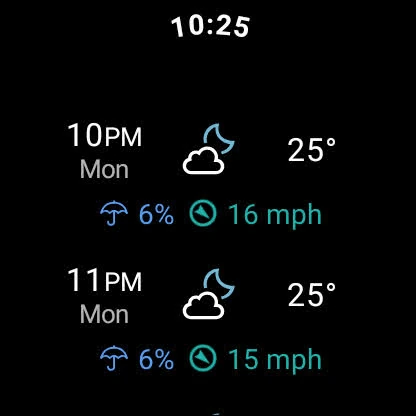
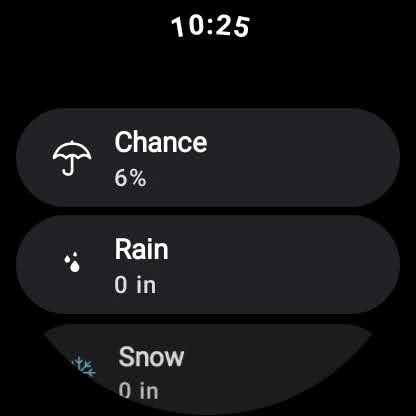
SimpleWeather is the ideal choice for the "Pro-sumer" minimalist who values data integrity over visual flair. It is specifically recommended for privacy-conscious users and Wear OS enthusiasts who want a lightweight, functional tool. If you are tired of weather apps that feel like advertising platforms, SimpleWeather is the definitive functional upgrade for your device.