Trace Drawing-Sketch and Paint
GeniusTools Labs
Downloads
1,000,000+
Version
Latest
Advertisement
Click to download now, finish the installation quickly, and directly unlock the "all-round experience"
Advertisement
Screenshots


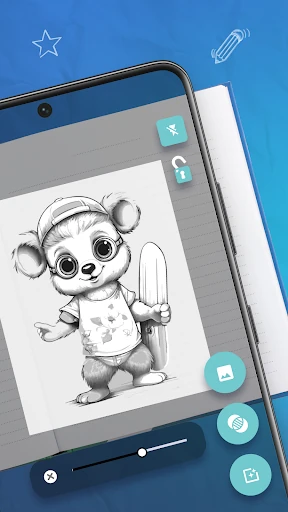
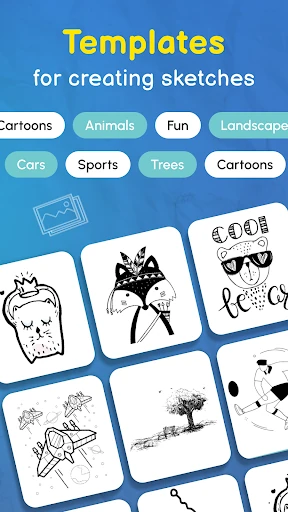
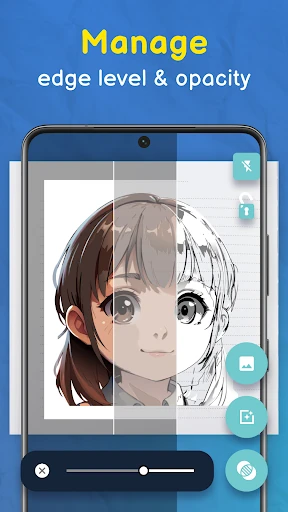


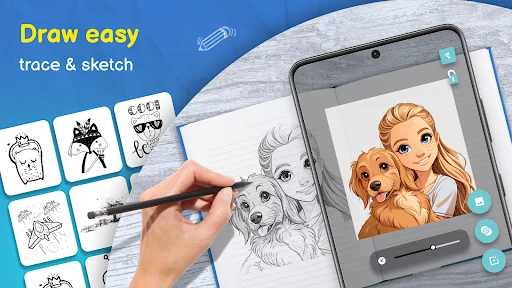




Click to download now, finish the installation quickly, and directly unlock the "all-round experience"
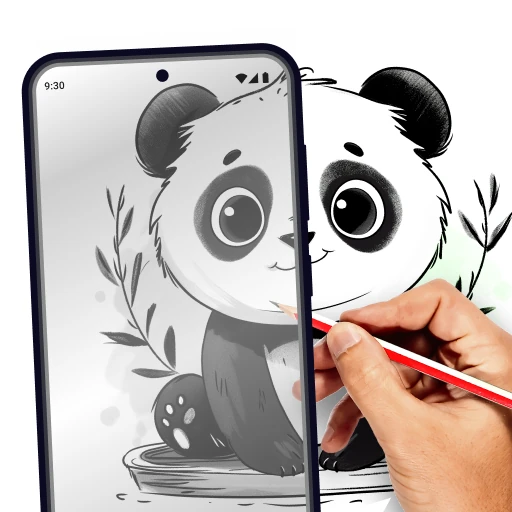
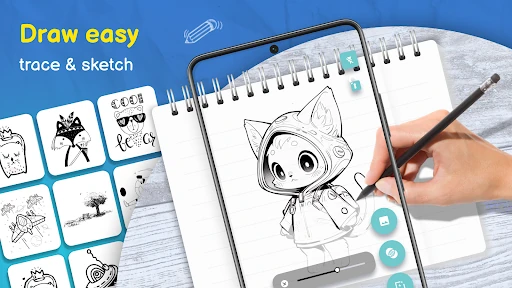
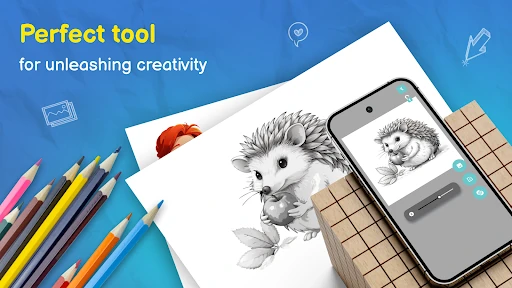
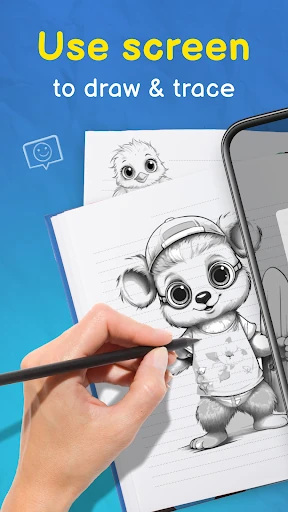
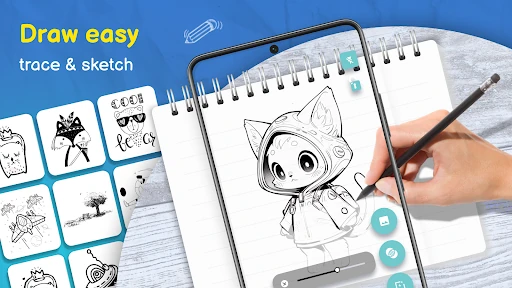
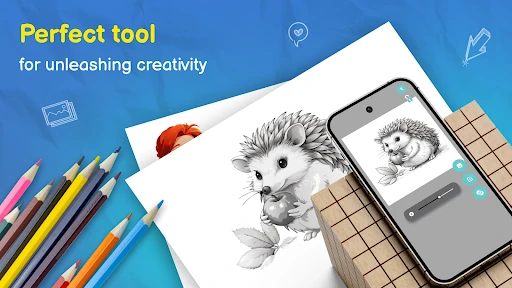
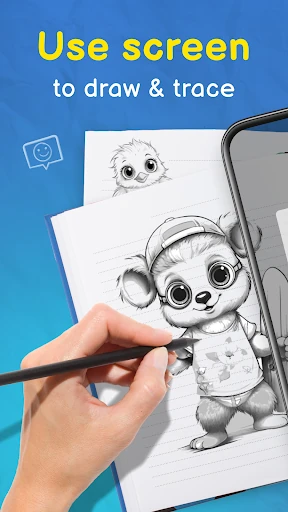
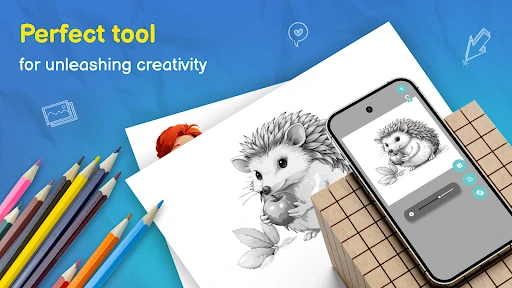
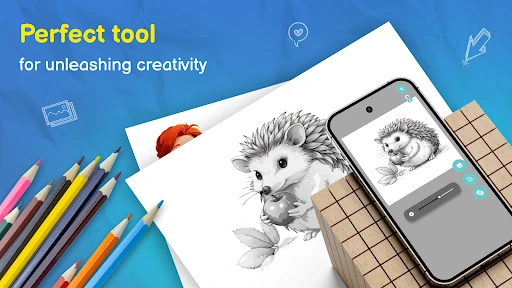
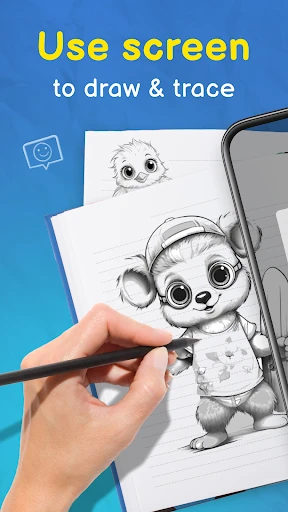
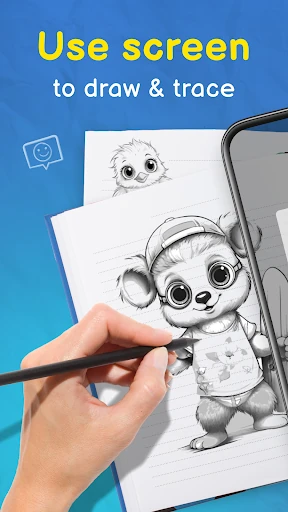
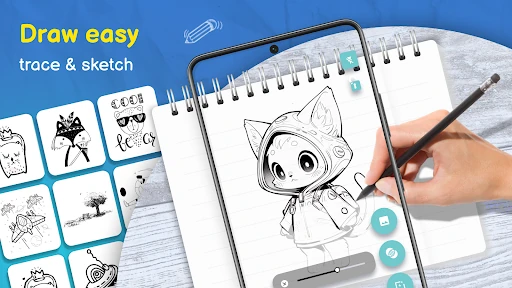
Trace Drawing-Sketch and Paint enters the competitive Art & Design category as a bridge between digital assistance and traditional craftsmanship. By leveraging the smartphone as a modern-day camera lucida, the app democratizes artistic creation for those who feel intimidated by a blank canvas. It positions itself not just as a tool for replication, but as a pedagogical aid that helps users understand proportions and line work through the act of tracing. In the current landscape of creative apps, it stands out for its focus on physical output, encouraging users to move away from the screen and back to paper, canvas, and tangible media.
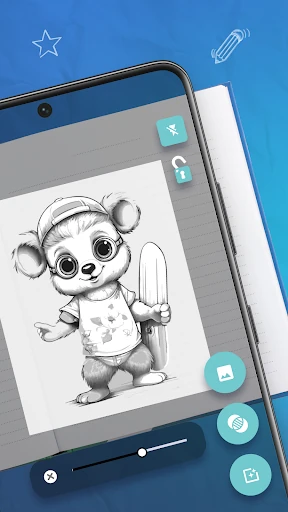
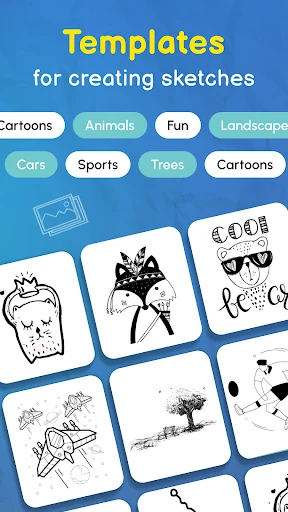
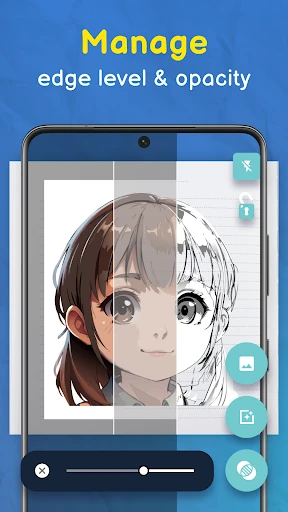
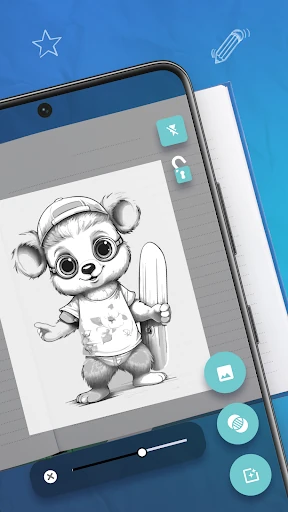
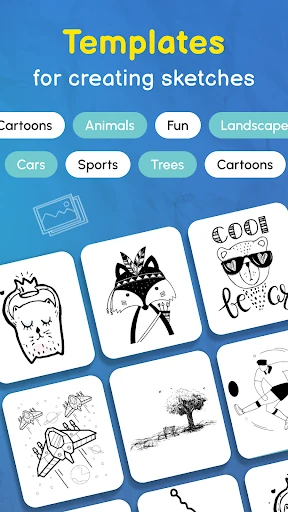
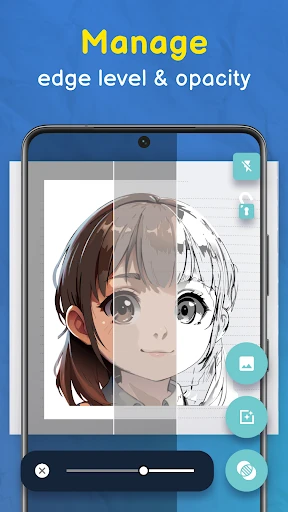
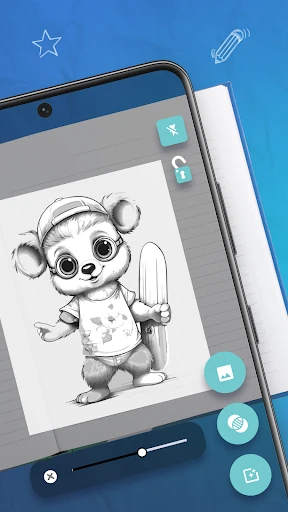
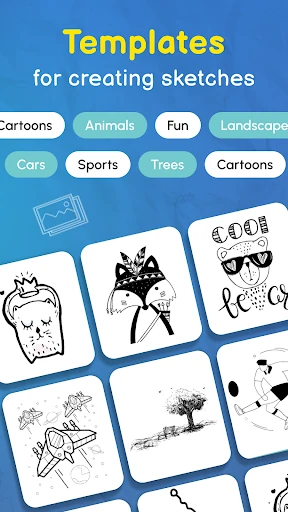
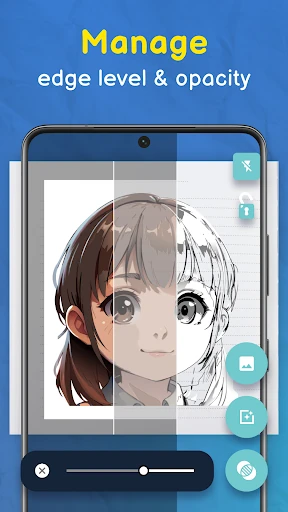
The user interface of Trace Drawing-Sketch and Paint is built on the principle of minimal friction. For an Art & Design application, the UX succeeds by prioritizing the camera view and adjustment tools, ensuring the "projector" functionality remains the focal point. The workflow is linear and logical: select, adjust, and trace. However, the success of the experience is heavily dependent on the user's physical setup; while the software is intuitive, the requirement for a stable phone mount is a critical part of the external UX that users must manage to achieve the "professional results" the app promises.
To further elevate the user experience, the developers should consider implementing a "Screen Lock" toggle to prevent accidental touches from shifting the image while the phone is positioned over paper. Additionally, integrating a built-in time-lapse recording feature would allow artists to capture their physical drawing process, providing high-value content for social sharing. Finally, adding auto-contrast filters for uploaded images would help sharpen outlines, making them easier to trace under varying lighting conditions.
Trace Drawing-Sketch and Paint is an excellent utility for hobbyists, DIY crafters, and students who want to bypass the frustration of initial sketching and jump straight into the joy of creation. While purists might argue over the merits of tracing, the app serves as a powerful "training wheels" mechanism for building muscle memory and confidence. It is highly recommended for anyone looking to create personalized gifts, home decor, or simply improve their hand-eye coordination in a stress-free environment. It is a solid, functional tool that delivers exactly what it promises: an easy path to a finished sketch.