
Advertisement
Click to download now, finish the installation quickly, and directly unlock the "all-round experience"
Advertisement
Screenshots
Click to download now, finish the installation quickly, and directly unlock the "all-round experience"
PrinterShare Mobile Print stands as a veteran powerhouse in the Business category, offering a robust bridge between mobile devices and physical documentation. In an era where mobile productivity is paramount, this application distinguishes itself by providing a universal printing solution that transcends the limitations of manufacturer-specific apps. It is a sophisticated utility designed for professionals who require seamless output across diverse printer ecosystems, including legacy hardware and modern cloud-connected devices. While its business model follows a freemium structure, the depth of its driver support and technical versatility makes it an indispensable tool for the mobile-first workforce.
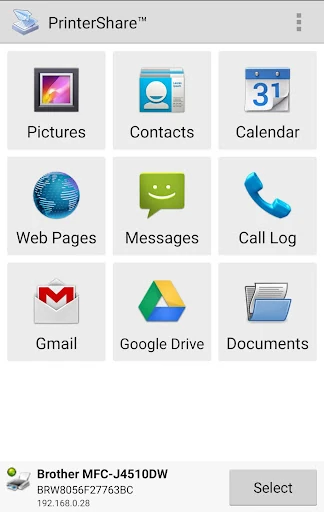
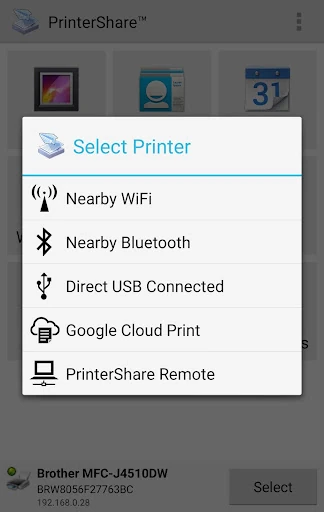
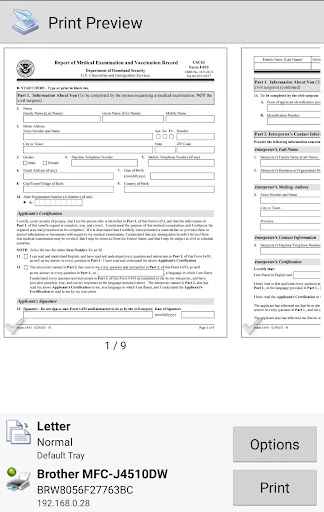
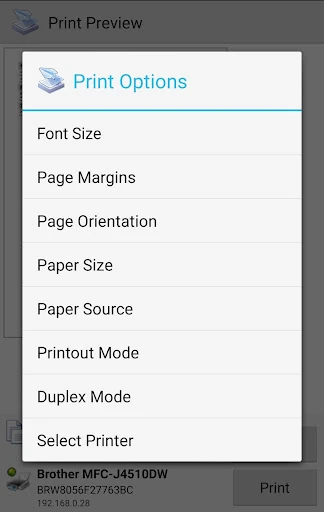
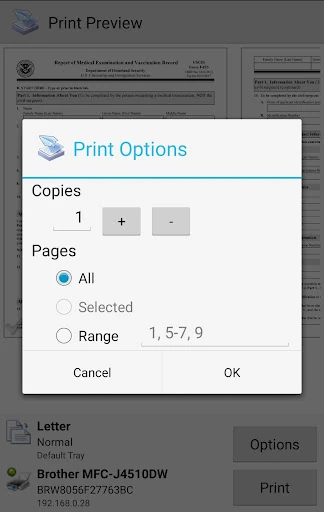
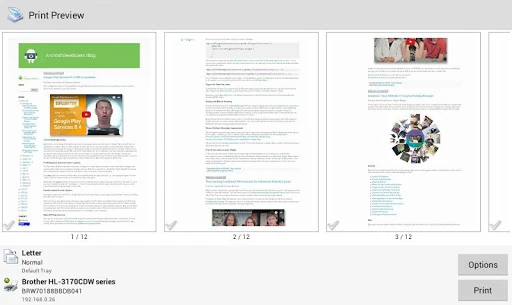
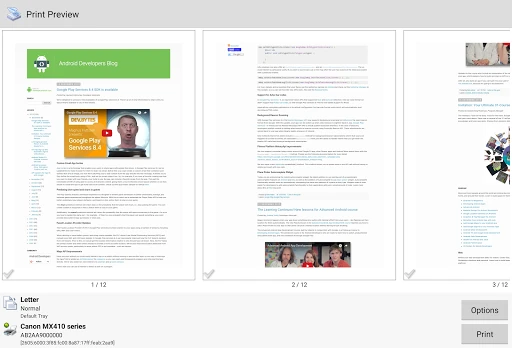
From a UI/UX perspective, PrinterShare Mobile Print prioritizes utility over visual flair. The interface is highly functional and follows a logical, menu-driven architecture that favors efficiency for power users. While it may lack the sleek, minimalist aesthetics of modern Material Design 3 applications, its layout is intuitive for business professionals who value reliability and quick access to settings. The "Test Page" workflow is a brilliant UX touch, managing user expectations and ensuring technical compatibility before any financial commitment is made. The experience is stable, though the setup of specific drivers can feel technical compared to consumer-grade "one-tap" solutions.
To remain competitive in the evolving Business landscape, PrinterShare should consider a visual overhaul to modernize the interface and align it with contemporary Android design standards. Additionally, simplifying the driver installation process for obscure printer models could further lower the barrier to entry for less tech-savvy users. Improved native integration with the Android System Print Service would also provide a more seamless background experience, allowing users to print without leaving their primary document editing applications.
PrinterShare Mobile Print is primarily built for business travelers, logistics managers, and office administrators who operate in heterogeneous hardware environments. It is the "Swiss Army Knife" of mobile printing, filling the gaps where official manufacturer apps often fail. If you require a reliable, professional-grade tool that can handle everything from cloud-stored spreadsheets to thermal shipping labels, this is a top-tier recommendation. While the premium features come at a cost, the time saved and the compatibility offered justify the investment for any serious professional.