Advertisement
Click to download now, finish the installation quickly, and directly unlock the "all-round experience"
Advertisement
Screenshots
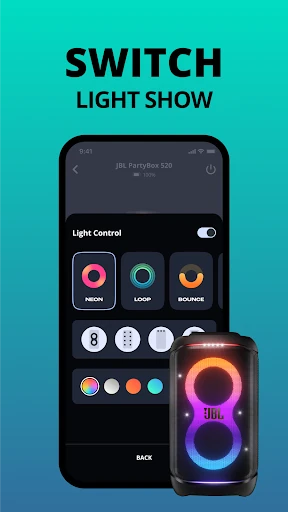
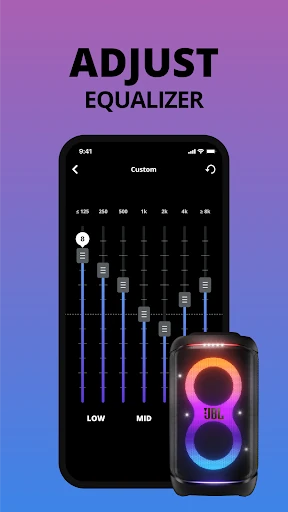
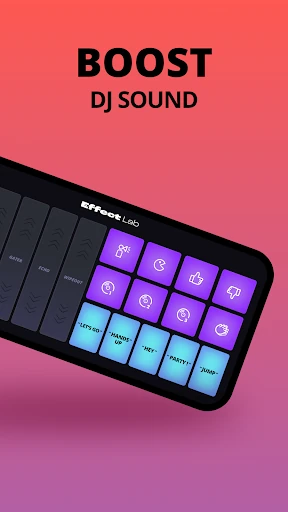
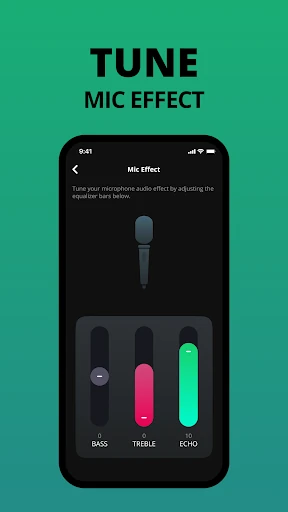
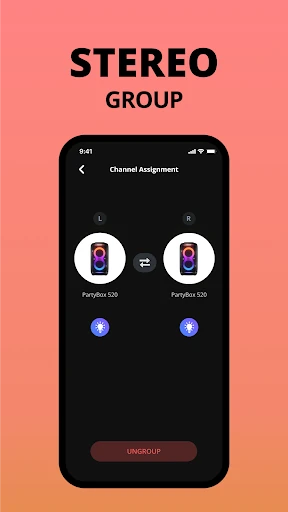
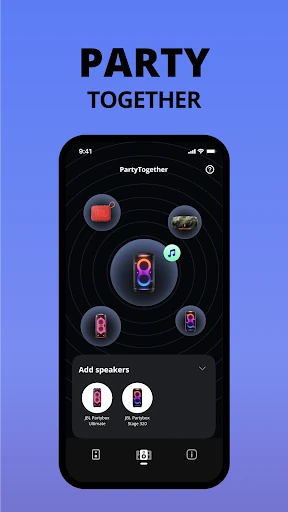
Click to download now, finish the installation quickly, and directly unlock the "all-round experience"
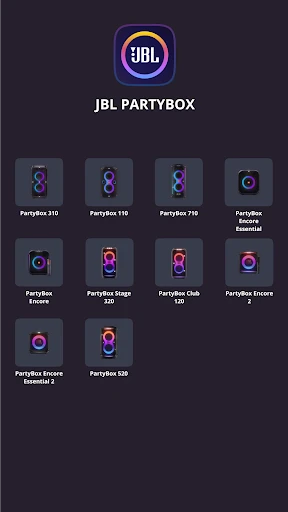
The JBL PartyBox app serves as a sophisticated command center for JBL's modern line of high-output party speakers. In the broader Music & Audio landscape, it distinguishes itself by moving beyond simple playback control, offering a deep integration between hardware and software. For owners of compatible units like the PartyBox 310 or the Stage 320, the app is an essential utility that unlocks the full potential of their hardware, particularly in managing the visual and acoustic atmosphere of a venue. Its professional-grade approach to firmware management and lighting customization makes it a benchmark for companion apps in the portable audio sector.
The UI of the JBL PartyBox app is characterized by a sleek, dark-themed aesthetic that mirrors the "nightlife" branding of the hardware itself. The layout is optimized for high visibility, featuring large icons and high-contrast text that are easy to navigate in low-light party environments. UX-wise, the app prioritizes the most used functions—volume, lighting, and connection status—on the primary screens, ensuring that users aren't digging through menus while trying to manage an event. The responsiveness between a slider movement in the app and the light change on the speaker is impressively low-latency, creating a tactile and satisfying user experience.
The most pressing improvement would be a unified legacy mode to support older PartyBox models, which would consolidate the user base and increase brand loyalty. Additionally, the inclusion of a more advanced 5-band or 10-band manual equalizer would appeal to audiophiles who find the current presets too restrictive. Integrating basic DJ transition tools or sound effect triggers directly into the main interface would also further cement the app's status as a "Party" tool rather than just a settings menu.
The JBL PartyBox app is a mandatory download for anyone owning a modern JBL speaker from the 110, 310, 710, or Stage series. It is specifically designed for event hosts, DJs, and casual users who want to maximize the "spectacle" of their audio equipment. While the exclusion of older models is a disappointing limitation for long-time fans of the brand, the app’s current functionality for supported devices is top-tier, providing a seamless bridge between a smartphone and professional-grade party audio.