Advertisement
Click to download now, finish the installation quickly, and directly unlock the "all-round experience"
Advertisement
Screenshots
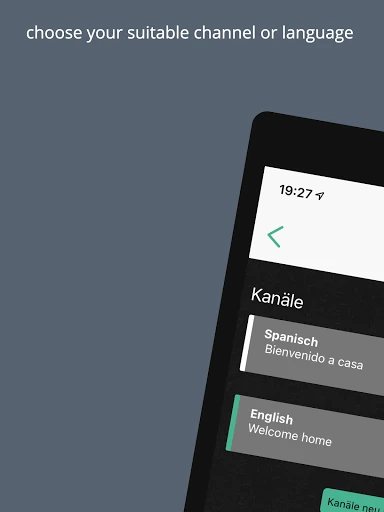
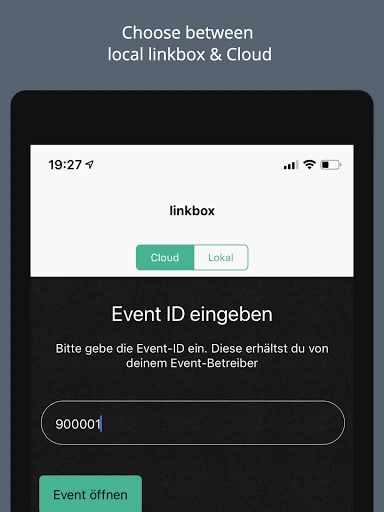
Click to download now, finish the installation quickly, and directly unlock the "all-round experience"
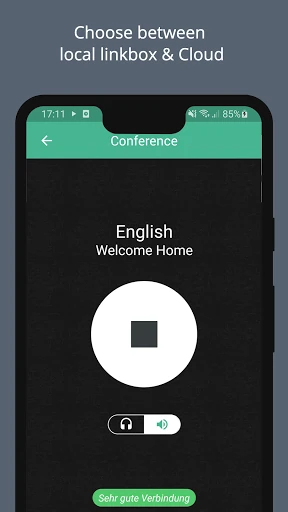
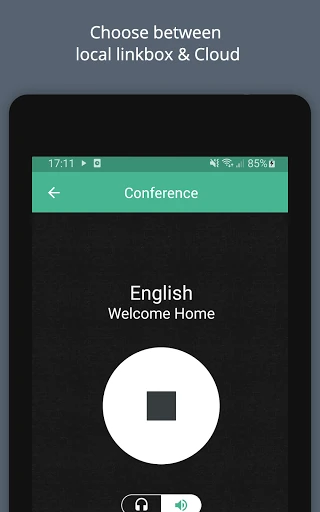
Linkbox is a specialized audio streaming utility designed to bridge the gap between event organizers and attendees. Within the Events landscape, it serves as a personal receiver, allowing users to tap into live audio feeds via local networks or unique Event IDs. While the app provides a necessary service for assistive listening and real-time broadcasting, it is currently in a transitional phase as it addresses hardware compatibility issues. Its professional utility is undeniable for specific venue-based scenarios, though it currently requires a degree of technical patience from the end-user.
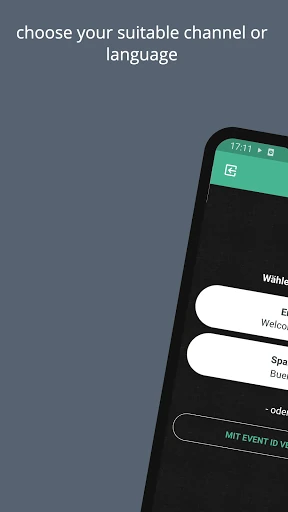
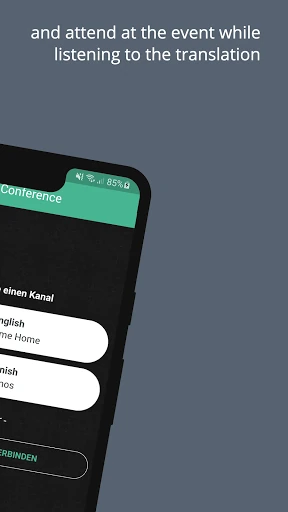
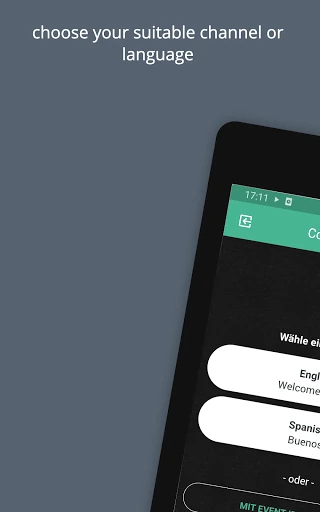
The user interface of Linkbox is minimalist and utility-driven, which is standard for technical tools in the Events category. The design focuses on getting the user to the audio stream with as few taps as possible. However, the UX is currently hampered by the need for external instructions from event operators. A truly seamless experience in this category should ideally be self-explanatory; currently, Linkbox relies heavily on the "Event ID" system and external operator guidance, which can create friction during the high-pressure environment of a live event.
The most pressing update required is the resolution of the Bluetooth playback bug, as wireless audio is the industry standard for mobile users. Beyond technical fixes, the app would benefit from an in-app "Onboarding Wizard" that explains the connection process without requiring the user to seek out an event operator. Integrating a signal strength indicator and a more robust FAQ section within the interface would also significantly enhance the user's independence and overall satisfaction.
Linkbox is a vital tool for conference-goers, assistive listening users, and event participants who need direct-to-ear audio. It is best suited for tech-savvy attendees and event organizers who can provide the necessary network infrastructure. While the current Bluetooth limitations are a drawback, the app remains a solid recommendation for localized audio streaming, provided the user follows the developer's temporary web-based workarounds until the next patch is deployed.